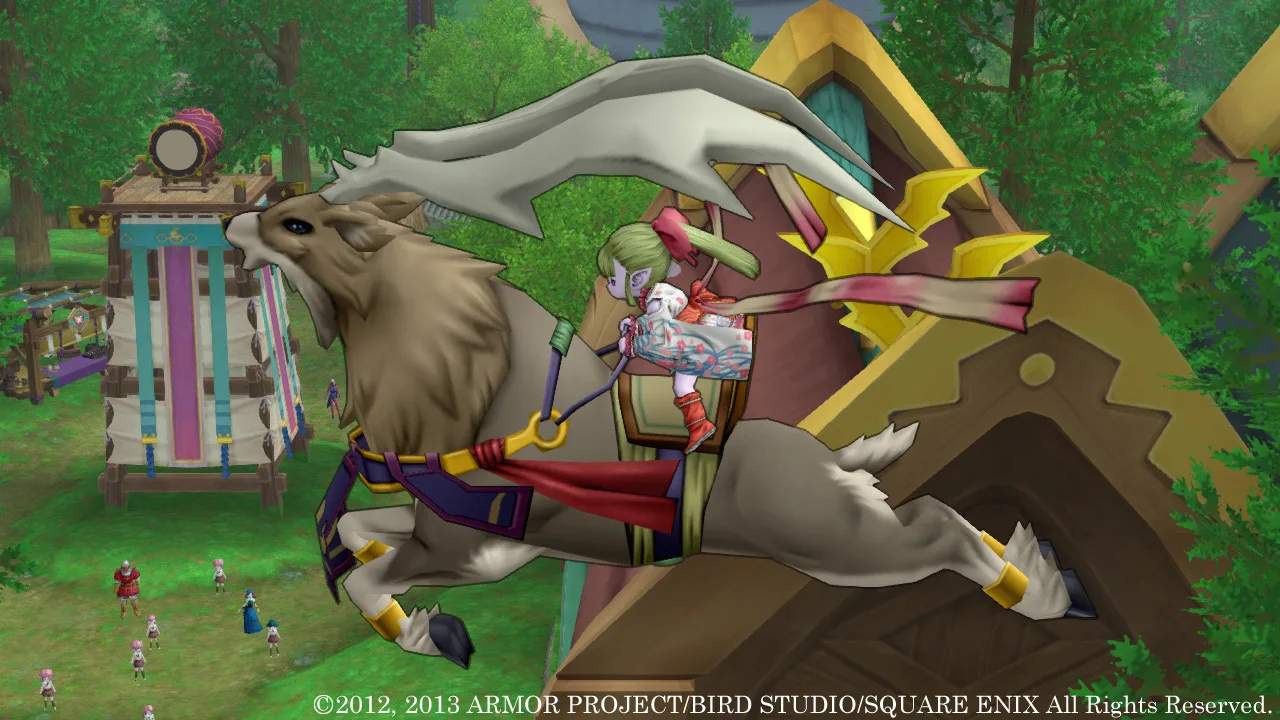
Mastering the controls and understanding the user interface (UI) are crucial for efficient gameplay. Dragon Quest X offers various control schemes depending on your platform (PC, Switch, PlayStation). Familiarize yourself with movement, camera control, and menu navigation. The UI provides vital information such as your HP/MP, mini-map, chat window, and various menu options. Customizing your hotkeys and UI layout can significantly improve your experience. Pay attention to the on-screen tutorials that appear during the initial stages of the game, as they provide context-sensitive explanations for various mechanics.
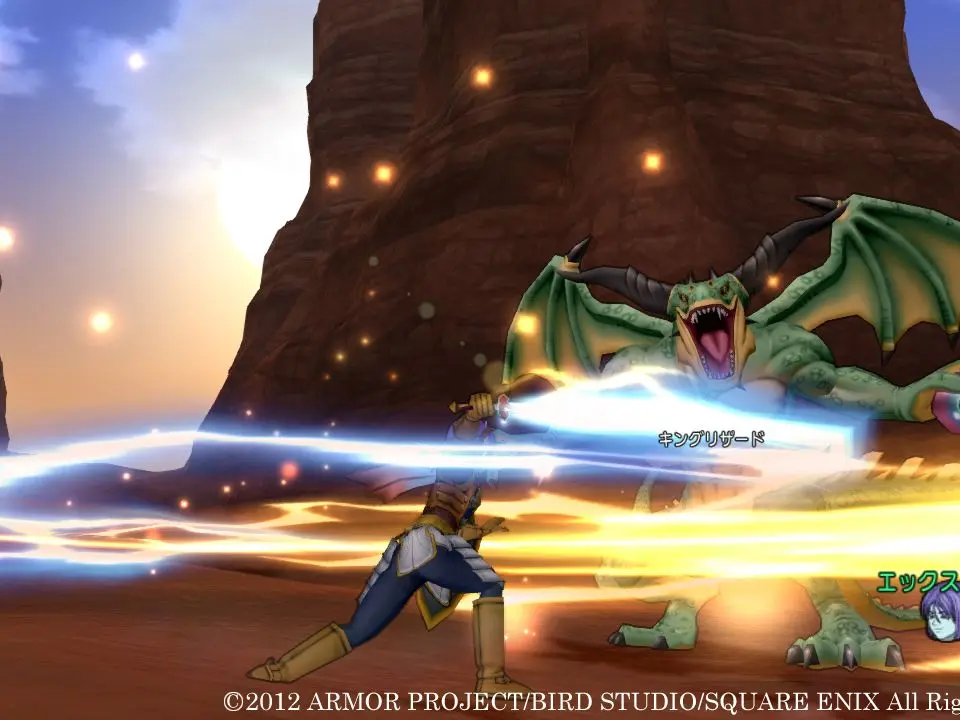
Key UI Elements:
- HP/MP Bar: Displays your current health and magic points.
- Mini-Map: Shows your current location, nearby NPCs, and quest objectives.
- Chat Window: Communicate with other players.
- Main Menu: Access inventory, skills, quests, party, and system settings.
- Action Bar: Assign frequently used skills and items for quick access.