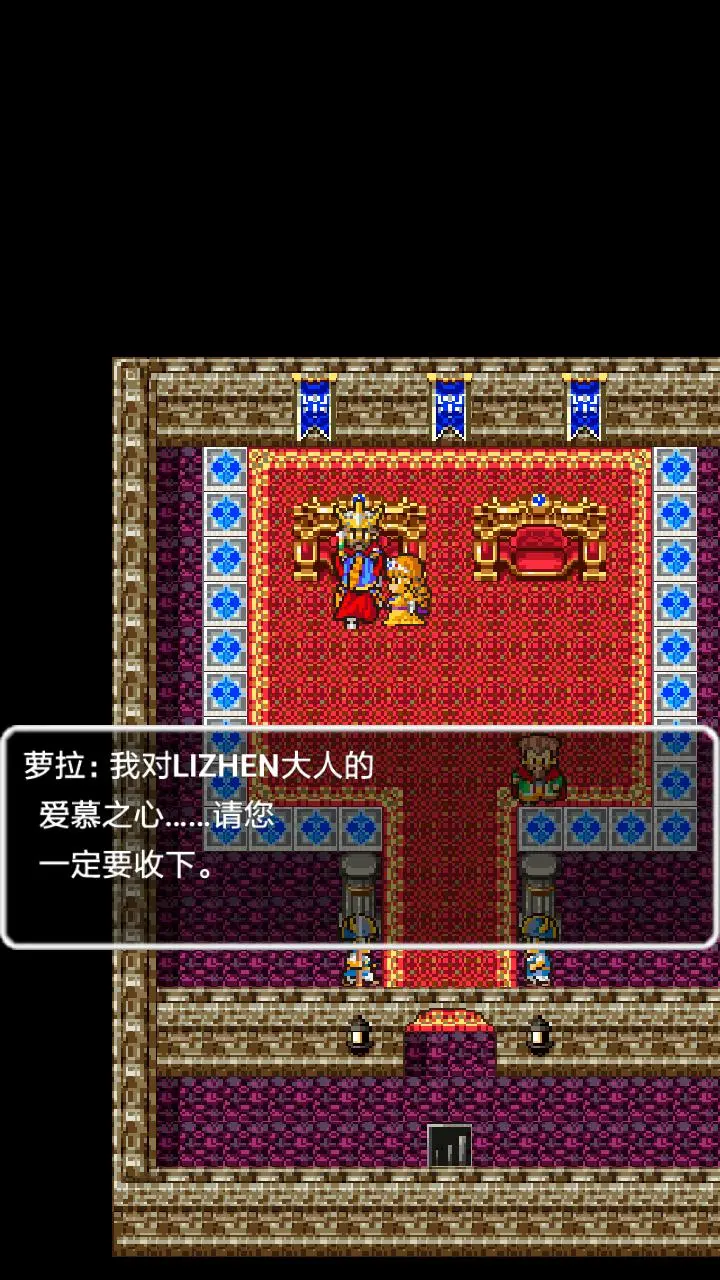
Mastering the controls is your first step to becoming a legendary hero. Dragon Quest features a simple yet effective control scheme. On most platforms, the D-pad or left analog stick controls movement. The 'A' button (or equivalent) is typically used for interaction (talking, opening chests, confirming selections), while the 'B' button (or equivalent) is for canceling actions or opening the main menu. The main menu, accessible via 'B', allows you to check your status, use items, cast spells, and save your game. Always remember to save frequently, especially before entering new areas or engaging in challenging battles. The top-left of the screen displays your current HP and MP, while the bottom-right shows your current Gold and Experience Points. Keep an eye on these vital statistics!