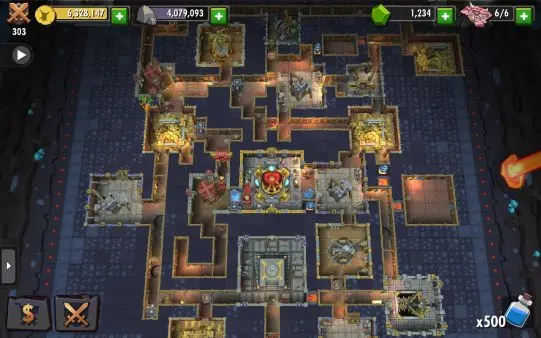
Mastering touch-based navigation is essential for efficient dungeon management on mobile. The primary interaction is a Single Tap to select tiles, activate buildings, or interact with your minions. To move the camera across your domain, simply Swipe or Drag your finger in any direction. You can adjust your perspective by using a Pinching gesture to zoom in for detailed management or zoom out for a high-level tactical view. To relocate your minions, Tap and Hold on a creature to pick it up, then tap the desired destination to drop them into battle or a specific room. For quick navigation, you can Tap Creature Portraits at the bottom of the screen to instantly snap the camera to specific units. Utilizing these fluid touch controls allows for rapid response times during enemy raids.