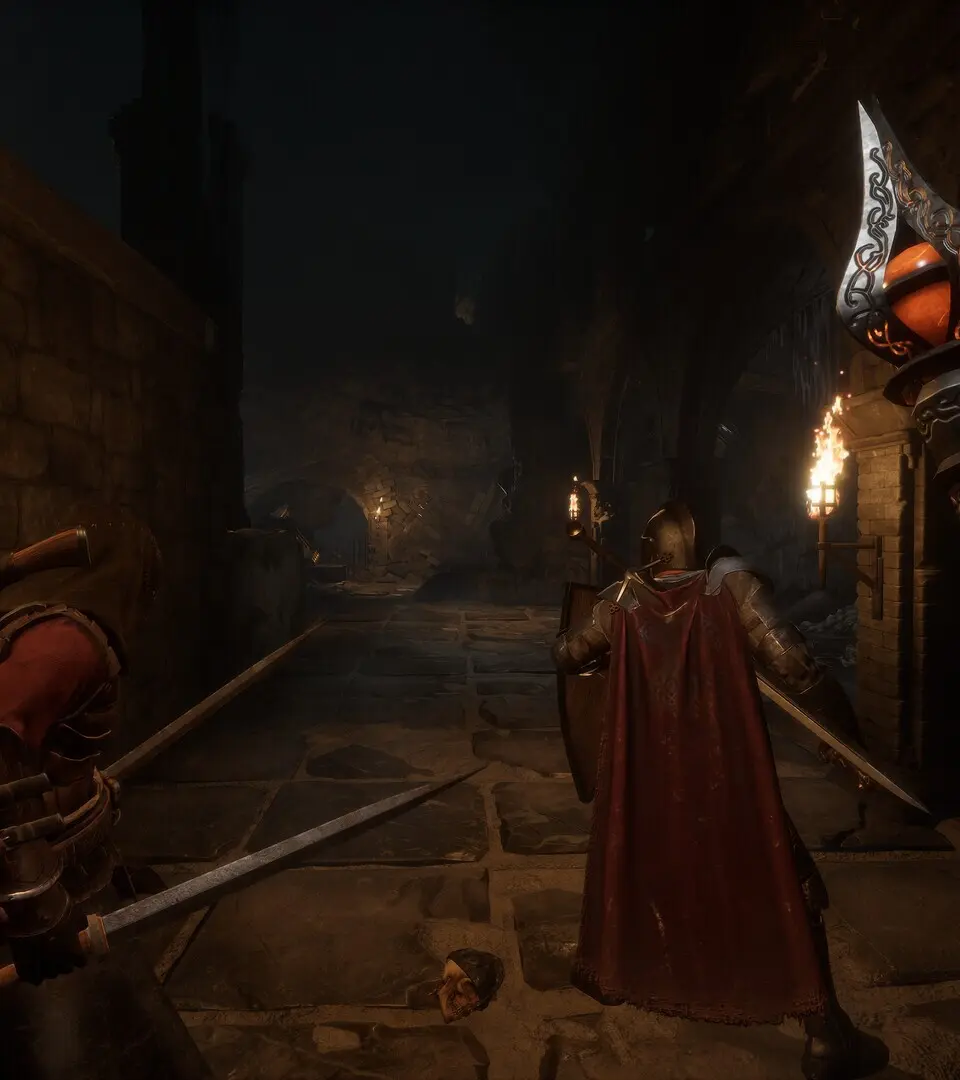
The Heads-Up Display (HUD) provides critical information during gameplay. In the top-left, you'll find your Health (red bar) and Mana/Stamina (blue/green bar). Below these, any active buffs or debuffs are displayed. The mini-map is located in the top-right, showing your immediate surroundings, quest objectives, and enemy locations. Your quick slot bar is at the bottom of the screen, allowing for rapid access to potions, abilities, and frequently used items. Keep an eye on your quest tracker, usually on the right side of the screen, to stay informed about your current objectives.