Chapter 3: User Interface & Controls — Dwarf Fortress Guide
Welcome to Chapter 3, where we demystify the intricate User Interface (UI) and essential Controls of Dwarf Fortress. While initially appearing daunting, a solid understanding of these elements is the key to unlocking the game's immense potential and navigating its complex simulation.
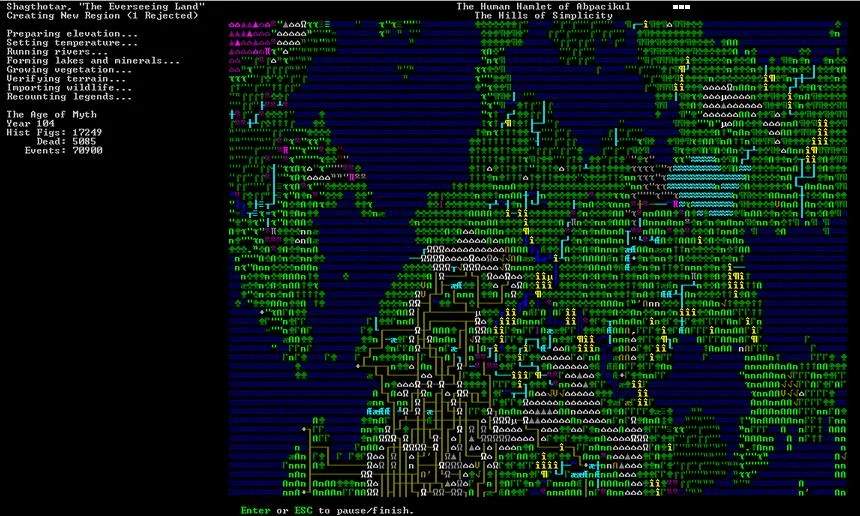
Dwarf Fortress employs a unique interface that blends text-based information with symbolic representations. Unlike many modern games, direct control of individual units is limited; instead, you issue commands and desations, allowing your dwarves to act autonomously based on their assed labors and needs. This section will guide you through the primary screens, navigation methods, and command inputs necessary to manage your burgeoning fortress.
Key UI and Control Elements:
- The Main Game Screen: This is your primary view of the fortress and its surroundings. It displays terrain, units, and various status indicators. Familiarize yourself with the symbols and colors that represent different elements.
- Navigation: Use `WASD` keys for general map movement. `Ctrl` + Scroll Wheel allows zooming in and out, crucial for surveying your fortress and the surrounding landscape. The `Spacebar` is your universal pause/unpause button, essential for planning and issuing orders.
- Command Menus: Specific keys open specialized menus: `b` for Buildings, `d` for Desations (mining, digging, etc.), `p` for Stockpiles, and `q` for Query (inspecting units or objects).
- The Options Menu: Accessed via the `Esc` key, this is your gateway to saving, quitting, adjusting game settings, and accessing help resources.
- Context-Sensitive Menus: Right-clicking often brings up context-sensitive menus, offering actions relevant to the object or unit you've clicked on.
- Z-Levels: Navigate vertically using the scroll wheel or desated keys to manage multi-layered fortresses.
The game's interface is desed for efficiency once mastered. While the initial learning curve can be steep, persistent practice and utilization of in-game help will transform the ASCII symbols and command prompts into intuitive tools for fortress management. Understanding these controls is the first step towards building a legendary dwarven empire.