Installation & Setup for Dwarf Fortress
Embarking on your Dwarf Fortress journey begins with a successful installation and setup. While the game is famously complex, getting it running is a straightforward process. This section will guide you through downloading the game, understanding its various versions, and performing the initial configuration to ensure a smooth start. Whether you're opting for the classic ASCII experience or a graphical tileset, the foundational steps remain similar.
The most common way to acquire Dwarf Fortress is through its official website or reputable community sources. For those new to the game, it's recommended to start with the latest stable release. The game is available in both free and paid versions, with the paid version often including updated graphics and a more streamlined interface. Once downloaded, you'll typically extract the game files to a directory of your choice. There's usually no complex installer; you simply run the executable.
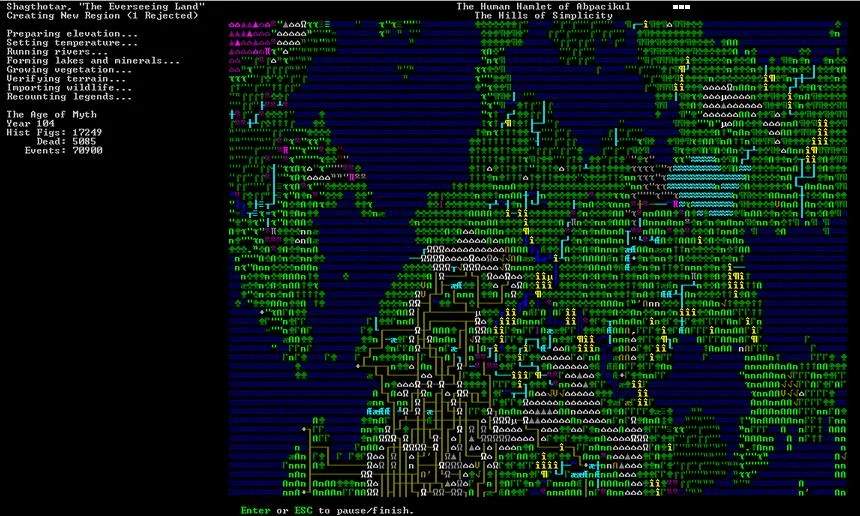
Initial setup involves configuring basic game settings, such as graphics resolution, sound options, and crucially, the tileset if you're not using the default ASCII. Many players opt for graphical tilesets to enhance readability and immersion. You can find numerous community-created tilesets online that offer different visual styles. The game also allows for extensive customization of world generation parameters, which we will cover in a later section. For now, focus on getting the game launched and familiarizing yourself with the main menu.
| Step | Description |
|---|---|
| Download | Obtain the game from the official Dwarf Fortress website or other trusted sources. |
| Extract | Unpack the game files to your desired installation folder. |
| Configure | Adjust graphics, sound, and select a tileset (optional). |
| Launch | Run the main executable to start the game. |