Game Information: Understanding the World of Dwarf Fortress
Dwarf Fortress is a highly detailed simulation game with a vast amount of information to process. Understanding the core game mechanics and available information is key to navigating its complexity and building a successful fortress.
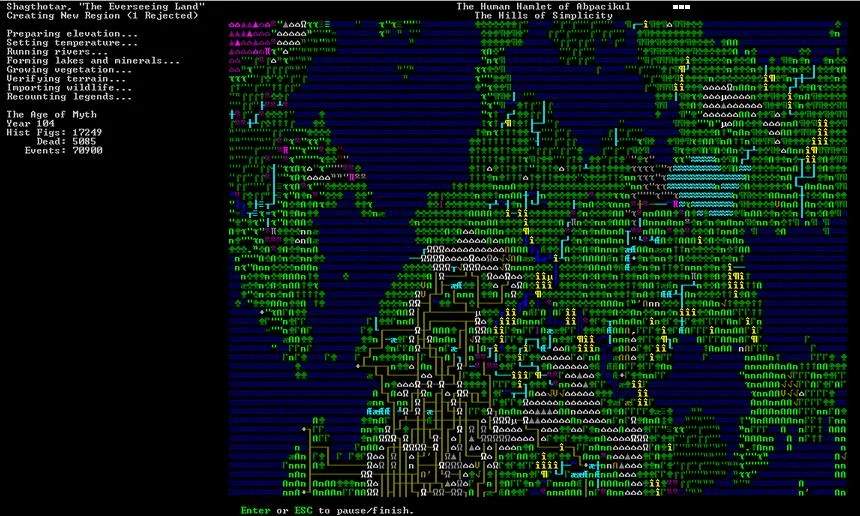
The game world is procedurally generated, meaning each playthrough offers a unique experience. This includes the geography, history, civilizations, and even the myths and legends of the world. Before embarking, you can generate a new world with customizable settings like map size and history length. It's recommended to use medium settings for your first few games.
The user interface, though ASCII-based, provides access to a wealth of information. Key menus include:
- Units Screen ('u'): Details on all dwarves and creatures, including their labors, skills, and moods.
- Desations ('d'): For assing tasks like mining and chopping.
- Buildings ('b'): For constructing workshops, furniture, and defenses.
- Jobs Screen (via 'Esc'): A list of all active and pending tasks.
The game's philosophy of 'losing is fun' means that failures are expected and are valuable learning experiences. Understanding why your fortress failed is crucial for improving your next attempt.
When selecting an embark location, the game provides visual cues and tooltips. Green indicators suggest a good fit for your criteria, while yellow or red indicate partial matches. Thoroughly inspecting all tiles within your potential embark area is vital, as different tiles can have vastly different features, such as aquifers or hostile biomes.