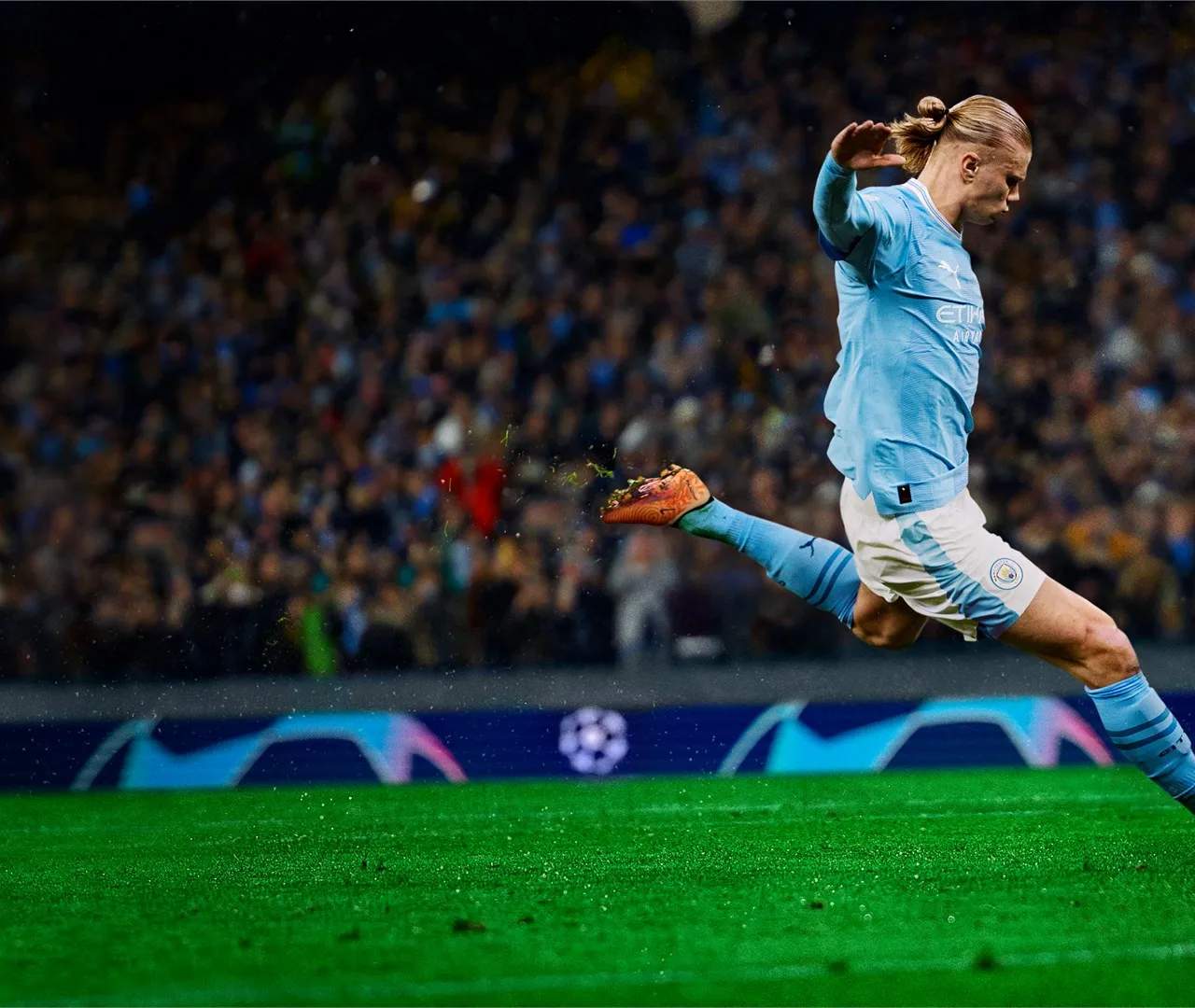
Welcome to EA Sports FC 24!
Master the fundamentals of EA Sports FC 24 to dominate on the virtual pitch. This guide covers essential controls, movement, and basic interactions that form the bedrock of your gameplay experience. From sprinting and tackling to understanding player positioning, these core mechanics are crucial for success in any mode.
Movement and Control
Your primary interaction with the game revolves around controlling your players. The left analog stick is your key for directional movement. Pushing it gently allows for precise, slow movements, ideal for dribbling in tight spaces or maintaining defensive shape. Pushing it fully engages sprinting, allowing you to cover ground quickly. Be mindful of your stamina; overuse of sprint can lead to fatigue, impacting player performance.
Basic Actions
- Sprint: Hold the R1/RB button while moving with the left analog stick. Use this to break away from defenders or close down opponents quickly.
- Strafe Dribble: Hold L2/LT while moving. This allows for more controlled dribbling, keeping the ball closer and enabling quicker changes of direction. It's excellent for evading tackles in one-on-one situations.
- Protect Ball: Hold L2/LT to shield the ball from an opponent. This is vital when holding possession under pressure.
- Jockey: Hold L2/LT and move the left analog stick. This puts your defender in a low, defensive stance, allowing for better lateral movement and anticipation of attacker's moves.
Tackling
Tackling is a fundamental defensive skill. EA Sports FC 24 offers several types:
- Standing Tackle: Press Circle/B. This is your standard tackle. Timing is key to dispossess an opponent cleanly.
- Slide Tackle: Hold Square/X. This is a more aggressive tackle that covers more ground but leaves you vulnerable if mistimed. Use it sparingly and strategically.
- Pressing: Hold R1/RB and press Circle/B to initiate teammate pressing. This calls in nearby teammates to help win the ball back, but can leave gaps in your defense if overused.
Player Switching
Efficient player switching is crucial for both attacking and defending. Use the Right Analog Stick to manually switch to You you want to control. This offers the most precision. Alternatively, a quick flick of the L1/LB button will perform an automatic player switch to the nearest player to the ball. Experiment with both to find what suits your playstyle.
Player Runs
Directing your players to make runs off the ball can unlock defenses. Press the R1/RB button to trigger a player run. Holding R1/RB and then pressing a direction on the right analog stick will trigger a specific run in that direction.
Mastering these core mechanics will provide a solid foundation for all your EA Sports FC 24 endeavors. Practice them in Kick-Off or Skill Games to build muscle memory and confidence.
Compare getting started & core mechanics inFIFA 23