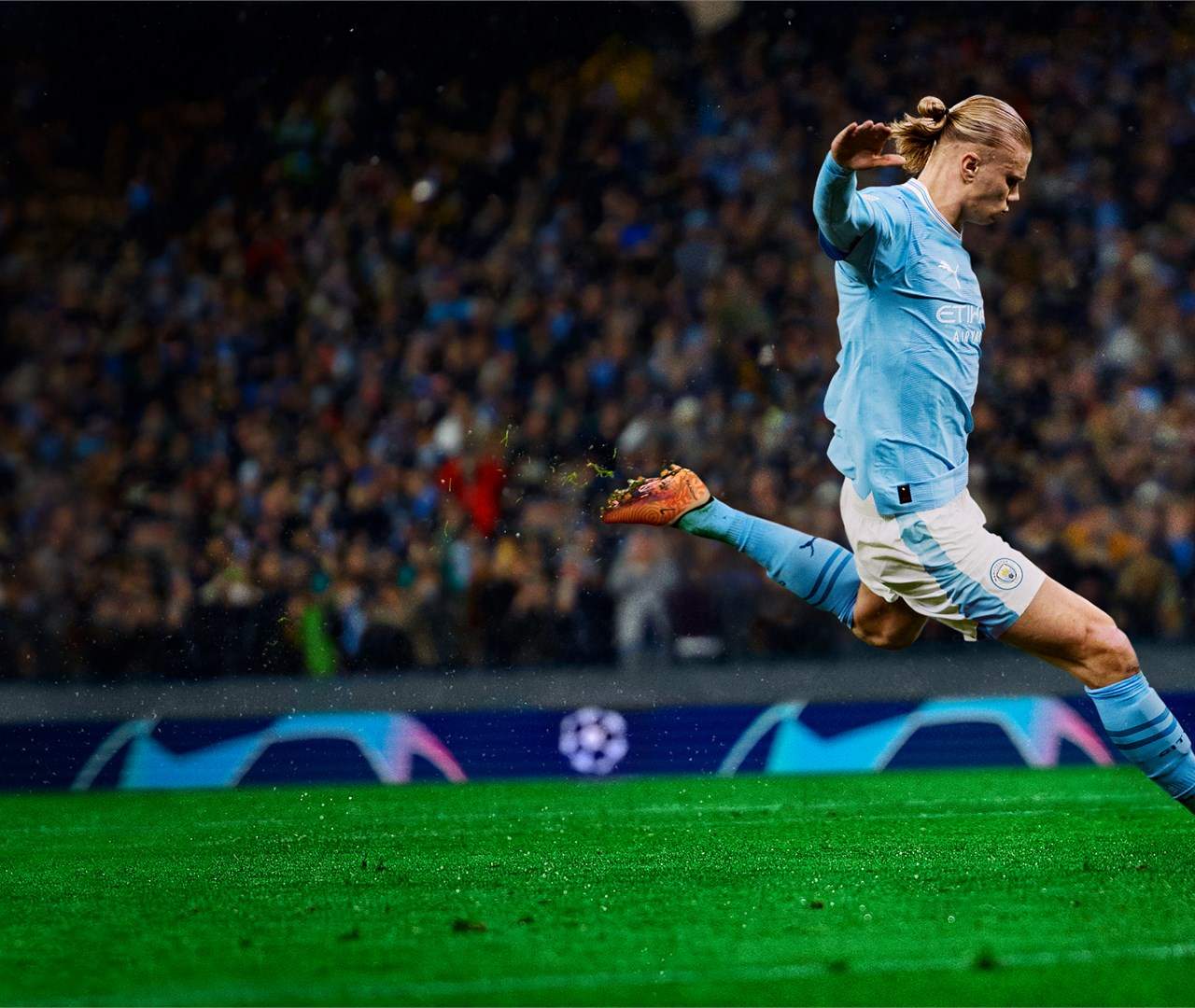
Experiencing online lag and disconnects in EA Sports FC 27 can be incredibly frustrating, especially during crucial moments in Ultimate Team or Pro Clubs matches. While some issues are beyond your control, there are several steps you can take to minimize their impact and improve your online connection stability. Addressing these can sificantly enhance your gameplay experience.
Wired Connection vs. Wi-Fi
The most sificant improvement you can make is to use a wired Ethernet connection instead of Wi-Fi. Wi-Fi is susceptible to interference from other devices and sal degradation, leading to packet loss and increased latency. An Ethernet cable provides a direct, stable connection to your router, drastically reducing lag. If a wired connection is absolutely impossible, ensure your Wi-Fi router is in a central location, away from other electronics, and consider using the 5GHz band if available, as it offers faster speeds but has a shorter range.
Router and Modem Optimization
Regularly restart your modem and router. This simple step can resolve temporary glitches and refresh your network connection. Ensure your router's firmware is up to date, as manufacturers often release updates to improve performance and security. You can usually check for firmware updates through your router's web interface. Additionally, consider enabling Quality of Service (QoS) settings on your router. QoS allows you to prioritize network traffic for your gaming console, ensuring that EA Sports FC 27 data gets the bandwidth it needs, even if other devices on your network are active.
Console Network Settings
On your PlayStation 5, Xbox Series S/X, or PC, check your network settings. Ensure your console is connected to the internet and that the connection test reports a stable sal. Some consoles allow you to manually configure DNS settings, which can sometimes improve connection speeds and stability. Experimenting with different DNS servers, such as Google DNS (8.8.8.8 and 8.8.4.4) or Cloudflare DNS (1.1.1.1 and 1.0.0.1), might yield positive results. Also, ensure your console's software is up to date.
Understanding Server Issues
Sometimes, the lag or disconnects are due to issues with EA's servers. While you can't fix server problems directly, you can stay informed. Follow EA Sports FC's official social media channels or community forums for any announcements regarding server maintenance or outages. If many players are reporting similar issues, it's likely a server-side problem. In such cases, it's best to wait for EA to resolve the issue rather than continuing to play and risk further frustration.
Minimizing Network Congestion
Other devices on your home network can consume bandwidth and contribute to lag. During your gaming sessions, try to minimize activities that use a lot of internet data, such as streaming high-definition video, large downloads, or online backups. If possible, coordinate with other household members to avoid heavy internet usage simultaneously. This is especially important when playing modes like Ultimate Team where quick reactions are crucial, and even a slight delay can lead to missed opportunities or defensive errors.