The Heads-Up Display (HUD) in EA Sports FC 27 provides crucial real-time information during matches, enabling players to make informed decisions. At the top of the screen, you'll typically find the scoreline, match timer, and the current half. Below this, player indicators are vital; these often show the selected player's stamina, and sometimes their form or morale. For attacking players, the radar in the corner offers a bird's-eye view of player and ball positions, aiding in tactical awareness and off-the-ball movement. Defensive indicators, such as the opponent's player lock icon, can sal their current control. Understanding the stamina bar is paramount; a depleted stamina bar for a player like Kylian Mbappé will sificantly reduce his pace and acceleration, making him less effective. Chemistry styles, such as Hunter or Shadow, are visually represented in Ultimate Team by their icons next to player names, indicating their active boosts. Pay close attention to the referee's sals, which can indicate fouls, advantage, or cards. The mini-map, if enabled, can also display player positions and tactical instructions. Mastering the HUD allows for quicker reactions and more strategic gameplay, especially in high-pressure situations like Division Rivals or FUT Champions.
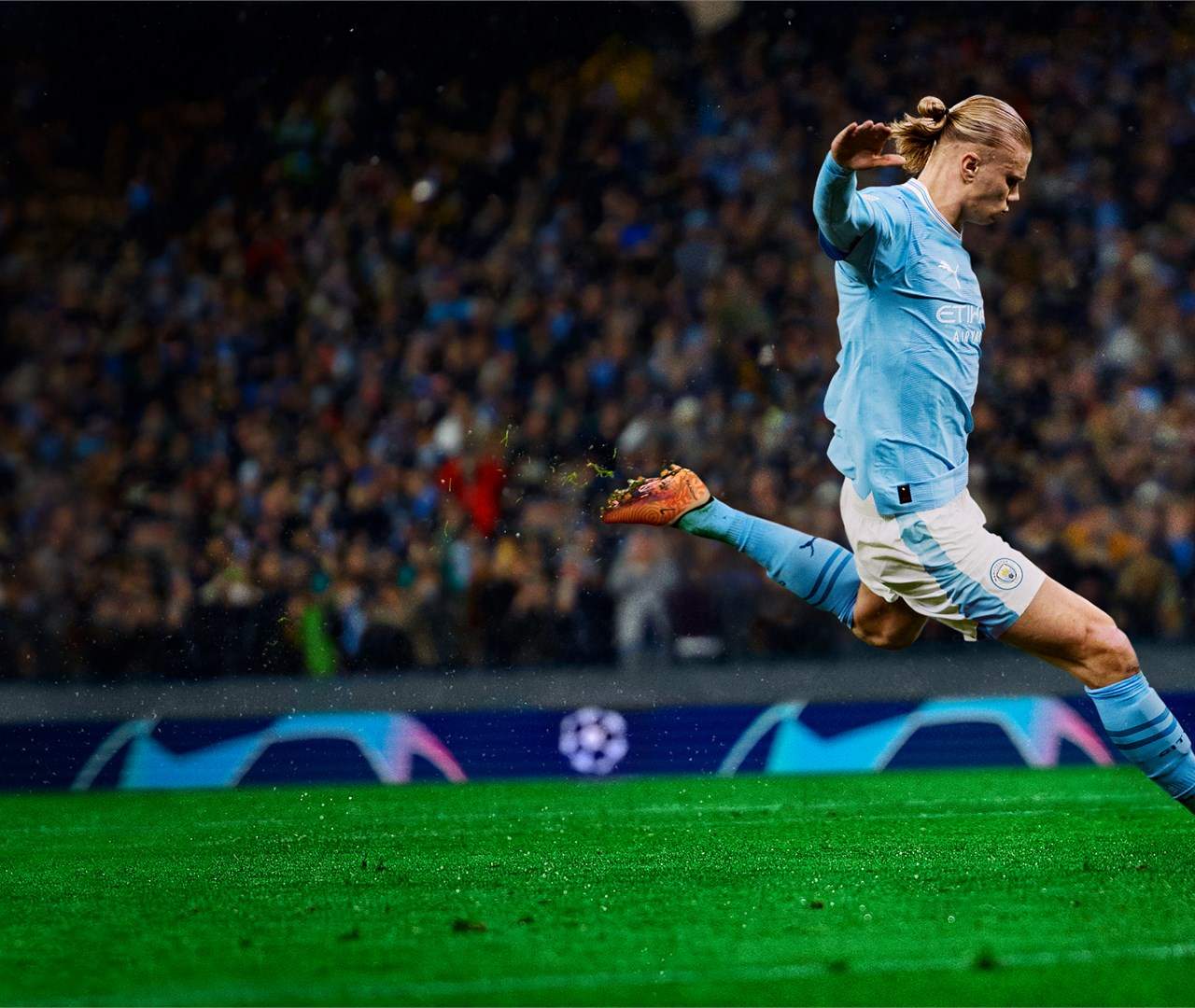
EA Sports FC 27
Understanding the HUD & On-Screen Information
Understand the EA Sports FC 27 HUD. Learn what each on-screen indicator means, from stamina bars to tactical view icons.