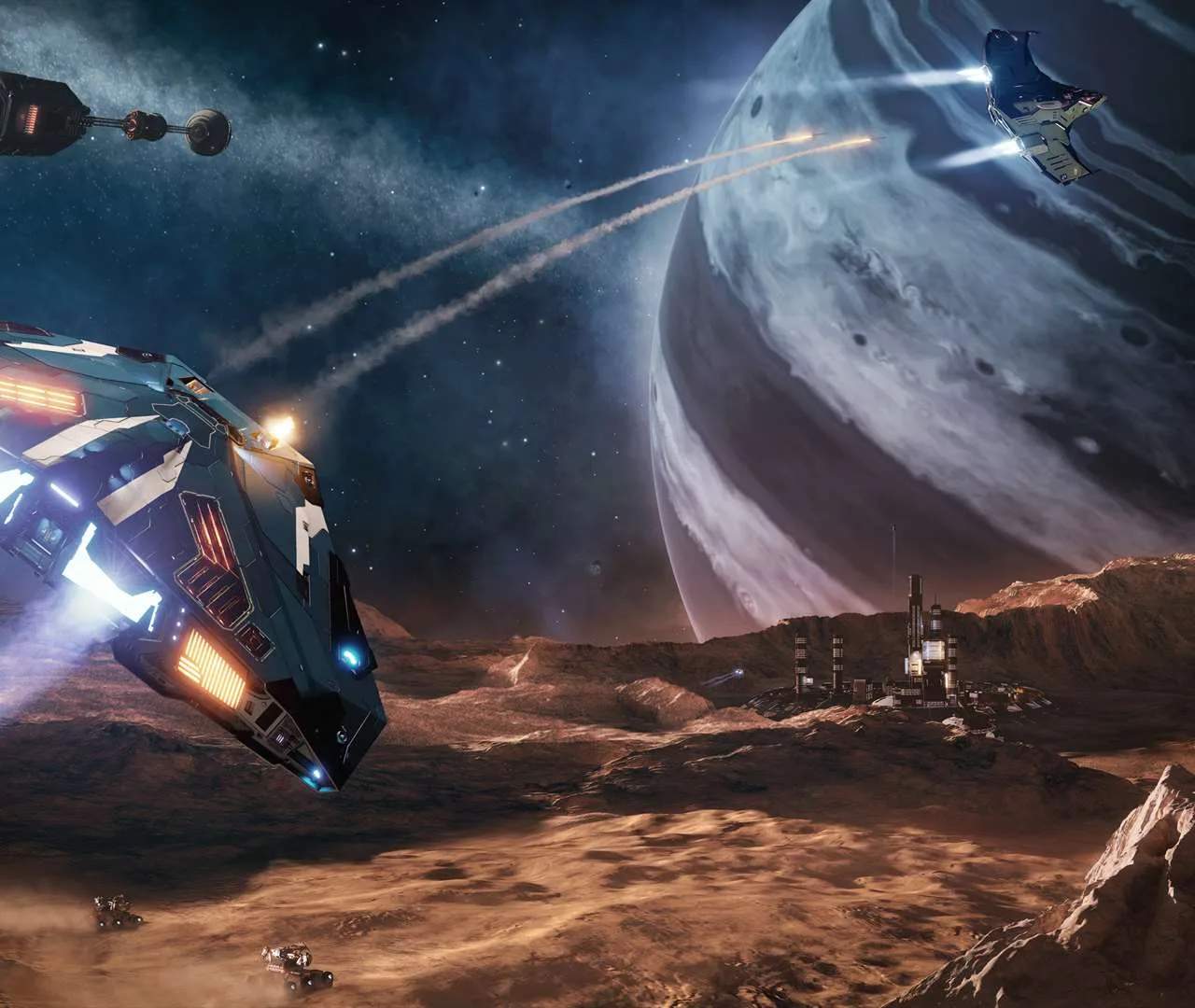
The User Interface (UI)
Elite Dangerous features a complex yet remarkably intuitive User Interface (UI) desed to convey a wealth of information to the pilot. The Heads-Up Display (HUD) is your primary source of real-time ship status, showing critical information such as your shield strength, hull integrity, heat levels, fuel, and speed. It also displays target information, including the target's shield and hull status, as well as a radar that indicates the position of nearby ships and celestial bodies. The left panel is your navigation and contacts hub. Here, you can plot hyperspace jumps, select supercruise targets, access your ship's contacts list to target individual ships or stations, and manage sub-targets during combat. The right panel is your ship's command center, allowing you to manage your ship's modules, view your cargo and inventory, control power distribution, and access your ship's functions. The top panel, often referred to as the Comms panel, is where you manage communications with other players and NPCs, including voice chat and text messages. Mastering the UI is fundamental to effective piloting, combat, and navigation, as it provides the critical data needed to make informed decisions in the heat of the moment.