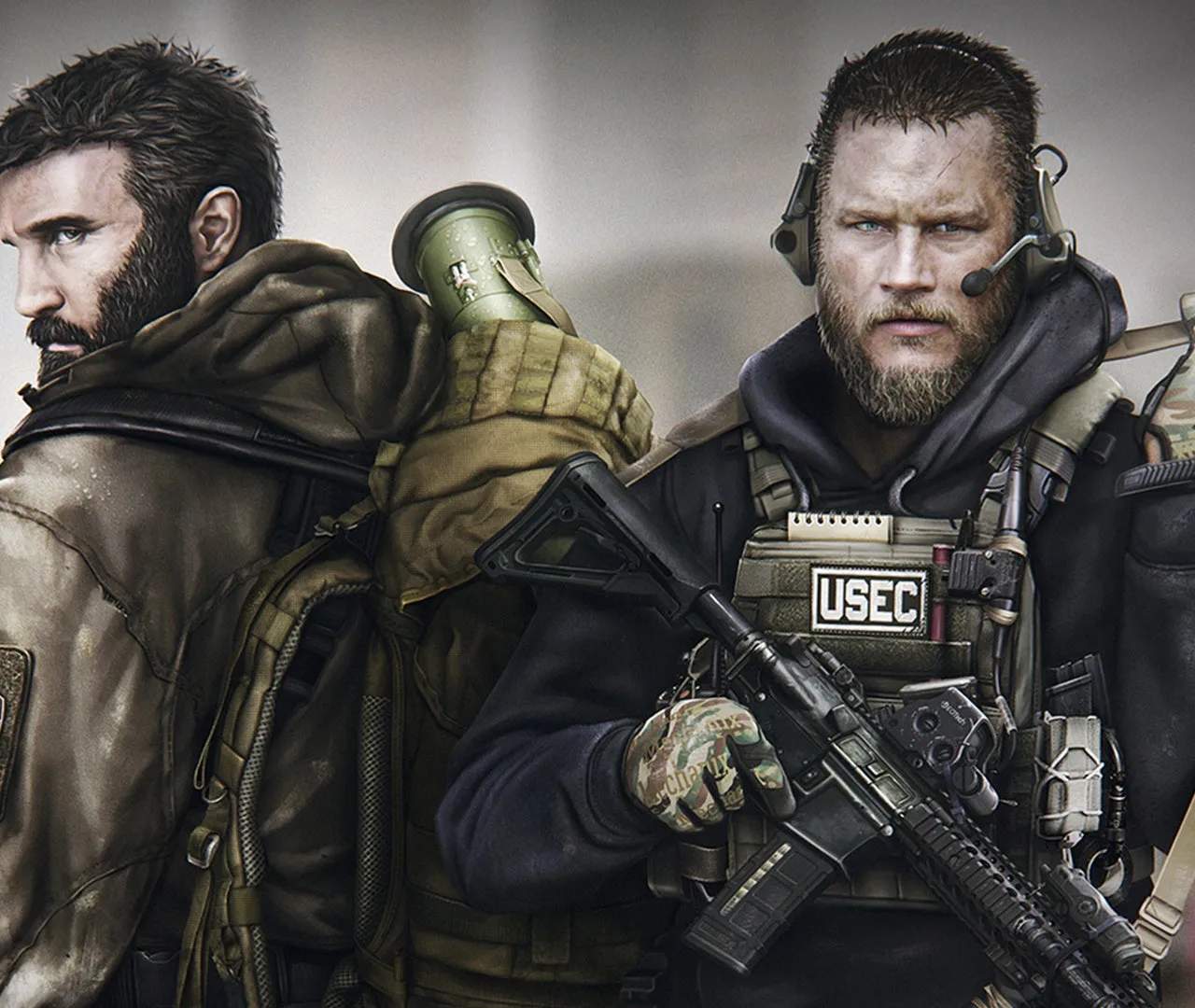
Escape from Tarkov offers extensive customization for its controls, allowing players to tailor keybinds to their preferences and optimize their gameplay experience. Properly configuring your keybinds can lead to faster reactions, more efficient actions, and a smoother overall interaction with the game's complex mechanics.
Accessing Keybind Settings
You can access the keybind settings by navigating to the game's main menu, then selecting 'Options,' followed by 'Controls.' Here, you'll find a comprehensive list of actions that can be assed to specific keys.
Essential Keybinds to Consider
While personal preference plays a large role, some keybinds are more critical than others for efficient gameplay:
- Movement: WASD keys are standard for forward, backward, left, and right movement.
- Sprinting: Typically 'Left Shift.' Ensure this is easily accessible.
- Crouching/Prone: 'Left Control' for crouch and 'C' for prone are common. Consider binding these to mouse buttons for quicker access.
- Jumping: 'Spacebar' is the default.
- Aim Down Sight (ADS): 'Right Mouse Button' is standard.
- Fire: 'Left Mouse Button' is standard.
- Reload: 'R' is standard. Consider binding this to a mouse button if possible.
- Melee Attack: 'V' is standard.
- Interact/Use: 'F' is standard for picking up items, opening doors, etc.
Tactical Keybinds for Combat and Survival
These keybinds are crucial for quick decision-making and execution in combat:
- Weapon Swap: 'Mouse Wheel' or dedicated number keys (1-9) for switching between primary, secondary, and tertiary weapons.
- Holster/Draw Weapon: Often bound to 'Tab' or a mouse button. Quick access is vital.
- Grenade/Equipment Slot: Bind your most used grenades or medical items to easily accessible keys (e.g., mouse side buttons, number keys).
- Lean Left/Right: 'Q' and 'E' are the default lean keys. Mastering these is crucial for peeking corners safely.
- Check Firearm: 'T' is the default. Useful for checking ammo count or weapon condition.
- Toggle Fire Mode: 'Left Alt + Right Click' is the default. Essential for switching between semi-auto and full-auto.
Inventory and Utility Keybinds
- Inventory: 'Tab' is standard.
- Character Screen: 'H' for health status.
- Map: 'M' is standard.
- Voice Chat (Push-to-Talk): Crucial for squad communication. Bind this to a comfortable key.
- Quick Melee: Can be useful for quickly dispatching a close threat.
Customization Strategies
- Mouse Buttons: Utilize the extra buttons on your gaming mouse for frequently used actions like melee, grenade usage, or weapon switching.
- Ergonomics: Arrange your keybinds so that the most frequently used actions are on keys that are comfortable and quick to reach without looking.
- Avoid Conflicts: Ensure that no two critical actions share the same keybind, as this can lead to unintended consequences.
- Test and Refine: After setting your keybinds, spend time in offline raids to test them out. Adjust as needed until you find a setup that feels intuitive and efficient.
Resetting Keybinds
If you ever feel your keybinds are hindering your gameplay, you can always reset them to default or start fresh. Take the time to experiment and find a setup that truly works for you, as it's a fundamental aspect of mastering Escape from Tarkov.