To begin your journey, first purchase the game from the official Escape from Tarkov website. Once purchased, download and install the Battlestate Games Launcher. From the launcher, you can download and install the game client. Ensure you have sufficient disk space (typically 25-30GB, but allow more for updates) and a stable internet connection. Account creation is straightforward through the website, requiring an email and password. Remember to enable two-factor authentication for enhanced security, as your in-game assets are valuable.
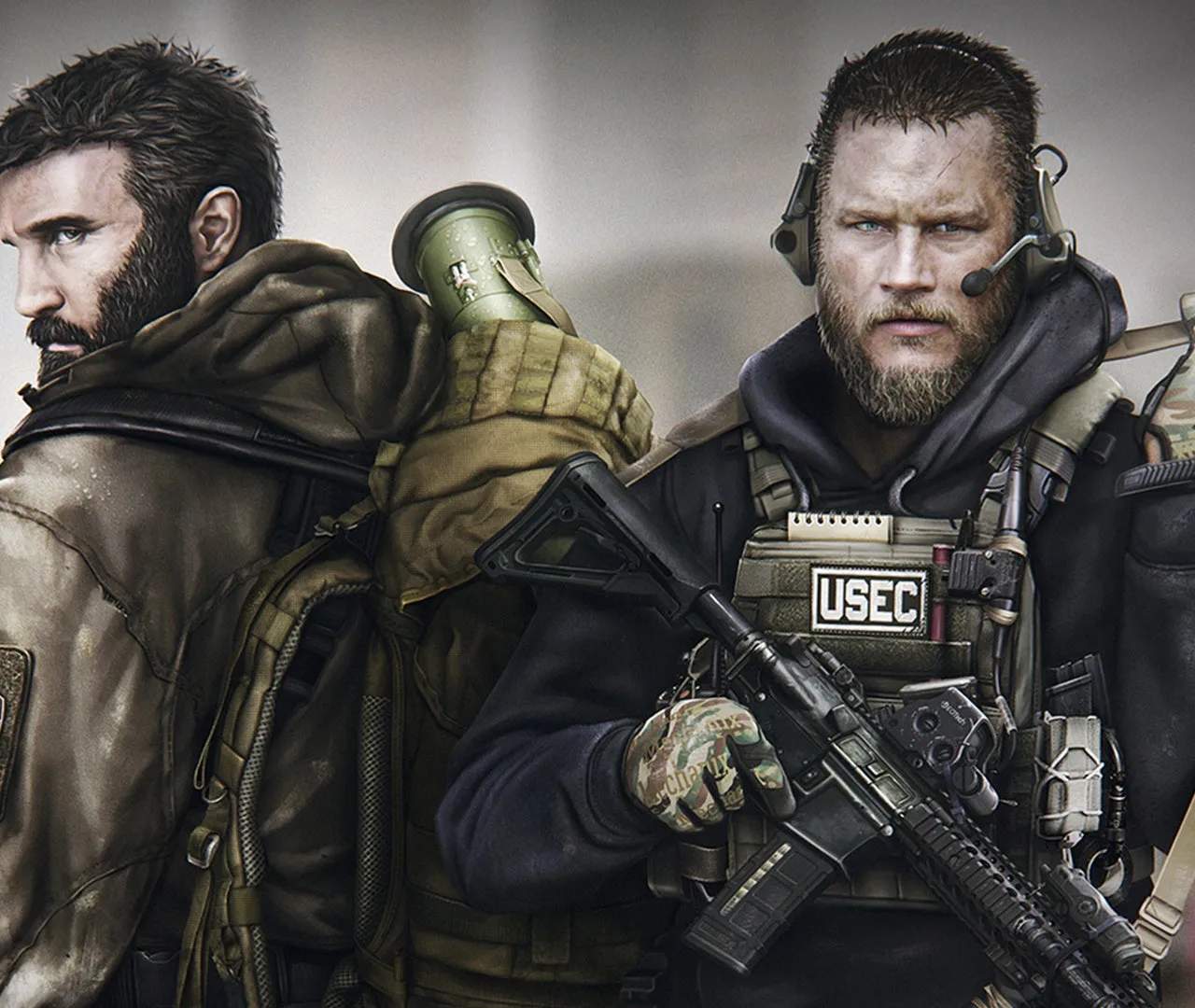
Escape from Tarkov
Installation and Account Setup
Start your Escape from Tarkov journey by purchasing the game and installing the Battlestate Games Launcher. Create your account and download the game client.