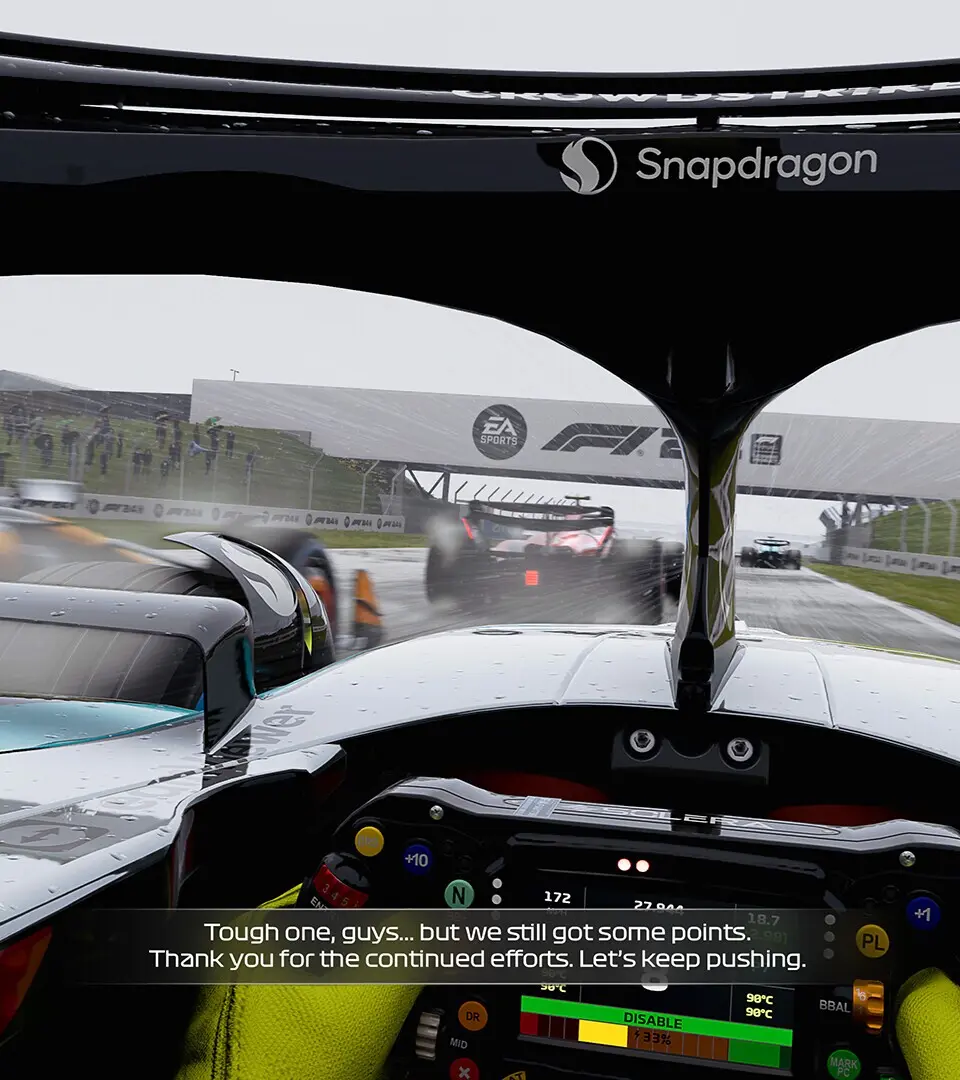
Before hitting the track, it's vital to properly set up your game. Navigate to the 'Settings' menu from the main screen. Here, you'll find options for 'Graphics', 'Audio', and most importantly, 'Controls'. Spend time calibrating your steering wheel, gamepad, or keyboard to ensure a comfortable and responsive driving experience. Adjust force feedback levels if using a wheel, and dead zones for gamepads to eliminate unwanted input. A well-calibrated setup is the foundation of good lap times.