11.3 Costumes & Cosmetics: Unlocking & Equipping
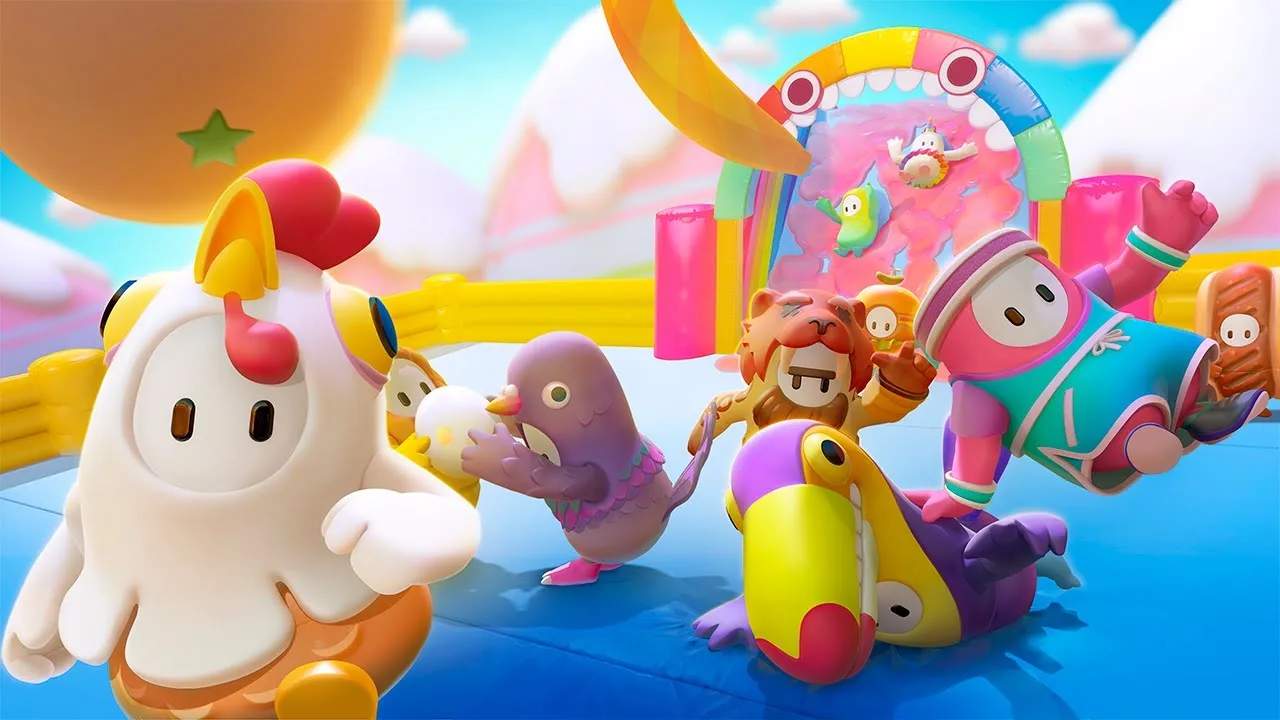
Fall Guys offers a dazzling array of costumes and cosmetic items that allow players to personalize their bean and stand out in the Blunderdome. From silly hats to full-body outfits, unlocking and equipping these items is a core part of the game's progression and player expression.
Personalizing your Fall Guy is one of the most enjoyable aspects of the game. This guide will walk you through how to acquire new cosmetics, manage your inventory, and equip them to create the ultimate bean ensemble. Get ready to show off your unique style!
Sources of Cosmetics
There are several ways to acquire new costumes and cosmetic items:
- Fame Pass: As detailed in Section 11.2, the Fame Pass is a primary source of rewards. Both the free and paid tracks offer several costumes, patterns, colors, and more as you progress through seasonal tiers.
- The Crown Shop: This in-game store allows you to purchase items using Kudos (the standard in-game currency) or Show-Bucks (the premium currency). Items in the Crown Shop rotate regularly, so check back often for new additions.
- Limited Time Shows & Events: Special events and limited-time shows often feature exclusive cosmetic rewards that can only be earned during that specific period.
- Promotional Events & Collaborations: Fall Guys frequently collaborates with other franchises, offering themed costumes that might be available through special challenges or direct purchase.
- Creator's Choice Packs: Sometimes, community-desed costumes are added to the game, often available for purchase.
Types of Cosmetics
Fall Guys offers a wide variety of customization options:
- Full Costumes: These are complete outfits that change your bean's entire appearance. They range from common to legendary rarity.
- Top & Bottom Pieces: Some costumes are broken down into separate top and bottom pieces, allowing for more mixing and matching.
- Colors: New color palettes that can be applied to your bean or certain costume pieces.
- Patterns: Unique dess and textures that can be applied over your base color or costume.
- Faceplates: Decorative elements that can be added to your bean's face.
- Nicknames: Custom text that appears next to your username.
- Emotes: Special animations your bean can perform.
- Celebrations: Unique victory animations for when you win a show.
- Victory Animations: Special animations that play when you win a round or the entire show.
Unlocking and Acquiring Items
The process of unlocking items depends on the source:
- Fame Pass: Simply play the game and earn Fame to level up the pass and unlock rewards automatically.
- Crown Shop: Use your accumulated Kudos or purchased Show-Bucks to buy items directly from the shop.
- Event Challenges: Complete specific in-game tasks or reach certain milestones during events to earn their unique rewards.
Equipping Your Cosmetics
Once you've acquired new items, equipping them is straightforward:
- Navigate to the 'Customize' Menu: This is usually accessible from the main Fall Guys menu.
- Select Your Bean: You'll see your current Fall Guy.
- Choose a Category: Select the type of cosmetic you want to change (e.g., Costumes, Colors, Patterns).
- Browse Your Inventory: A list of all the items you own within that category will appear. Items you've recently acquired are often highlighted.
- Select and Equip: Click on the item you wish to equip. It will immediately be applied to your bean.
- Mix and Match: Feel free to combine different items. For example, you can equip a top from one costume, a bottom from another, and add a unique color and pattern.
Managing Your Wardrobe
As you collect more items, your wardrobe will grow. The game usually allows you to favorite items, making them easier to find. Experiment with different combinations to create your sature Fall Guy look!