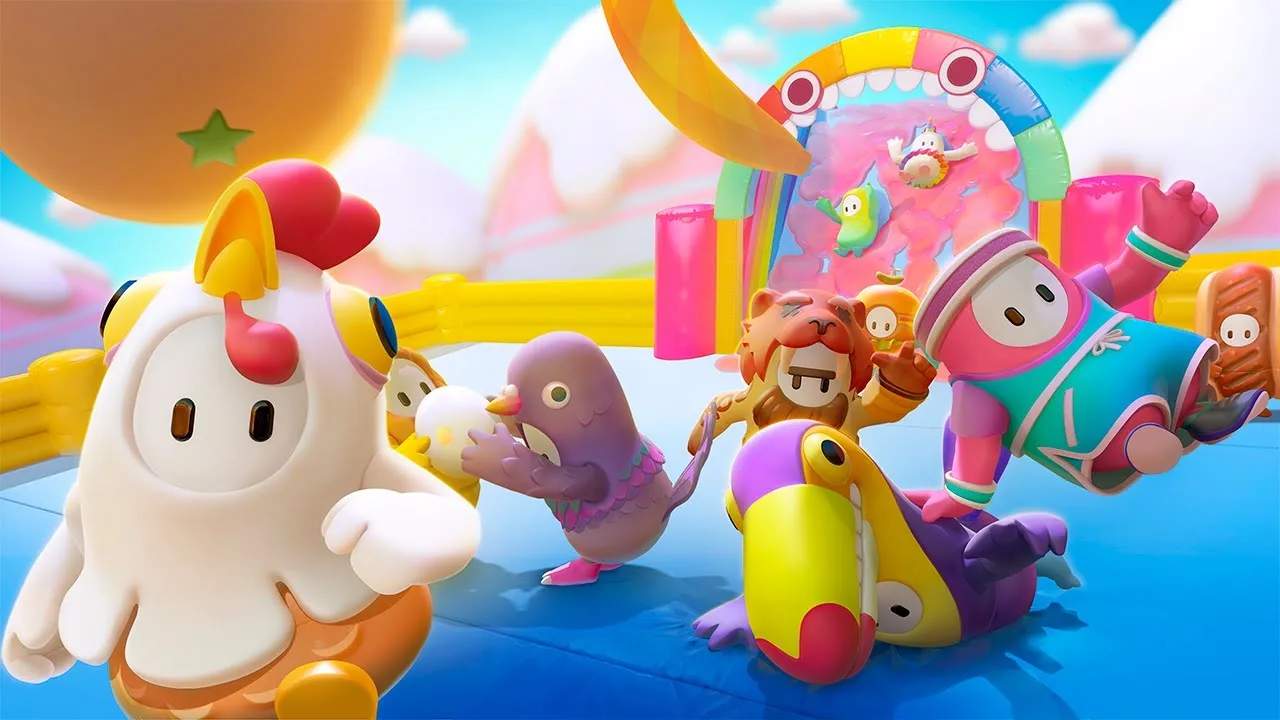
Custom Shows: Hosting and Joining Your Own Games
Fall Guys offers a fantastic way to create your own unique experiences with Custom Shows. Whether you want to host a private game for friends, set up a tournament, or simply experiment with your own creations, Custom Shows provide the ultimate playground. This section will guide you through the process of hosting and joining these personalized Blunderdome events, unlocking a new dimension of Fall Guys gameplay.
What are Custom Shows?
Custom Shows allow players to create private lobbies where they can select specific rounds, set the number of players, and invite friends to join. This is perfect for:
- Private Parties: Host a game exclusively for your friends, free from the chaos of public lobbies.
- Tournaments: Organize competitive events with custom rules and round selections.
- Content Creation: Streamers and YouTubers can use Custom Shows to create unique content for their audiences.
- Practice: Test your skills on specific rounds or practice with a group.
Hosting a Custom Show
To host a Custom Show, you'll need to follow these steps:
- Access the Mode: From the main menu, navigate to the 'Play' or 'Game Modes' section.
- Select 'Custom Show': Choose the 'Custom Show' option.
- Create a New Show: You'll be prompted to create a new show.
- Configure Settings: Here you can set the following:
- Show Name: Give your show a unique name.
- Max Players: Determine the maximum number of beans that can join.
- Round Selection: This is the most crucial part. You can choose specific rounds from various categories (Race, Survival, Logic, etc.) or select 'Random' for a mix. You can also add custom rounds you've built.
- Password Protection: You can make your show private by setting a password, ensuring only invited You can join.
- Start the Show: Once configured, you can start the Custom Show.
Inviting Players
After starting your Custom Show, you'll need to invite your friends.
- Share the Show ID: When you create a Custom Show, a unique 'Show ID' will be generated. Share this ID with your friends.
- Invite Through Platform: You can also typically invite friends directly through your platform's party system (e.g., PlayStation Party, Xbox Live Party, Steam Friends).
Joining a Custom Show
If you've been invited to a Custom Show, here's how to join:
- Access Custom Show: Navigate to the 'Custom Show' mode from the main menu.
- Select 'Join Show': Choose the 'Join Show' option.
- Enter Show ID: You will be prompted to enter the Show ID provided by the host.
- Enter Password (if applicable): If the show is password-protected, you'll need to enter the password.
- Join the Lobby: Once the ID and password are correct, you'll join the host's lobby.
Tips for Hosting and Joining
- Plan Your Rounds: For tournaments or themed nights, carefully select rounds that fit your objective.
- Communicate with Your Group: Ensure everyone knows the Show ID, password, and any specific rules.
- Test Your Custom Rounds: If you're using your own creations, host a small test show first to ensure they function correctly.
- Be Patient: Sometimes, it can take a moment for all players to join and for the lobby to fill.
Conclusion
Custom Shows are a powerful tool for tailoring your Fall Guys experience. Whether you're looking for a casual game with friends or a competitive tournament, the ability to host and join private lobbies opens up a world of possibilities. So gather your squad, create your show, and dive into a Blunderdome built just for you!