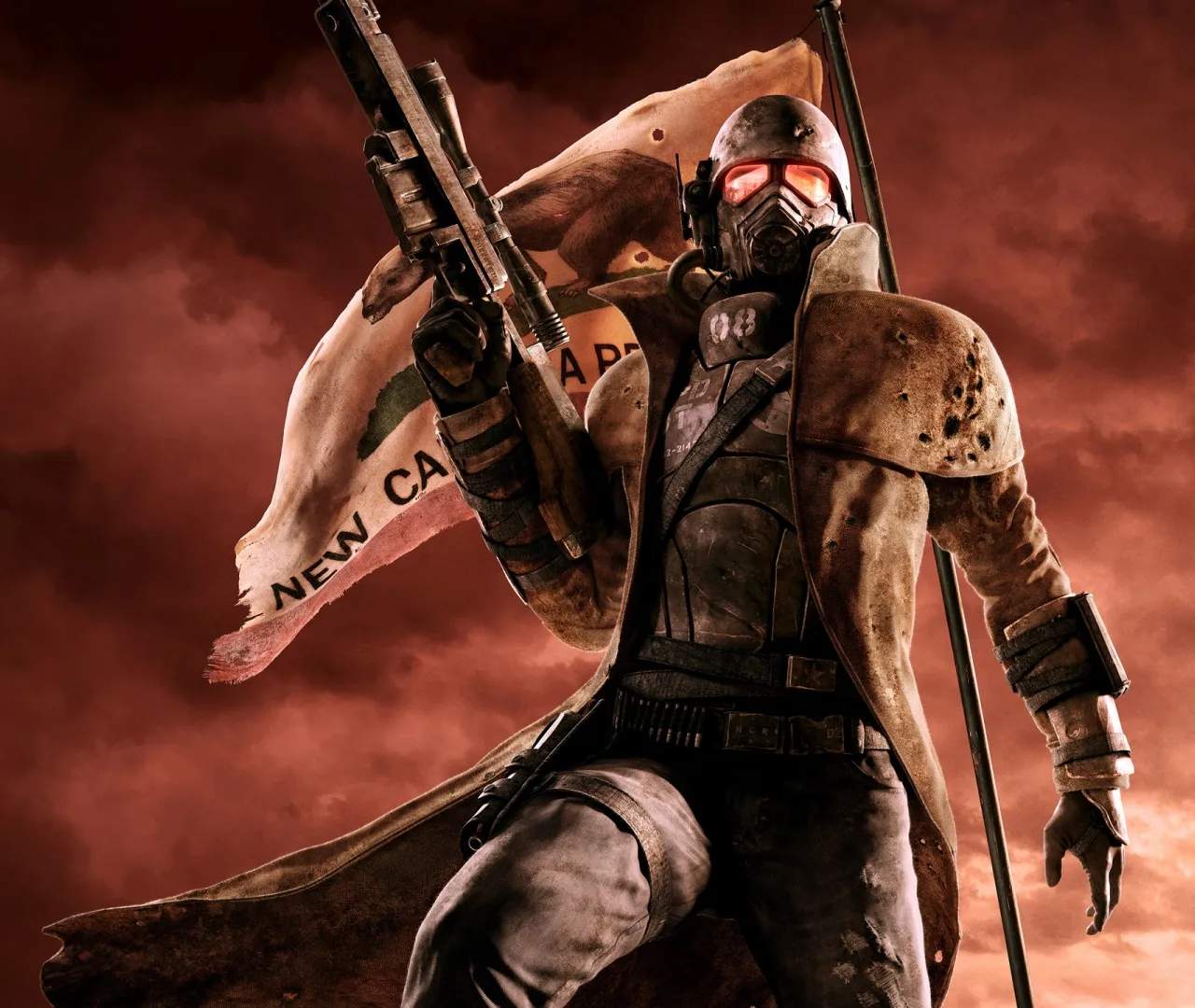
Modding & Community Content
Welcome, Courier, to the wild frontier of Fallout: New Vegas modding! While the base game offers hundreds of hours of exploration and choice, the dedicated community has expanded its horizons exponentially. This section will guide you through the essentials of setting up a stable modded experience and highlight some foundational community resources.
I. Essential Tools for Modding
Before diving into the vast ocean of community-created content, you'll need a few critical tools to ensure your game runs smoothly and your mods play nicely together. These are non-negotiable for a stable modded playthrough.
1. Fallout Mod Manager (FOMM) or Mod Organizer 2 (MO2)
These are your primary mod management utilities. They handle the installation, activation, and deactivation of mods, and are crucial for resolving conflicts.
- FOMM (Fallout Mod Manager): A classic, simpler option. Good for beginners or those with smaller load orders.
- MO2 (Mod Organizer 2): The advanced choice, highly recommended for larger, more complex mod setups. It uses a virtual file system, meaning your base game directory remains pristine, making troubleshooting much easier.
Actionable Step: Download and install your chosen mod manager. For MO2, ensure you select the New Vegas version during installation.
2. New Vegas Script Extender (NVSE)
Many of the most powerful and popular mods require NVSE to function. It expands the scripting capabilities of the game engine, allowing modders to create far more intricate content.
Actionable Step:
- Download the latest stable version of NVSE from its official source (usually Silverlock.org).
- Extract the contents of the archive directly into your Fallout: New Vegas installation directory (where
FalloutNV.exeis located). - Launch the game via
nvse_loader.exe(or configure your mod manager to do so).
3. Unofficial Patch (Yukichigai Unofficial Patch - YUP)
This community-made patch fixes thousands of bugs, glitches, and inconsistencies that were never addressed by official patches. It's an absolute must-have for any playthrough, modded or not.
Actionable Step: Download YUP from Nexus Mods and install it using your chosen mod manager. Ensure it loads early in your load order.
4. FNV 4GB Patcher
Fallout: New Vegas is a 32-bit application, meaning it can only access up to 2GB of RAM by default. The 4GB Patcher modifies the game executable to allow it to use up to 4GB of RAM, significantly improving stability and reducing crashes, especially with many mods.
Actionable Step:
- Download the FNV 4GB Patcher.
- Place the executable in your Fallout: New Vegas installation directory.
- Run the patcher. It will automatically modify your
FalloutNV.exe.
II. Finding Community Content (Nexus Mods)
The vast majority of Fallout: New Vegas mods are hosted on Nexus Mods. This is your primary hub for discovering, downloading, and tracking mods.
Actionable Step: Create an account on Nexus Mods. This is free and allows you to download files and track mods you're interested in.
III. Recommended Starter Mods (Quality of Life)
Once your essential tools are in place, consider these foundational mods that enhance the core experience without drastically altering gameplay. Install these using your mod manager.
- UIO - User Interface Organizer: Essential for ensuring multiple UI mods don't conflict.
- JIP LN NVSE Plugin: Another NVSE extension that adds numerous functions for modders, required by many popular mods.
- JohnnyGuitar NVSE: Similar to JIP LN, provides additional functions for modders.
- OneTweak: Improves alt-tabbing and general stability.
- New Vegas Anti-Crash (NVAC): Attempts to catch and prevent common crashes.
- New Vegas Stutter Remover (NVSR): Reduces micro-stuttering and improves frame pacing. (Note: May cause issues on Windows 10/11 for some users; research alternatives if you experience problems).
- Enhanced Camera: Allows you to see your body in first-person view.
- Consistent Pip-Boy Icons: Standardizes the appearance of Pip-Boy icons for better readability.
IV. Load Order Management
The order in which your mods load is crucial. Incorrect load order can lead to crashes, broken quests, or visual glitches. Your mod manager will help with this, but understanding the basics is key.
- ESM Files First: All official game master files (
FalloutNV.esm, DLC ESMs likeDeadMoney.esm,HonestHearts.esm, etc.) and major unofficial patches (likeYUP - Base Game + All DLC.esm) should load first. - ESP Files Second: Most regular mods are ESP files. Their order depends on what they modify.
- Conflict Resolution: Tools like FNVEdit (xEdit) can help you identify and resolve conflicts between mods by creating merged or bashed patches. This is an advanced step for larger load orders.
Actionable Step: After installing several mods, use the "Sort" function in your mod manager. While not perfect, it's a good starting point. Always check individual mod pages for specific load order recommendations.
V. Community Resources
Beyond Nexus Mods, several community hubs are invaluable for troubleshooting, discovering new mods, and staying updated.
- The Fallout: New Vegas Subreddit (r/fnv): A very active community for discussion, help, and mod showcases.
- The Fallout Modding Discord Server: A real-time chat community where you can get immediate assistance from experienced modders.
- GamerPoets YouTube Channel: Offers excellent video tutorials for installing essential tools and complex mods.
Embrace the modding journey, Courier! It can be a bit daunting at first, but the rewards of a personalized, enhanced New Vegas experience are well worth the effort.