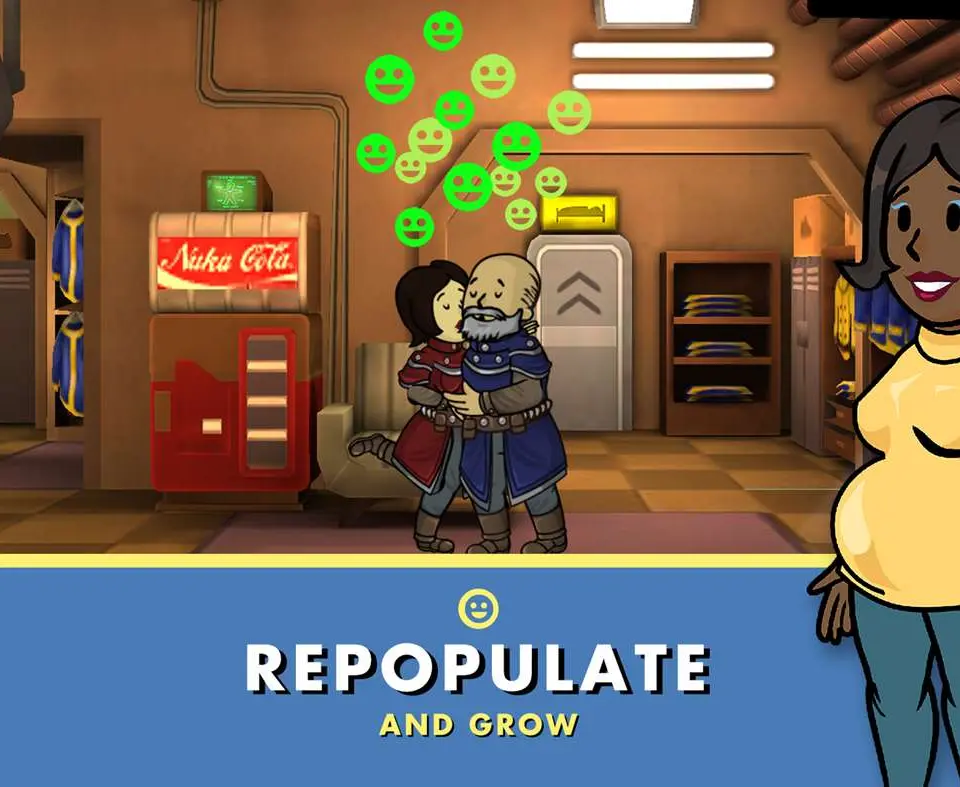
The Fallout Shelter UI provides all the information you need to manage your vault. At the top of the screen, you'll see your current resource levels (Power, Food, Water), your Caps (currency), and your Dwellers count. The bottom bar contains buttons for building rooms, managing dwellers, accessing the Pip-Boy (quests, objectives, inventory), and the store. Tapping on a room or dweller brings up a context-sensitive menu with more options. Pay attention to the happiness meter, as high happiness boosts production. Familiarize yourself with these elements to efficiently oversee your vault's operations and respond to challenges.