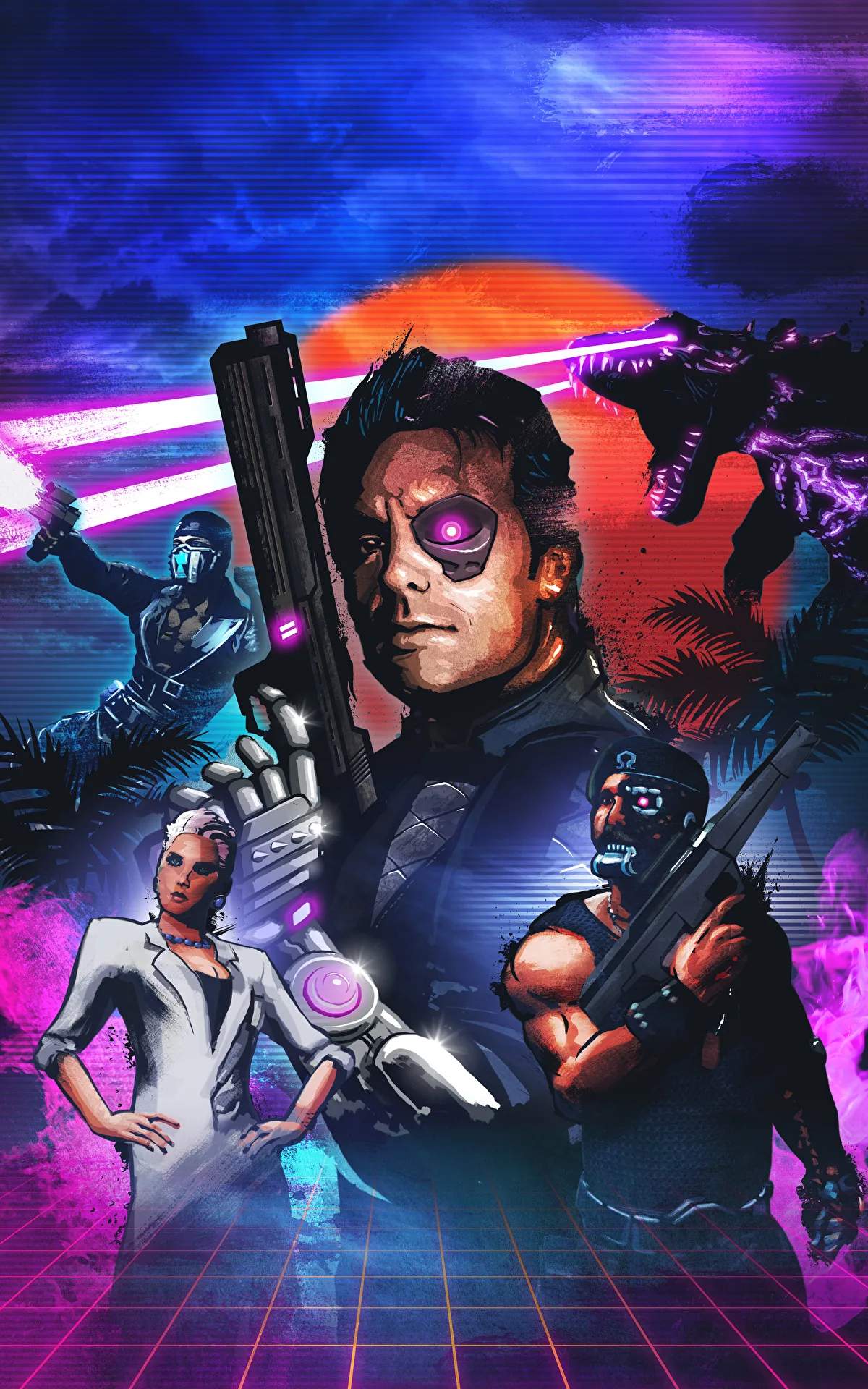
Mastering the controls is your first step to becoming a true cyber-commando. The game utilizes a standard first-person shooter control scheme, making it easy to pick up for veterans of the genre. Here's a breakdown of the default PC controls:
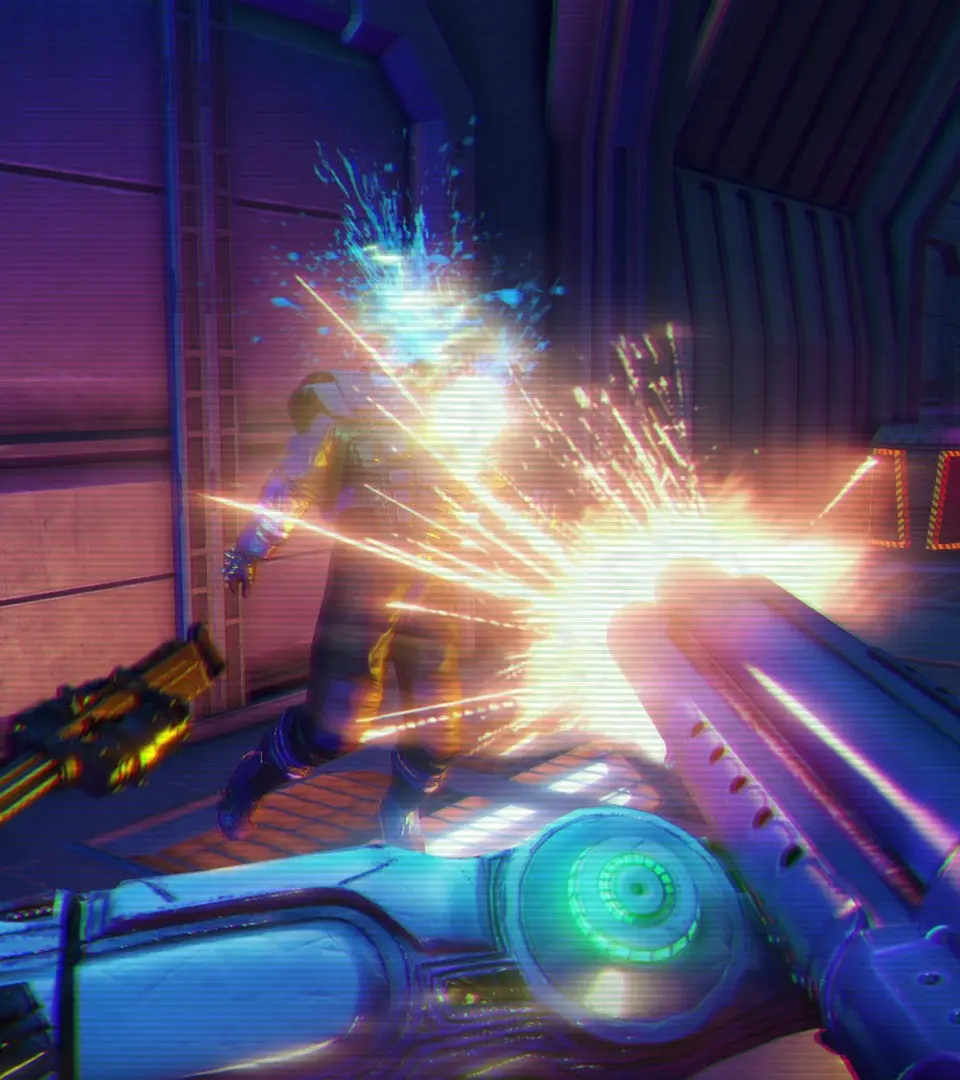
- W, A, S, D: Move Forward, Left, Backward, Right
- Mouse: Look Around / Aim
- Left Mouse Button: Fire Weapon
- Right Mouse Button: Aim Down Sights (ADS)
- Spacebar: Jump
- Left Shift: Sprint
- C: Crouch / Slide (while sprinting)
- E: Interact / Pick Up / Use
- R: Reload Weapon
- Q: Use Syringe (Heal)
- F: Melee Attack / Takedown
- G: Throw Grenade / Molotov
- 1, 2, 3, 4: Switch Weapons (Primary, Secondary, Sidearm, Special)
- Tab: Open Map
- Esc: Pause Menu
For console players, the controls are similarly intuitive, mapping common actions to face buttons and triggers. Experiment with the sensitivity settings in the options menu to find what feels most comfortable for your aiming style. Remember that stealth is often an option, and crouching can significantly reduce your visibility and noise. Sliding while sprinting can also be a quick way to cover ground or evade incoming fire.