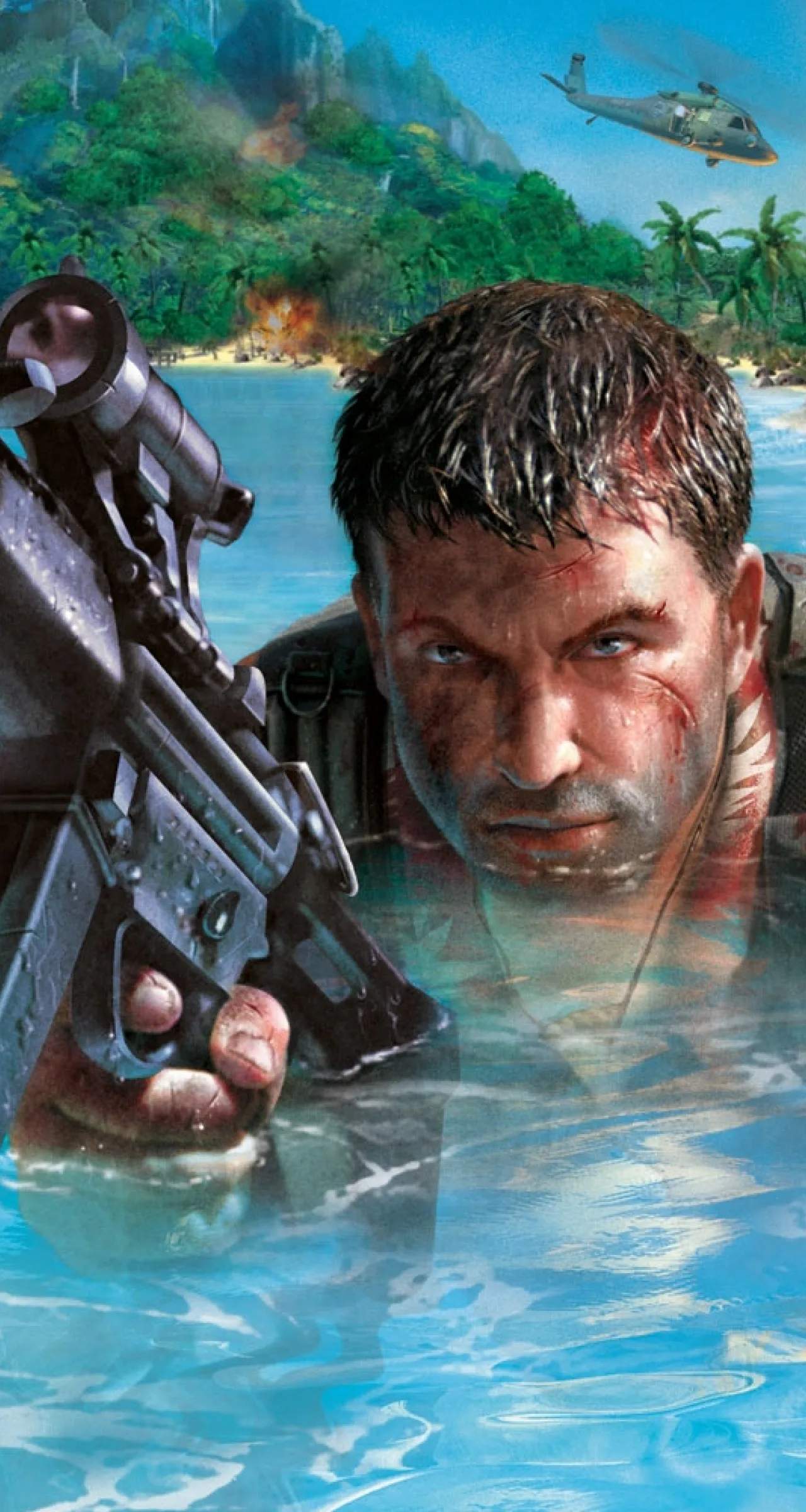
System Requirements
Before you embark on your perilous journey through the treacherous islands of Far Cry, it's crucial to ensure your PC is up to the task. Nothing breaks immersion faster than choppy framerates or unexpected crashes when you're cornered by a horde of genetically modified creatures. This section details the minimum and recommended specifications to help you achieve the optimal Far Cry experience.
While the original Far Cry is an older title, modern operating systems and hardware configurations can sometimes introduce compatibility quirks. Following these guidelines will help minimize potential issues and allow you to focus on the action.
Minimum System Requirements (For Basic Play)
Meeting these specifications will allow you to run Far Cry, though you may need to adjust graphical settings to lower resolutions and detail levels for smooth gameplay, especially during intense firefights or when navigating dense jungle environments. Expect a playable, but not necessarily pristine, experience.
- Operating System: Windows 98SE/ME/2000/XP (Note: Running on Windows Vista, 7, 8, 10, or 11 may require compatibility mode or community patches. Consult online forums like the PC boards for troubleshooting tips.)
- Processor (CPU): AMD Athlon 1 GHz or Intel Pentium III 1 GHz (or equivalent). A single-core processor is sufficient, but a faster clock speed will significantly improve performance.
- System Memory (RAM): 256 MB RAM. While the game might technically launch with less, 256 MB is the absolute minimum for stable operation.
- Video Card (GPU): DirectX 9.0b compliant video card with 64 MB RAM. Ensure your drivers are updated to the latest stable version. Cards like the NVIDIA GeForce 2/3/4 series or ATI Radeon 8500/9000 series are good examples.
- Hard Drive Space: 4 GB free hard drive space for installation.
- Sound Card: DirectX 9.0b compliant PCI sound card.
- DirectX: DirectX 9.0b (included on the game disc).
Recommended System Requirements (For Optimal Experience)
For the best visual fidelity and smoothest performance, especially when engaging in large-scale battles or exploring the expansive open-world environments, aim for these specifications. You'll be able to enjoy higher resolutions, increased detail, and a more consistent framerate, making your fight against Dr. Krieger's forces all the more enjoyable.
- Operating System: Windows XP (for native compatibility). If using a newer OS, ensure you have applied any necessary compatibility fixes.
- Processor (CPU): AMD Athlon 2 GHz or Intel Pentium 4 2 GHz (or equivalent). A dual-core processor, while not strictly required, will provide a noticeable boost in overall system responsiveness.
- System Memory (RAM): 512 MB RAM or more. This will allow for smoother loading times and better performance during prolonged play sessions.
- Video Card (GPU): DirectX 9.0b compliant video card with 128 MB RAM or more. Cards such as the NVIDIA GeForce FX 5900 series or ATI Radeon 9600/9800 series are highly recommended. Modern integrated graphics solutions may struggle even with these settings.
- Hard Drive Space: 4 GB free hard drive space for installation, plus additional space for save games and potential patches.
- Sound Card: DirectX 9.0b compliant PCI sound card with EAX support for enhanced audio effects.
- DirectX: DirectX 9.0b.
Pre-Installation Checklist & Troubleshooting Tips
Before you even pop in the Far Cry disc, take these steps to ensure a smooth installation and gameplay experience:
- Update Drivers: Always update your graphics card drivers (NVIDIA, AMD, Intel) and sound card drivers to the latest stable versions available from the manufacturer's website. Outdated drivers are a common cause of crashes and performance issues.
- DirectX Check: Verify your DirectX version. While the game includes DirectX 9.0b, having a more recent version installed (if your OS supports it) can sometimes help.
- Disk Space: Double-check that you have ample free hard drive space. Not just for the game, but also for temporary files and system operations.
- Close Background Applications: Before launching the game, close any unnecessary background applications, web browsers, or streaming services to free up system resources.
- Compatibility Mode (Windows Vista/7/8/10/11): If you encounter issues on newer Windows versions, try running the game executable (
FarCry.exe) in compatibility mode for Windows XP (Service Pack 2 or 3). Right-click the executable, select "Properties," navigate to the "Compatibility" tab, and adjust the settings there. - Community Patches: For persistent issues on modern systems, search online for community-made patches or fan-fixes. Sites like PCGamingWiki or dedicated Far Cry fan communities often host solutions for common problems.
- Monitor Resolution: Ensure your monitor's native resolution is supported by the game. If not, you may need to adjust in-game settings or use third-party tools for custom resolutions.
By following these detailed system requirements and troubleshooting steps, you'll be well-prepared to dive into the heart-pounding action of Far Cry and take on the mercenary threat without technical hitches. Good luck, soldier!