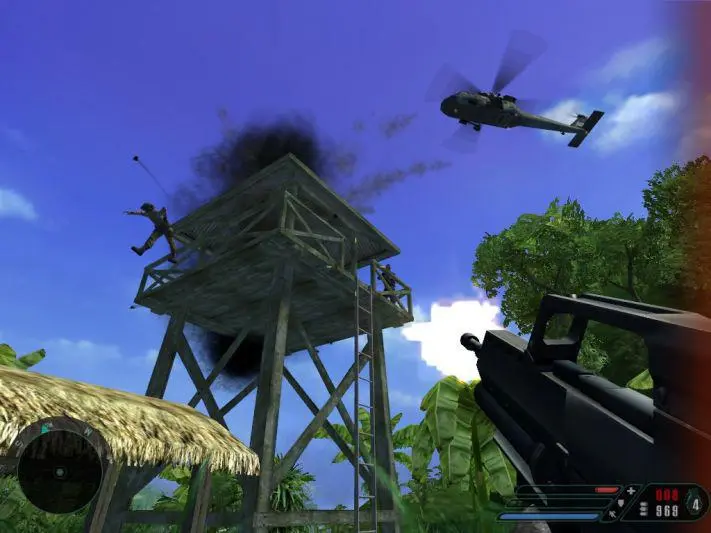
The User Interface (UI) in Far Cry provides vital information about your current status and surroundings. In the bottom left corner, you'll find your health bar, which depletes as you take damage. Keep an eye on this and use medkits when necessary. Below your health, you'll see your armor bar, indicating the protection you have. Armor can be replenished by picking up armor vests. The bottom right displays your current weapon, ammunition count, and the fire mode. Press 'R' to reload your weapon. The mini-map, usually in the top right, shows your immediate surroundings, enemy positions (once spotted), and objective markers. Pay close attention to the mini-map to avoid ambushes and plan your routes effectively. Occasionally, on-screen prompts will guide you through objectives or provide contextual information.