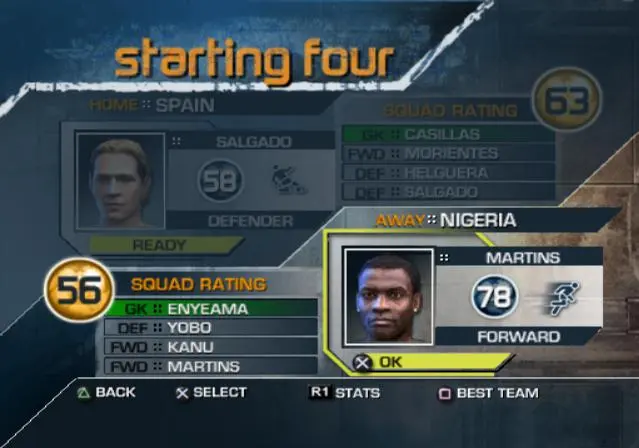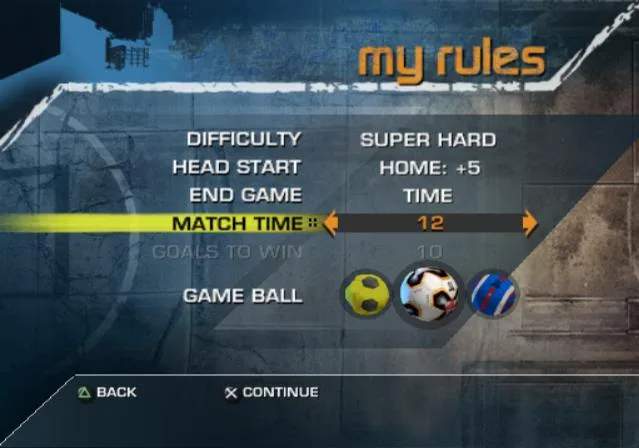
The FIFA Street UI is designed to be intuitive and informative. During a match, you'll see the score at the top of the screen, along with the remaining time. Player names and stamina bars are displayed above each player, indicating their current energy levels. Pay attention to the stamina bar; a depleted player will perform poorly. The mini-map in the corner provides an overview of player positions and the ball. In the menus, navigation is straightforward. The main menu offers options for 'World Tour', 'Kick Off', 'Practice Arena', and 'My Team'. 'My Team' is where you manage your created player, customize your squad, and view your stats. Take some time to explore each menu option to familiarize yourself with the game's various features and settings.