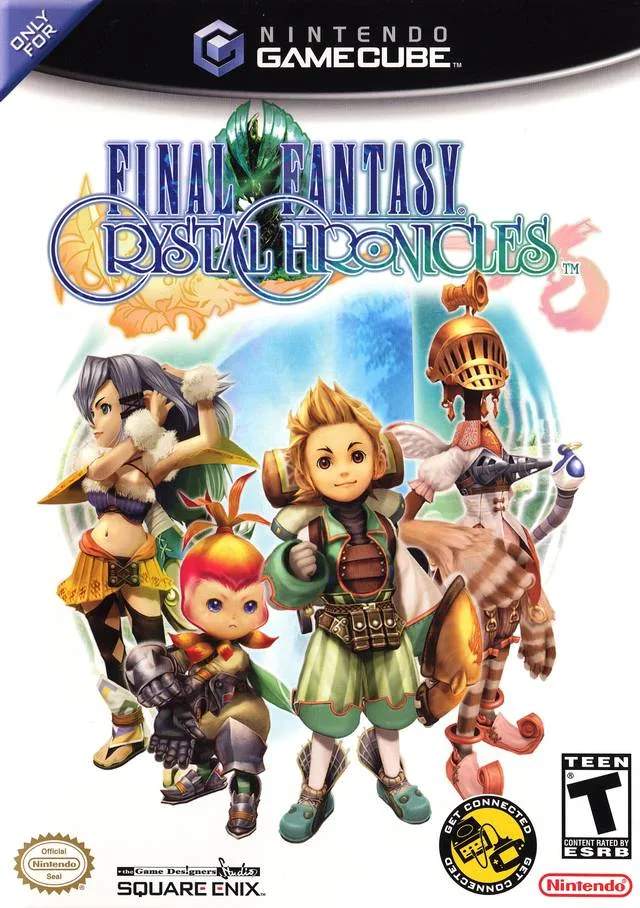
Before diving into the Miasma Stream, let's get you acquainted with the game's controls and initial setup. Final Fantasy Crystal Chronicles was originally designed for the Nintendo GameCube, utilizing its unique controller layout. While modern re-releases often offer remappable controls, understanding the original scheme can be helpful. The A button is your primary action button for attacking, interacting, and confirming. The B button is typically used for magic or special abilities, while X and Y are often for menu navigation or item usage. The C-stick (or right analog stick) controls the camera, which is vital for situational awareness in combat.
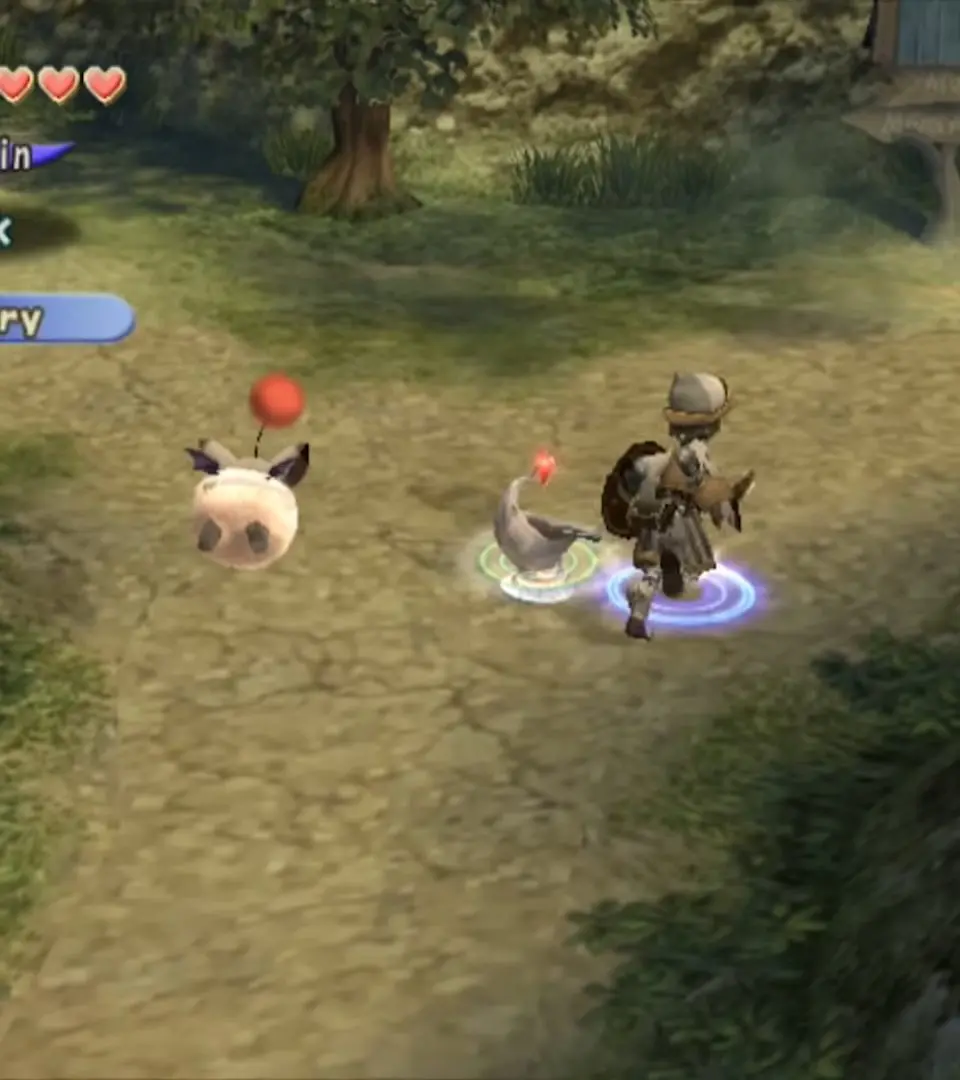
Movement is handled by the analog stick. Remember that your character's movement speed can be affected by the weight of your equipment. Pay attention to the mini-map, usually displayed in the corner of your screen, which shows your current location, enemy positions, and important objectives. Familiarize yourself with the pause menu, accessible via the Start button, where you can manage your inventory, equipment, and save your game. Saving regularly, especially before entering a new dungeon, is highly recommended to avoid losing progress.