The User Interface (UI) and Heads-Up Display (HUD) in Final Fantasy Crystal Chronicles provide crucial information during your adventures. Familiarizing yourself with these elements will significantly improve your gameplay efficiency and awareness. In the top-left corner, you'll typically find your character's health bar (HP) and a magic gauge. The HP bar depletes as you take damage, and reaching zero results in being knocked out. The magic gauge fills as you attack or collect magicite, allowing you to cast spells.
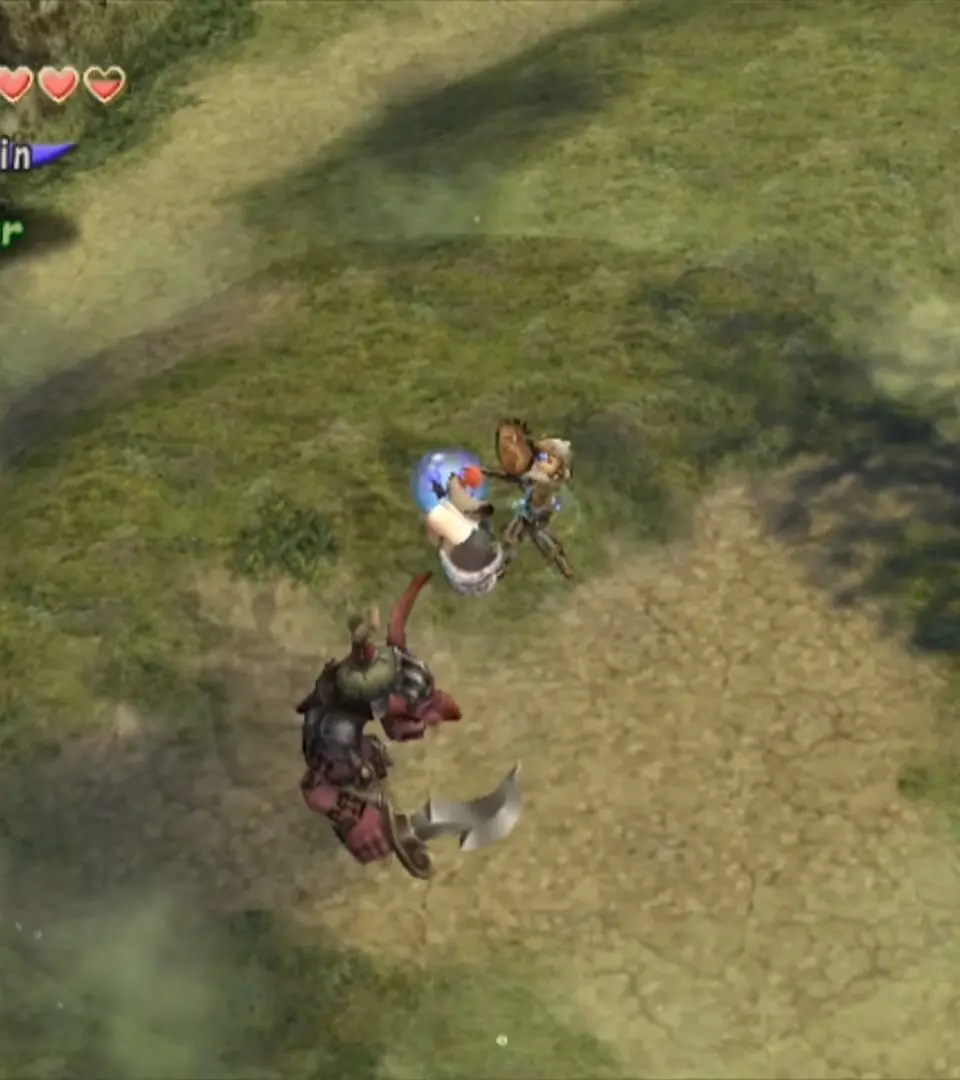
At the bottom of the screen, you'll see your command palette. This is where your equipped spells, items, and special abilities are displayed. You can cycle through these commands using the L and R shoulder buttons (or their equivalents on modern controllers). Selecting the right command at the right time is key to success in combat. In multiplayer, you'll also see the health bars of your teammates, allowing you to monitor their status and provide support if needed. The mini-map, usually in the top-right or bottom-right, shows your current location, nearby enemies, and important points of interest like treasure chests or dungeon exits. Keep an eye on the year counter, which progresses after each Myrrh drop, as it influences enemy strength and available quests. Understanding these elements will help you make informed decisions and react quickly to the dynamic challenges of the Miasma Stream.