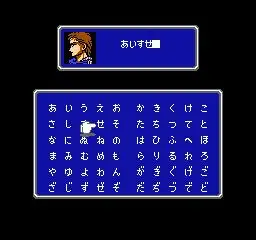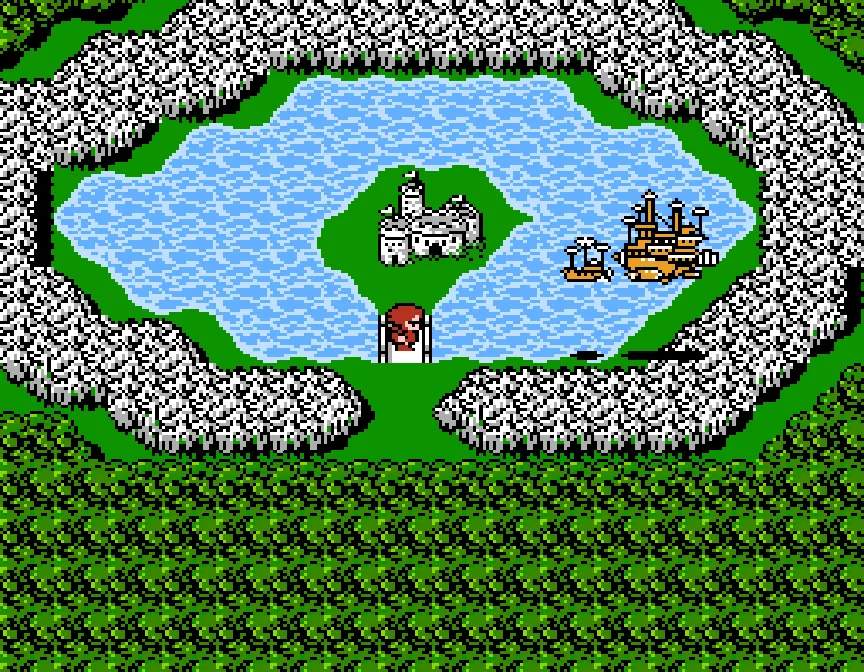
Final Fantasy II's controls are straightforward, though they may vary slightly depending on your platform (original NES, GBA, PSP, or modern remasters). Generally, the D-Pad or Analog Stick navigates menus and characters. The 'A' button (or equivalent) confirms selections and interacts with objects/NPCs, while the 'B' button (or equivalent) cancels actions or opens the main menu. The main menu allows access to your party's status, equipment, magic, items, and the save function. Pay close attention to the battle interface, which displays character HP/MP, turn order, and command options like Attack, Magic, Item, and Defend. Understanding these basic inputs is your first step to mastering the game.