
Understanding the controls is your first step. On most platforms (DS, PC, mobile remakes), the D-pad or analog stick navigates menus and character movement. The 'A' button (or equivalent) confirms selections and interacts with objects/NPCs, while 'B' (or equivalent) cancels or opens the main menu. The main menu provides access to your Party, Items, Magic, Equipment, Status, Config, and Save options. Familiarize yourself with each section. The battle interface displays character portraits, HP/MP, and action commands like Attack, Magic, Item, and Defend. Pay attention to the turn order displayed, as it's crucial for strategic planning.
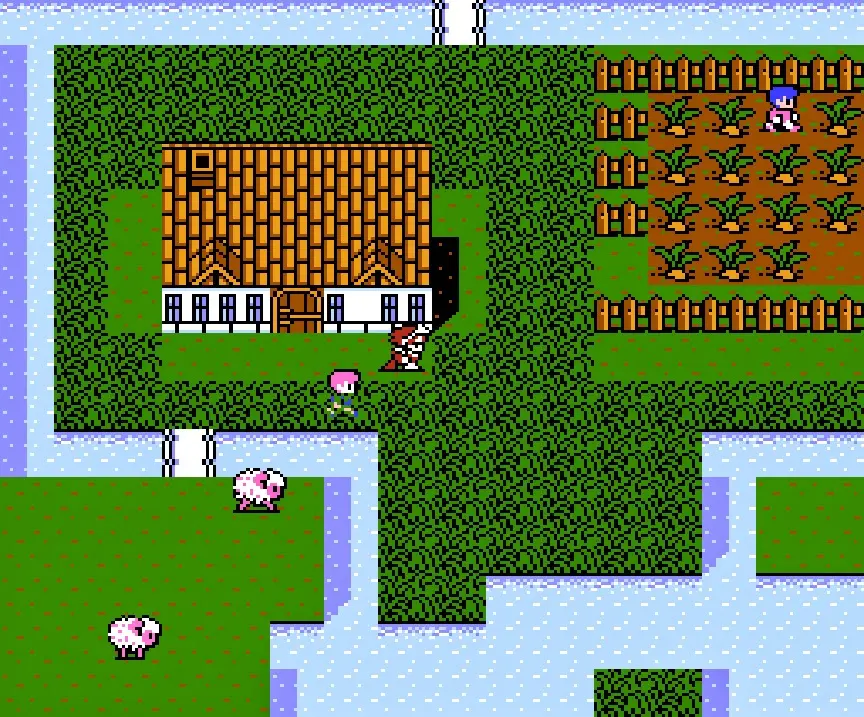
The world map allows for free movement between locations. Dungeons and towns have their own specific maps, often revealed as you explore. Keep an eye on the mini-map if available, as it can highlight exits and points of interest. Status effects are indicated by icons next to character portraits; learn to identify them quickly. The game's UI is generally intuitive, but mastering its nuances will significantly improve your gameplay experience.