Mastering the controls is your first step. On the PlayStation version, the D-pad navigates menus and moves the cursor on the battlefield. The X button confirms selections, while the O button cancels. The Square button opens the main menu on the world map and provides detailed information in battle (e.g., unit stats, terrain effects). The Triangle button often brings up context-sensitive menus or switches views.
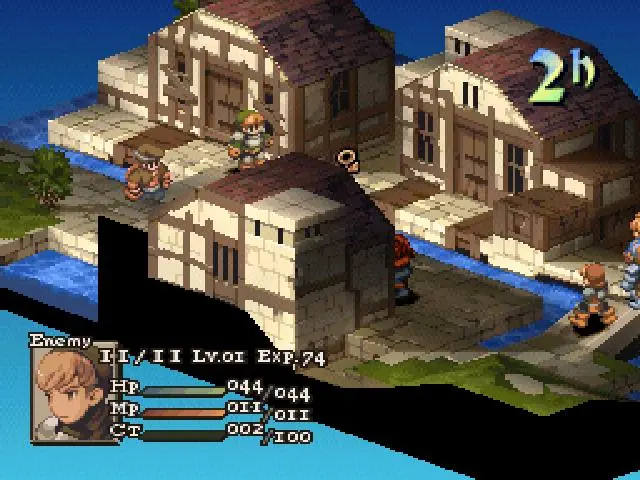
The battle UI displays crucial information: your unit's turn order, HP/MP, status effects, and available actions. The mini-map in the corner shows unit positions and elevation. On the world map, you'll see locations, current date, and your party's status. Familiarize yourself with these elements to make informed decisions quickly.