
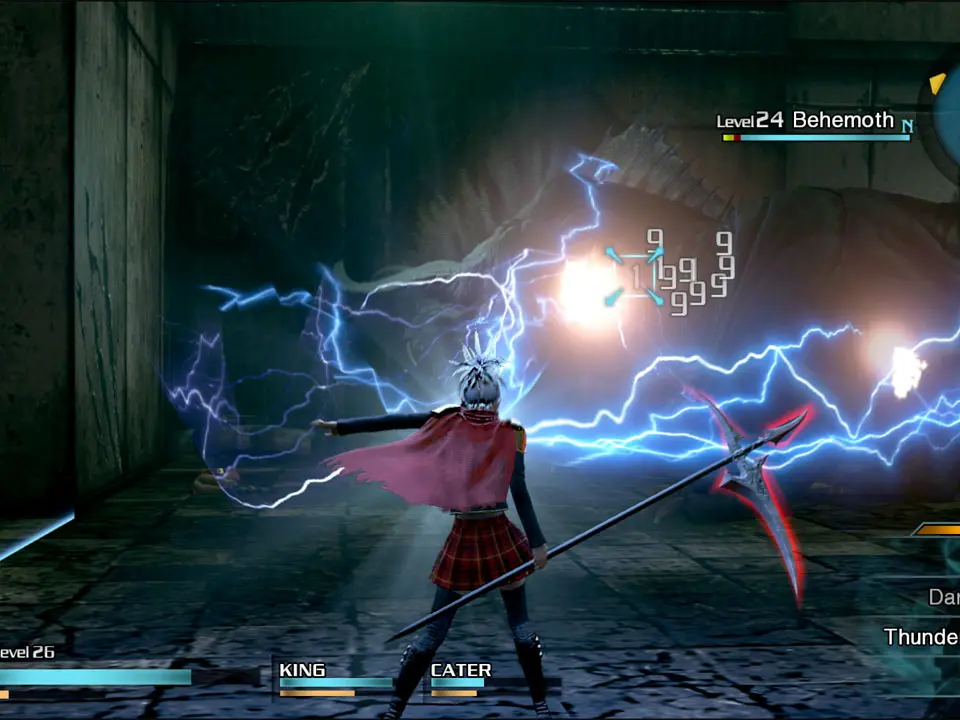
Understanding the controls is your first step to becoming a proficient cadet. The game features a dynamic combat system that requires quick reflexes and precise input. Here's a breakdown of the default controls:
- Left Analog Stick: Move Character
- Right Analog Stick: Camera Control
- X Button (PS4) / A Button (Xbox One): Interact / Confirm
- Circle Button (PS4) / B Button (Xbox One): Cancel / Dodge / Backstep
- Square Button (PS4) / X Button (Xbox One): Attack / Basic Attack
- Triangle Button (PS4) / Y Button (Xbox One): Activate Ability (hold for menu)
- L1 Button (PS4) / LB Button (Xbox One): Target Lock-on / Cycle Targets
- R1 Button (PS4) / RB Button (Xbox One): Switch Active Character
- L2 Button (PS4) / LT Button (Xbox One): Cycle Abilities (hold for menu)
- R2 Button (PS4) / RT Button (Xbox One): Use Ability (when selected)
- Touchpad (PS4) / View Button (Xbox One): Map / Menu
- Options Button (PS4) / Menu Button (Xbox One): Main Menu
Practice dodging and switching characters frequently, as these are vital for survival in combat. The dodge maneuver grants a brief period of invincibility, allowing you to avoid incoming attacks. Switching characters can help you adapt to different enemy types and manage your party's HP and MP effectively.