The User Interface provides crucial information during exploration and combat. Familiarizing yourself with its elements will help you make informed decisions and react quickly to changing situations.
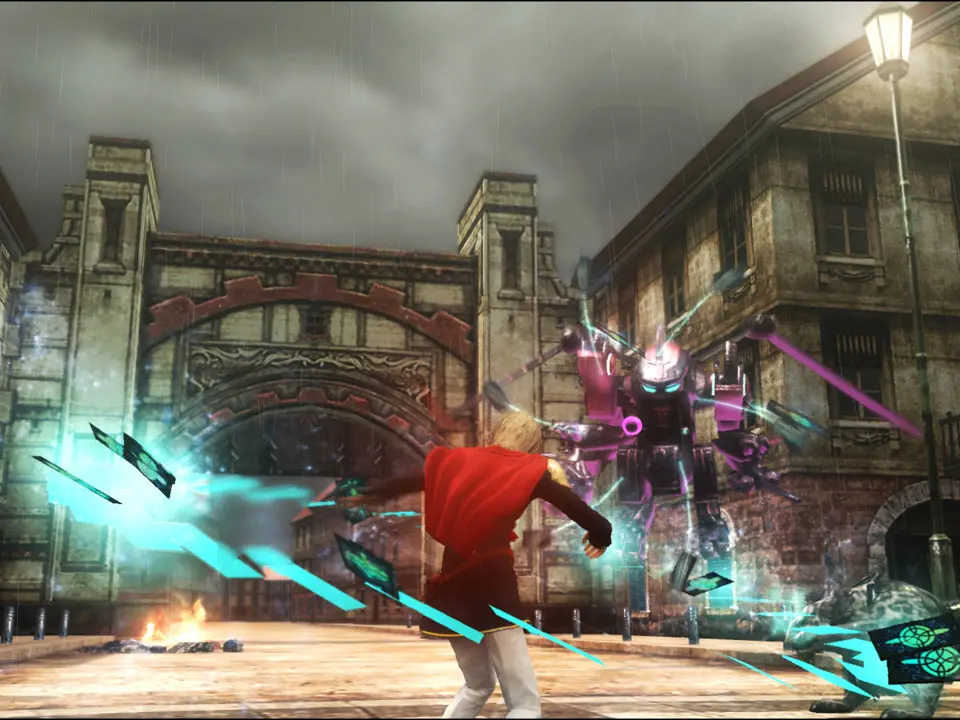
In-Game HUD:
- Top Left: Active Character's HP, MP, and Break Sight/Kill Sight indicators.
- Top Right: Mini-map, showing your current location, objectives, and nearby enemies.
- Bottom Left: Command Palette, displaying your currently equipped abilities and items.
- Bottom Right: Party Member Status, showing HP and MP of your two inactive party members.
- Center Screen (during combat): Target information, including enemy HP, weaknesses, and status effects.
Main Menu:
Accessed via the Options/Menu button, this is where you manage your cadets, equipment, abilities, and game settings.
- Cadets: View individual cadet stats, equip weapons/accessories, and manage abilities.
- Items: Access your inventory of consumables, key items, and materials.
- Abilities: Learn and customize your cadets' active and passive abilities.
- Magic: Equip and upgrade magic spells.
- Phantoma: View and convert collected Phantoma.
- Missions: Review current objectives and mission details.
- Intel: Access the Rubricon, a comprehensive database of lore, characters, and enemies.
- System: Save/Load game, adjust game settings, and view tutorials.
Regularly check the Main Menu to optimize your party, especially before challenging missions. The Intel section is particularly useful for understanding the game's rich lore and enemy weaknesses.