
Controls & Basic Movement
Welcome to the world of Final Fantasy VII Rebirth! Before you embark on your epic journey across Gaia, mastering the fundamental controls is paramount. This section will guide you through all essential movement, interaction, and basic combat controls, ensuring you're ready for anything the Shinra Electric Power Company throws your way.
General Movement & Exploration
Navigating the vast landscapes and intricate environments of Final Fantasy VII Rebirth is intuitive, but knowing the specific inputs will make your exploration seamless.
- Left Analog Stick: Controls character movement. Push gently for walking, or fully for running.
- Right Analog Stick: Adjusts the camera angle. Use this to get a better view of your surroundings, scout for hidden paths, or track enemies.
- L3 (Press Left Analog Stick): Initiates a sprint. This is invaluable for covering large distances quickly, especially in open-world areas. Remember to utilize it frequently to save time!
- X (PlayStation) / A (Xbox): The primary interaction button. Use this to:
- Talk to NPCs (Non-Player Characters).
- Open chests and collect items.
- Activate switches, levers, or other environmental objects.
- Enter buildings or transition between areas.
- Circle (PlayStation) / B (Xbox): Used for various context-sensitive actions, often related to traversal or canceling selections.
Essential Non-Combat Controls
Beyond simply moving and interacting, several key controls allow you to manage your party, inventory, and navigate the game's many systems.
- Options Button (PlayStation) / Menu Button (Xbox): Opens the Main Menu. This is your hub for:
- Accessing your inventory and managing items.
- Equipping Materia, weapons, and armor.
- Checking character stats and abilities.
- Reviewing quests and objectives.
- Saving your game (at designated save points or via the menu in certain areas).
- Adjusting game settings.
- Touchpad (PlayStation) / View Button (Xbox): Opens the Map. The map is crucial for:
- Viewing your current location and objectives.
- Identifying points of interest, fast travel points, and quest markers.
- Planning your route through complex areas.
- L1 (PlayStation) / LB (Xbox): Switches between active party members outside of combat. This is particularly useful for:
- Utilizing specific character abilities for environmental puzzles (e.g., Tifa's agility, Barret's ranged attacks).
- Positioning characters for better exploration or to interact with specific objects.
- R1 (PlayStation) / RB (Xbox): Context-sensitive button, often used for quick actions or to highlight interactive elements in the environment.
Basic Combat Controls (Movement & Defense)
While a full breakdown of combat will be covered in a dedicated section, understanding the fundamental movement and defensive options is critical from the very first encounter.
- Left Analog Stick: Controls your active character's movement during combat. Use this to reposition, flank enemies, or create distance.
- Right Analog Stick: Controls the camera during combat, allowing you to keep an eye on all enemies and allies.
- Circle (PlayStation) / B (Xbox): Dodge. This is your primary evasive maneuver. Tapping Circle/B will perform a quick dodge roll, allowing you to avoid incoming attacks. Mastering dodge timing is essential for mitigating damage and setting up counter-attacks.
- R1 (PlayStation) / RB (Xbox): Block. Holding R1/RB will guard against incoming attacks, significantly reducing damage taken. Some attacks can even be completely nullified or parried with precise blocking. Blocking also helps fill your ATB gauge, making it a valuable defensive and offensive tool.
- Square (PlayStation) / X (Xbox): Basic Attack. While not strictly movement, it's your most fundamental offensive action. We'll delve deeper into combat attacks in the "Combat System" section.
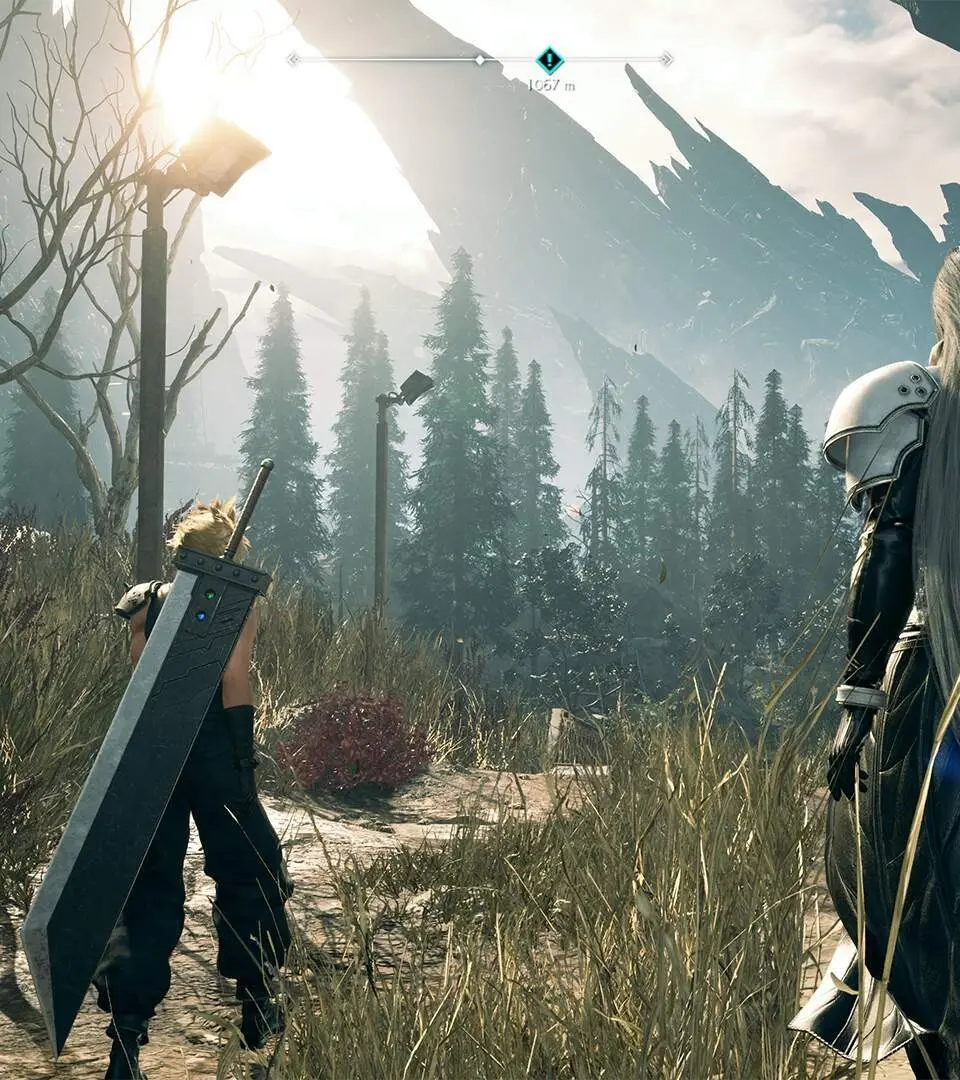
Practice Makes Perfect
The best way to internalize these controls is through practice. As soon as you gain control of Cloud and the party, take some time to:
- Move around the environment, experimenting with both walking and sprinting (L3).
- Interact with any glowing objects or NPCs using X/A.
- Open your Main Menu (Options/Menu button) and Map (Touchpad/View button) to see how they function.
- Initiate a few basic combat encounters and focus solely on dodging (Circle/B) and blocking (R1/RB) enemy attacks to get a feel for their timing and effectiveness.
By mastering these foundational controls, you'll be well-equipped to face the challenges and uncover the mysteries that await you in Final Fantasy VII Rebirth. Remember, responsiveness and quick thinking are key, and it all starts with knowing your inputs.
While Final Fantasy VII Rebirth utilizes an expansive open world, its movement mechanics retain a fluid, automated traversal style reminiscent of the linear pathing found in Final Fantasy XIII.