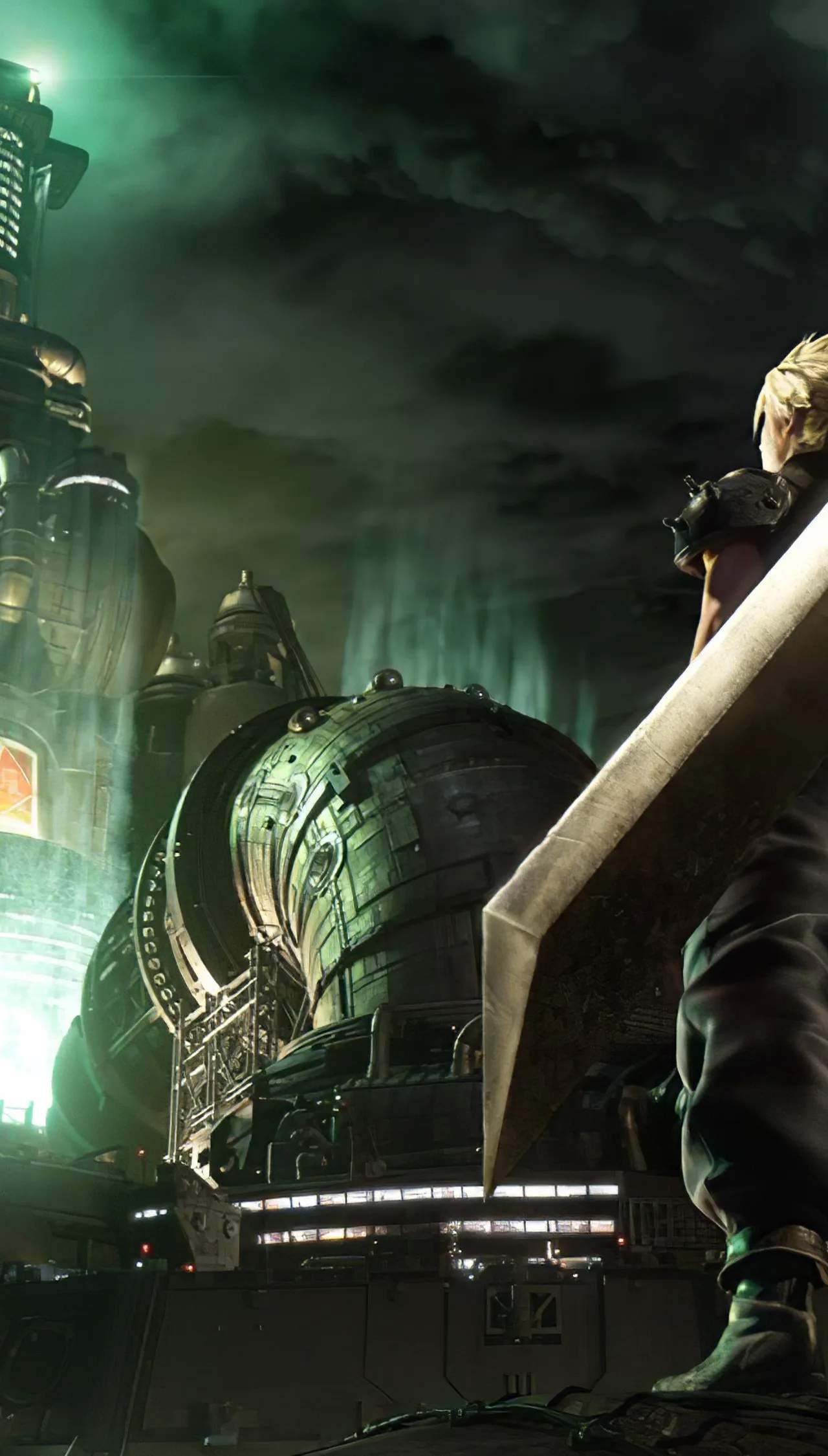
Master the intricate combat system of Final Fantasy VII Remake with our detailed control guide. Understand the nuances of character movement, ATB commands, blocking, dodging, and special abilities. This section breaks down every button input for both PlayStation controllers, ensuring you can execute complex maneuvers with precision.
PlayStation Controller Layout
Final Fantasy VII Remake utilizes the standard PlayStation controller layout. Understanding these inputs is fundamental to mastering the game's dynamic combat system.
Movement and Camera Controls
| Action | PS4/PS5 Button |
|---|---|
| Move Character | Left Analog Stick |
| Camera Control | Right Analog Stick |
| Jump | X Button |
| Crouch/Stealth | Circle Button |
Combat Controls
The combat system is a blend of real-time action and tactical ATB (Active Time Battle) commands.
| Action | PS4/PS5 Button | Description |
|---|---|---|
| Basic Attack | Square Button | Standard melee attack. Repeated presses form combos. |
| Block | L1 Button | Hold to block incoming attacks. Perfect blocks negate damage and build stagger. |
| Dodge | Circle Button (while moving) | Quick sidestep or roll to evade attacks. |
| Use ATB Command Menu | R1 Button | Opens the menu to select abilities, spells, or items. |
| Switch Character | D-Pad Left/Right | Cycle through active party members. |
| Use Item | D-Pad Down | Quickly access the item menu. |
| Use Special Ability (Character Specific) | Triangle Button | Activates unique character abilities like Cloud's "Focused Thrust." |
| Use Limit Break | L2 + R2 (when available) | Unleashes a powerful ultimate attack when the Limit Break gauge is full. |
Menu Navigation
- Open Main Menu: Options Button
- Navigate Menus: Left Analog Stick / D-Pad
- Confirm Selection: X Button
- Cancel/Go Back: Circle Button
Mastering these controls will allow you to fluidly switch between offense, defense, and tactical commands, crucial for overcoming the game's challenging encounters.