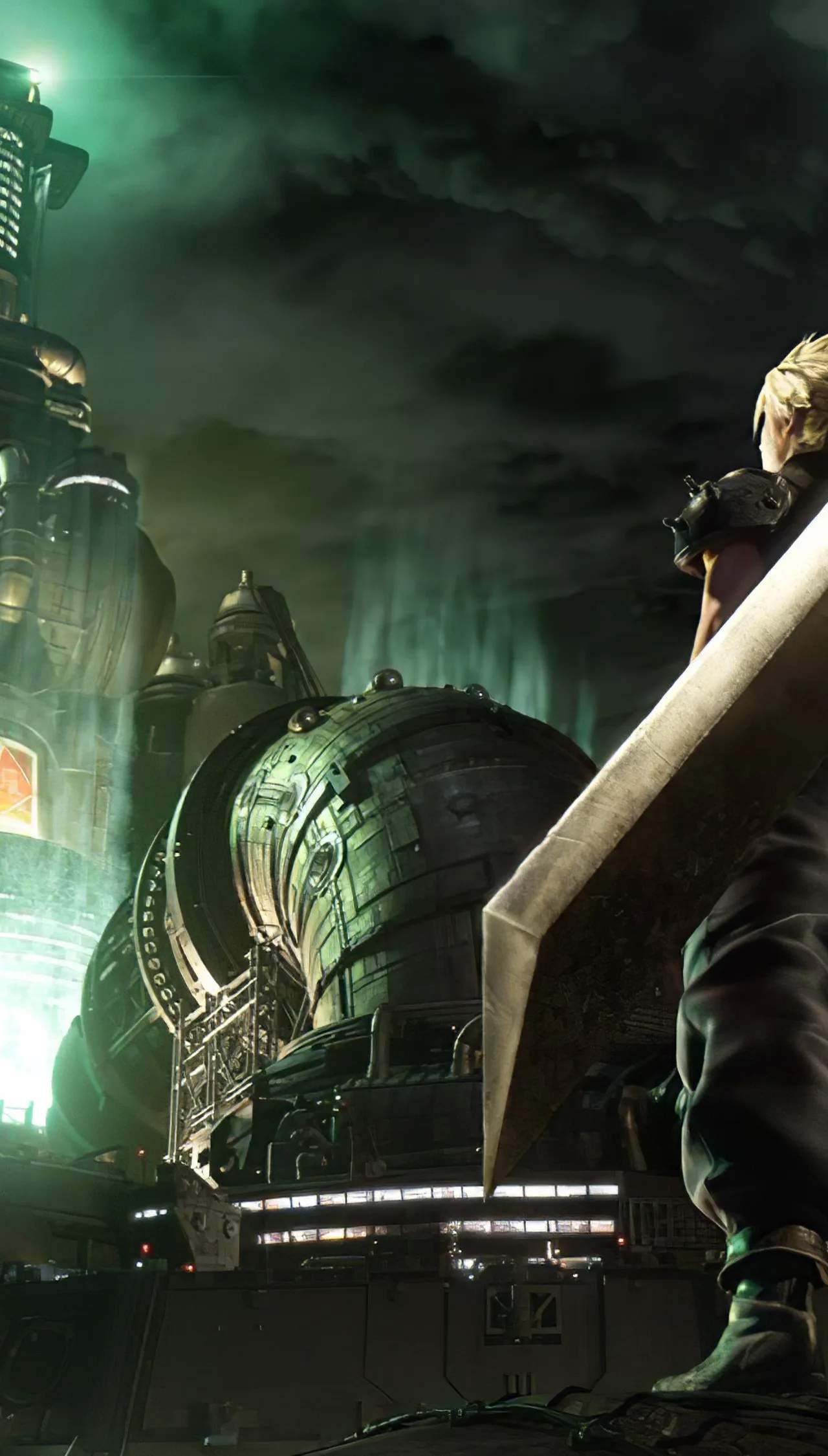
Understanding Basic Controls and UI
Navigating the world and engaging in combat in Final Fantasy VII Remake is made intuitive through its well-desed control scheme and user interface (UI). Mastering these basics is essential for both exploration and strategic combat, allowing players to react quickly and efficiently to the game's dynamic challenges.
Final Fantasy VII Remake features a modern control scheme that blends real-time action with strategic command-based elements. The user interface (UI) is desed to provide players with all the necessary information at a glance, from character stats and Materia to enemy information and ATB gauges. Understanding these fundamental controls and UI elements is crucial for a smooth and enjoyable gameplay experience, whether you're exploring the slums of Midgar or engaging in intense boss battles. This section breaks down the core controls and UI components.
Core Movement and Interaction Controls
- Movement: Use the left analog stick to move your character.
- Camera Control: Use the right analog stick to adjust the camera angle.
- Action Button (X): Used for interacting with objects, opening doors, talking to NPCs, and confirming selections in menus.
- Cancel Button (O): Used to back out of menus or cancel actions.
- Jump Button (X while near ledge): Allows Cloud to jump across gaps.
- Sprint (L3): Press the left analog stick to make your character sprint.
Combat Controls
Combat is a blend of real-time action and strategic command selection:
- Basic Attack (Square): Unleash rapid physical attacks.
- Block (L1): Hold L1 to block incoming attacks. Timed blocks can parry enemy strikes.
- Dodge (O): Press O to perform a quick dodge roll, evading attacks.
- ATB Commands (Hold R1): Hold R1 to bring up the command menu. Use the left analog stick to select abilities, spells, items, or other commands. Press X to execute the selected command.
- Switch Characters (D-Pad Left/Right): Quickly switch control between party members.
- Special Abilities (Triangle): Each character has unique abilities mapped to the Triangle button (e.g., Cloud's Punisher Mode).
User Interface (UI) Elements
The UI provides vital information during gameplay:
- HP Gauges: Located at the top of the screen, showing the health of your active party members and targeted enemies.
- ATB Gauges: These fill up during combat, allowing you to use special abilities and spells. Each character has their own ATB gauge.
- Materia Slots: Displayed on weapons and armor, showing where Materia can be equipped.
- Minimap: Usually found in the corner, showing your immediate surroundings, objectives, and points of interest.
- Command Menu: Accessed by holding R1, displaying available actions.
- Status Icons: Indicate active buffs and debuffs on characters and enemies.
Familiarizing yourself with these controls and UI elements will sificantly enhance your ability to navigate the world and master the strategic combat of Final Fantasy VII Remake.