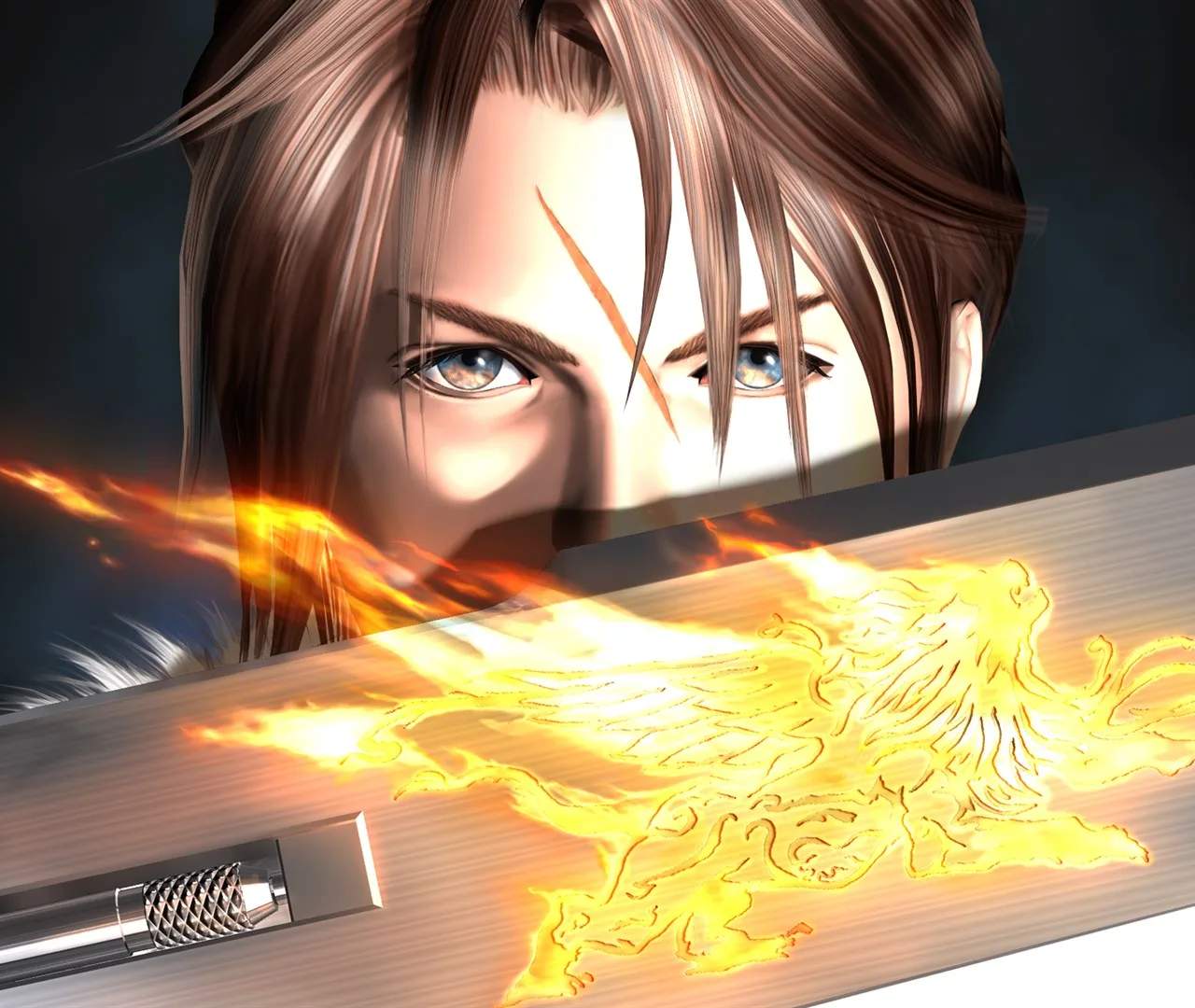
Installation & Initial Setup
Embarking on your Final Fantasy VIII Remastered adventure starts with a smooth installation and initial setup. This guide will ensure you're ready to dive into the world of SeeD and Garden with minimal fuss. We'll cover the essential steps for getting the game running and making those first crucial configurations.
Getting Final Fantasy VIII Remastered installed and ready to play is a straightforward process, desed to get you into the game quickly. Whether you're on PC or a console, the steps are generally intuitive. For PC players, this typically involves purchasing the game through a digital platform like Steam or the Epic Games Store, downloading the necessary files, and then running the installer. Console players will download and install directly from their respective digital storefronts.
PC Installation:
- Purchase: Acquire Final Fantasy VIII Remastered from your preferred PC digital storefront.
- Download: Once purchased, initiate the download. Ensure you have adequate storage space and a stable internet connection.
- Install: After the download completes, the game will typically install automatically or prompt you to begin the installation. Follow the on-screen instructions.
Console Installation (PlayStation, Xbox, Nintendo Switch):
- Purchase: Buy the game from your console's digital store.
- Download & Install: The game will automatically download and install onto your console's internal storage or connected drive.
Initial Setup:
Once the game is installed, you'll want to configure a few settings to optimize your experience:
- Graphics Settings (PC): Upon first launch, or through the game's options menu, you can adjust graphical settings such as resolution, texture quality, anti-aliasing, and frame rate caps. It's recommended to tailor these to your system's capabilities for a smooth frame rate.
- Audio Settings: Adjust the volume for music, sound effects, and voice acting to your preference.
- Control Configuration: The game usually defaults to standard controls, but you can remap buttons or adjust sensitivity for controllers or keyboard and mouse if desired.
- Game Options: Explore other options like text speed, battle speed, and camera settings to personalize your gameplay.
Important Considerations:
- Updates: Always check for game updates after installation. Patches often include bug fixes and performance enhancements.
- Save Data: Familiarize yourself with how saving works. In Final Fantasy VIII Remastered, saving is typically done via the menu or at specific save points.
With these initial steps completed, you're ready to begin your journey through the world of Final Fantasy VIII Remastered. Enjoy the adventure!