
Understanding the controls and user interface is paramount for navigating Garreg Mach and the battlefield efficiently. The game utilizes standard Nintendo Switch controls, with A for confirmation, B for cancellation, and X/Y for menu access. The left stick moves your character, while the right stick controls the camera in exploration segments. During battles, you'll use the D-pad or left stick to select units and move the cursor.
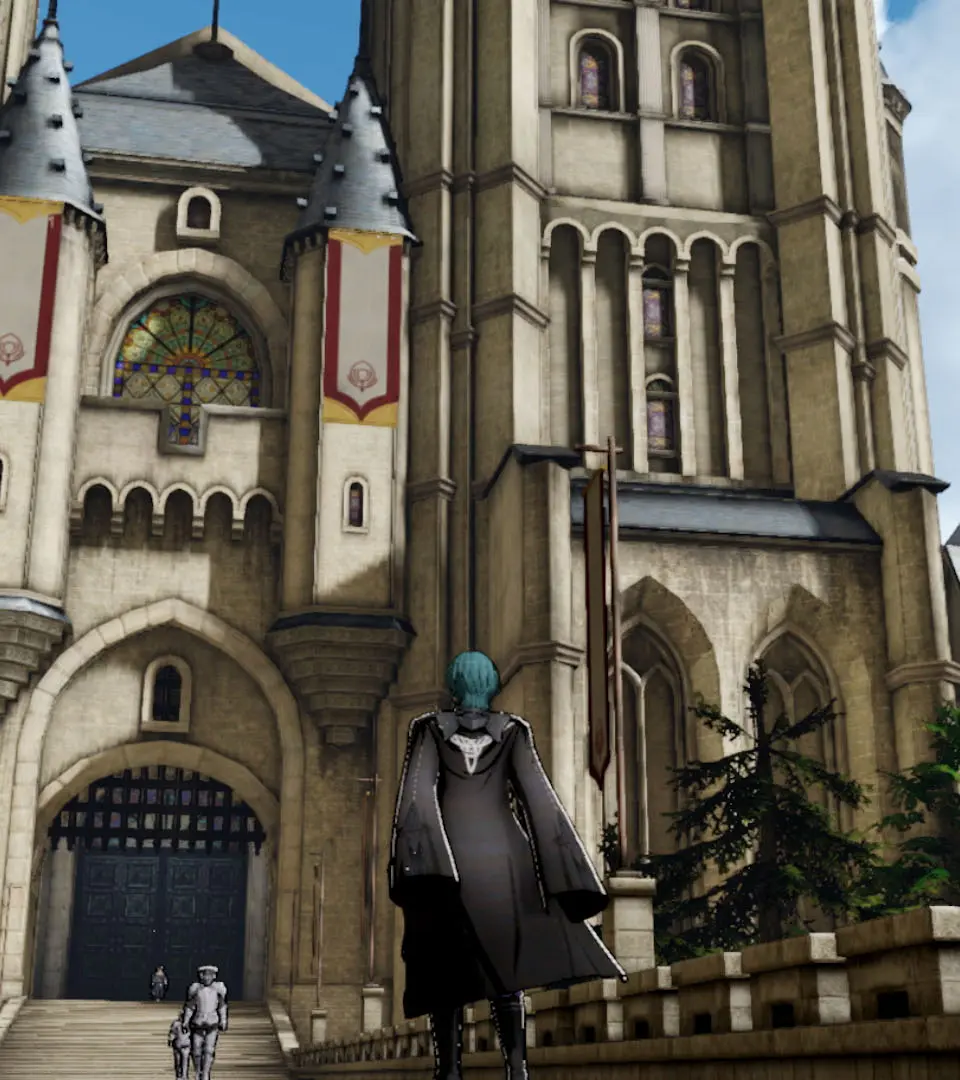
The UI is divided into several key areas: the monastery map, battle preparation screen, and the battle grid. Pay attention to the mini-map in the monastery for quick navigation and the unit information panels during combat to assess stats and abilities. Familiarize yourself with the various menu options, including inventory, unit roster, and the activity calendar, which are all accessible via the X button.