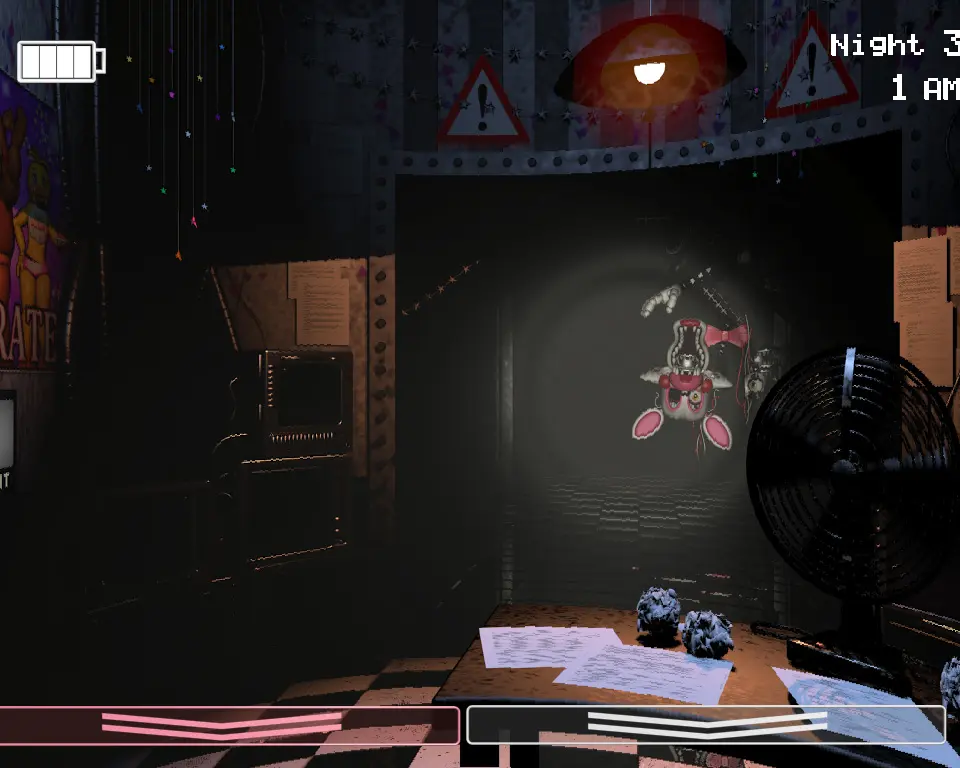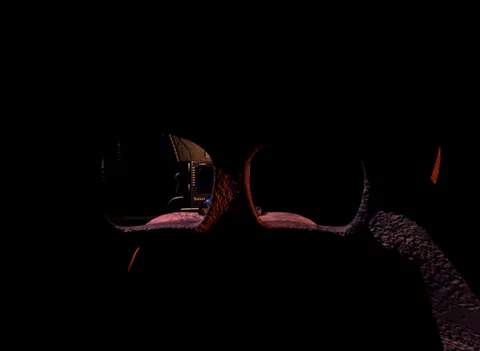
The FNaF 2 user interface is minimalist but provides all the critical information you need. At the bottom of your screen, you'll see the time (12 AM to 6 AM) and the current night. The power indicator for your flashlight is also displayed here. On the right side, you'll find the camera button to access the monitor, and the mask button to equip the Freddy Fazbear Head. When the monitor is active, you'll see a map of the pizzeria with camera feeds. Pay close attention to the 'Music Box' winding indicator on CAM 11 (Prize Corner) when the monitor is up. A red exclamation mark indicates the music box is about to run out, which is a critical failure condition. Familiarize yourself with the layout of the camera map to quickly locate animatronics and prioritize your actions.