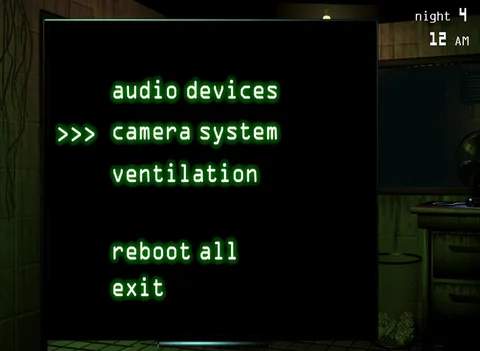
During Night 1, you might encounter minor system errors, most commonly with the ventilation. If you see a red 'X' over the 'Ventilation' icon, open your 'Maintenance Panel' and click 'Reboot All'. This will temporarily disable your cameras and audio, so ensure Springtrap is not directly outside your office or in the vents leading to it before initiating a reboot. The reboot process takes a few seconds, during which you are vulnerable. Listen for Springtrap's footsteps or breathing sounds. If you hear them, quickly close the maintenance panel and prepare to react. The phantom animatronics are rare on Night 1, but if one appears, try to look away quickly to avoid the jump scare and subsequent system error.