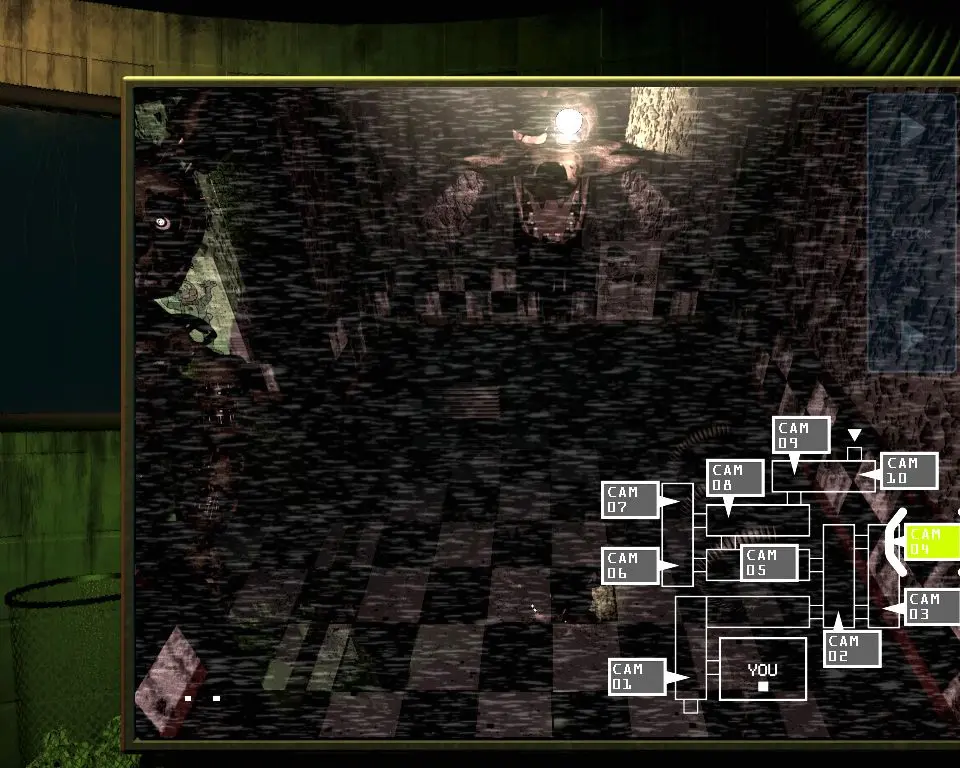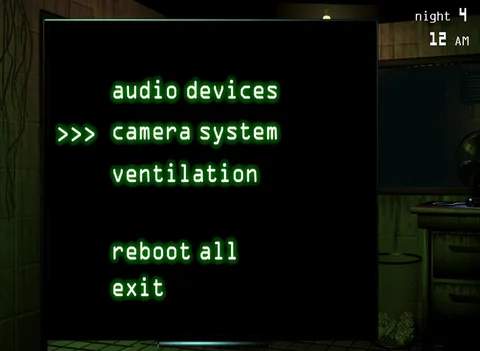
The Camera System is your primary tool for tracking Springtrap's movements throughout Fazbear's Fright. Accessed via the 'Camera System' button at the bottom of your screen, it allows you to cycle through various camera feeds. There are main cameras (CAM 01-10) and ventilation cameras (CAM 11-15). A red 'X' on a camera icon indicates Springtrap has entered that vent, allowing you to seal it. The camera system can malfunction, indicated by a red 'X' on its icon, which prevents you from viewing cameras until rebooted. While a camera system failure isn't as immediately critical as a ventilation failure, it severely hinders your ability to track Springtrap, making you vulnerable.