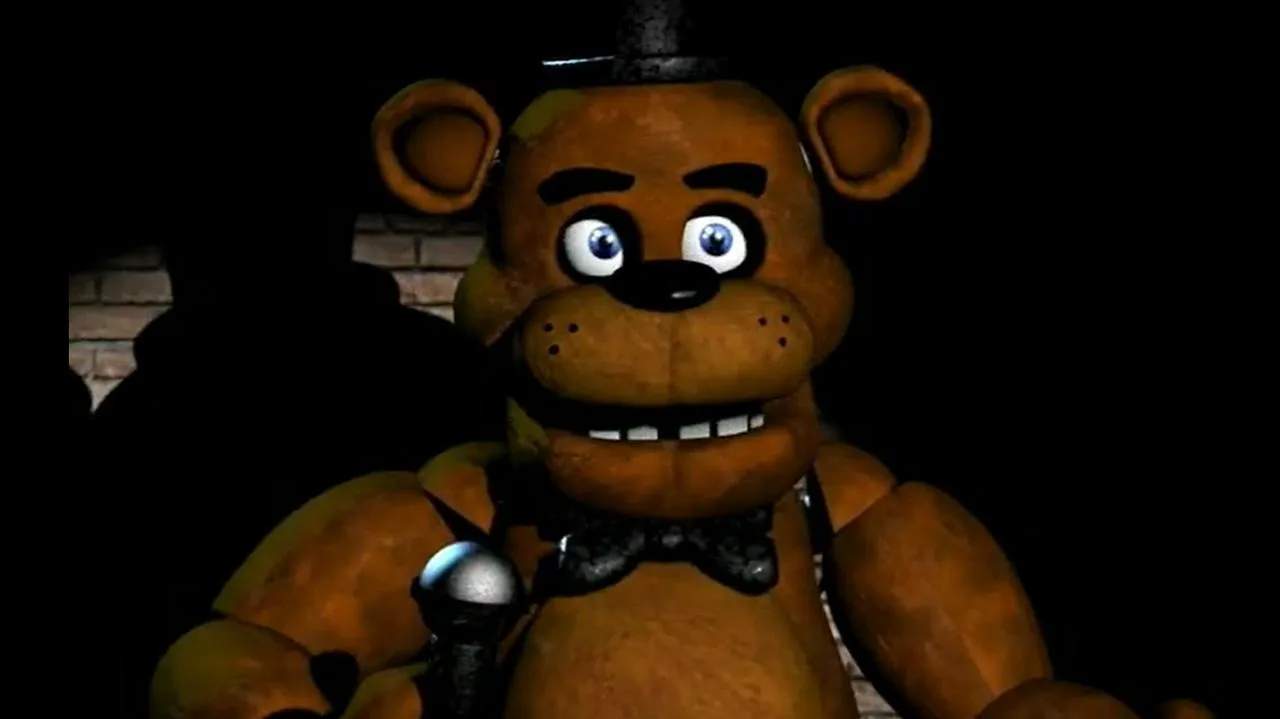
The security monitor is your window to the rest of Freddy Fazbear's Pizza. It allows you to view various camera feeds throughout the building, tracking the animatronics' movements. It's a double-edged sword: essential for tracking, but it consumes power and prevents you from seeing your immediate surroundings.
Usage:
- Activate: Click the large arrow icon at the bottom of your screen or press the Spacebar.
- Deactivate: Click the arrow icon again or press the Spacebar.
- Switch Cameras: Click on the camera numbers on the map displayed on the monitor.
Key Camera Locations:
- CAM 1A (Show Stage): Where Freddy, Bonnie, and Chica start.
- CAM 1B (Dining Area): Common path for all three.
- CAM 1C (Pirate Cove): Foxy's lair, crucial for tracking him.
- CAM 2A (West Hall): Bonnie's path.
- CAM 2B (West Hall Corner): Bonnie's final stop before your door; also where Golden Freddy poster can appear.
- CAM 3 (Supply Closet): Bonnie can pass through here.
- CAM 4A (East Hall): Chica and Freddy's path.
- CAM 4B (East Hall Corner): Chica and Freddy's final stop before your door.
- CAM 5 (Backstage): Bonnie can pass through here.
- CAM 6 (Kitchen): Chica and Freddy can enter; audio only.
- CAM 7 (Restrooms): Chica and Freddy can pass through here.
Efficient camera usage involves quick checks of critical locations, especially CAM 1C for Foxy and CAM 4A/4B for Freddy.