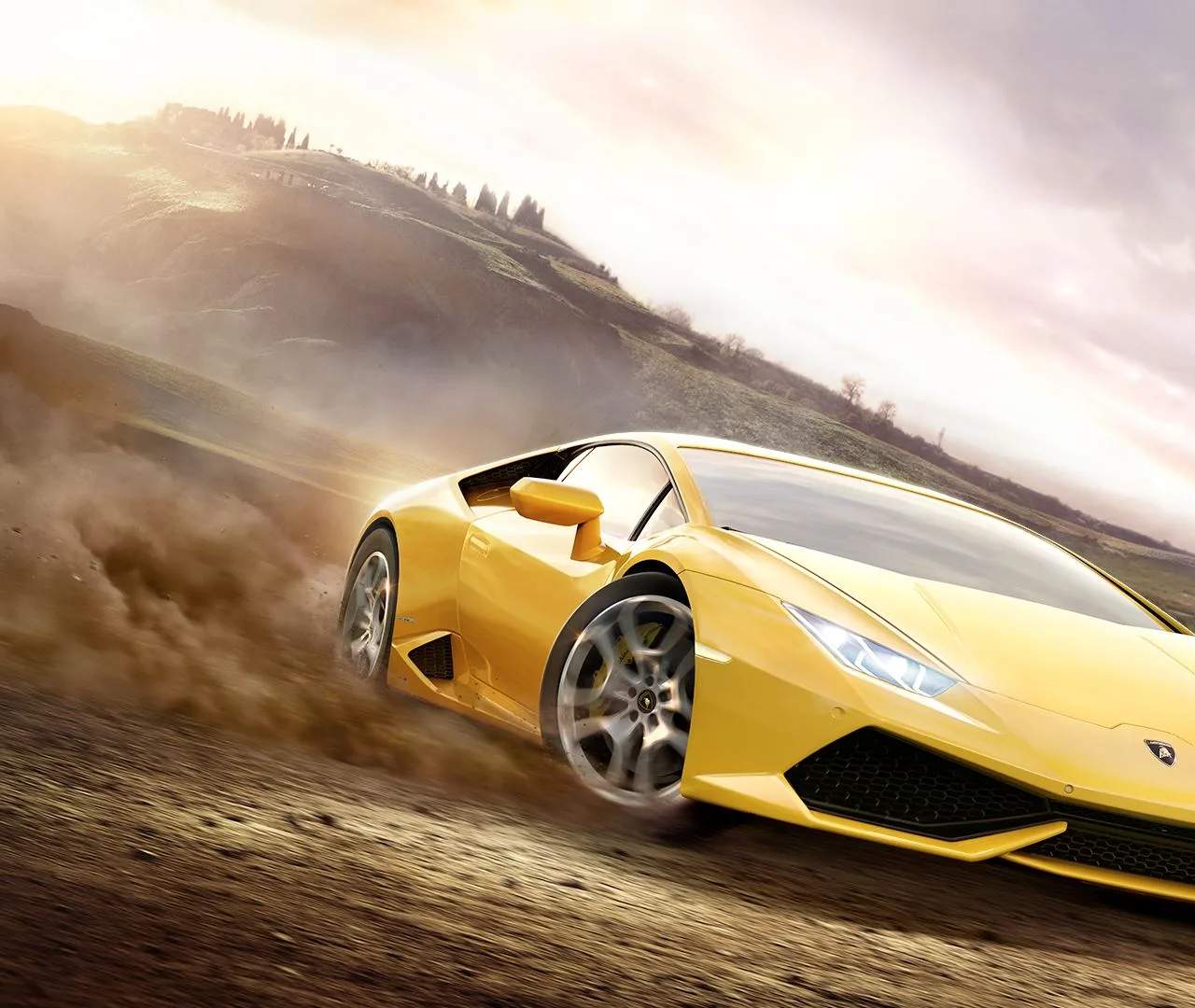
Forza Horizon 2 offers robust creative tools for players to express themselves:
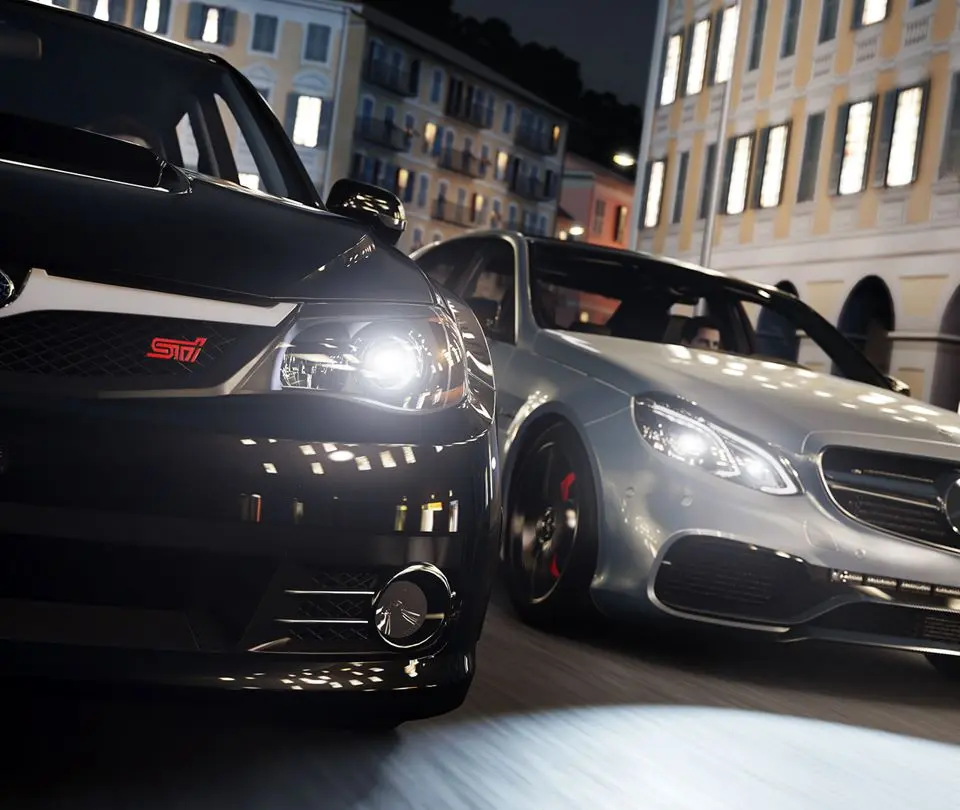
- Photo Mode: Accessible by pressing D-Pad Left (or Right, depending on settings) during gameplay, Photo Mode allows you to pause the action and take stunning screenshots of your cars and the environment. You can adjust camera angles, aperture, focus, exposure, and apply various filters. Photos can be saved to your gallery and shared online.
- Livery Editor: Found in the Paint & Customize section of your garage, the Livery Editor allows you to create custom paint jobs and decals for your cars. You can apply vinyl shapes, text, and logos, and layer them to create intricate designs. You can also download liveries created by other players or upload your own for others to use. This is a fantastic way to personalize your vehicles and stand out.
Don't underestimate the fun and community engagement these features offer. Share your creations and admire those of others!