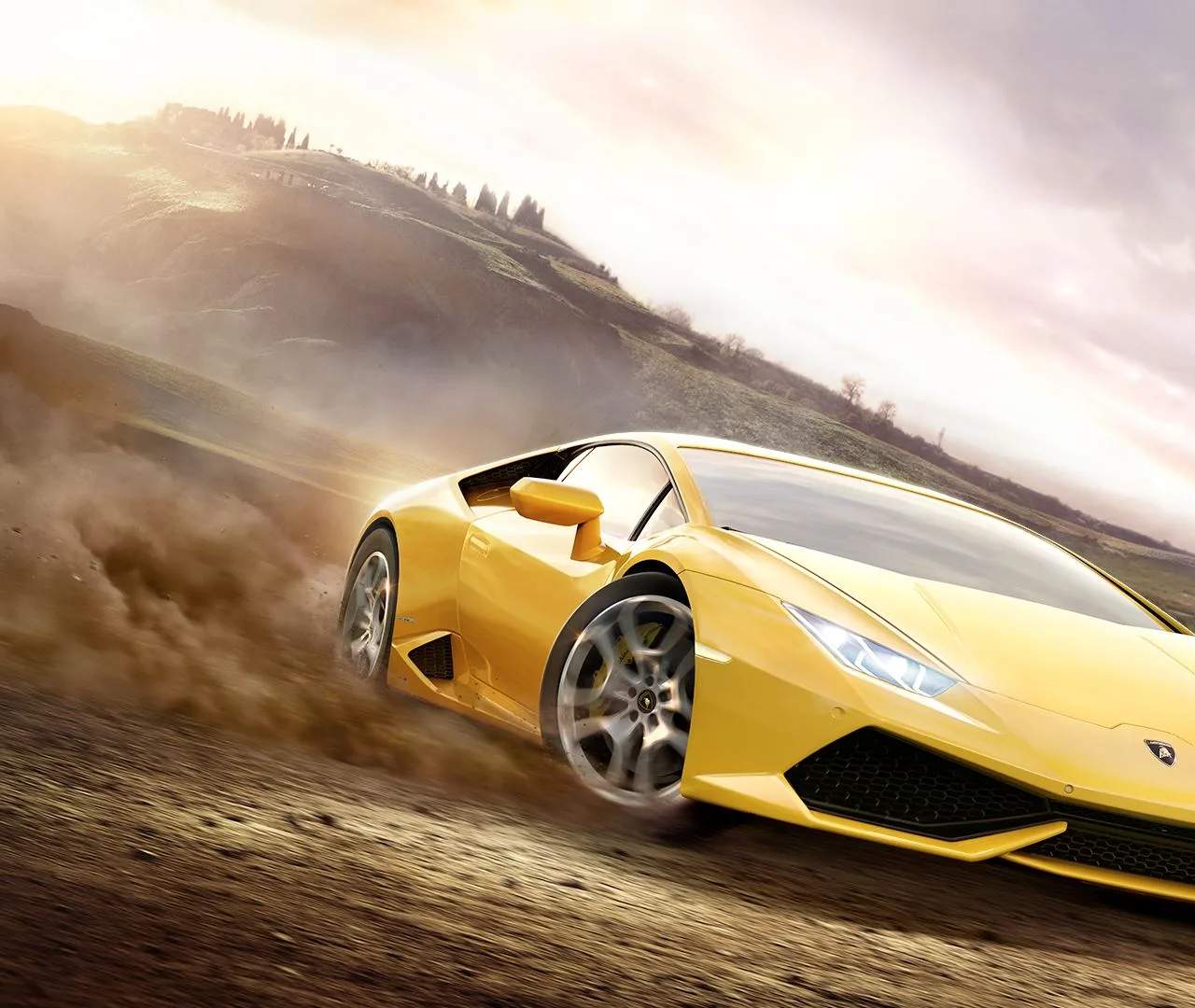
The Forza Horizon 2 UI provides all the information you need without being overly intrusive. Here's a quick guide to what you'll see on screen:
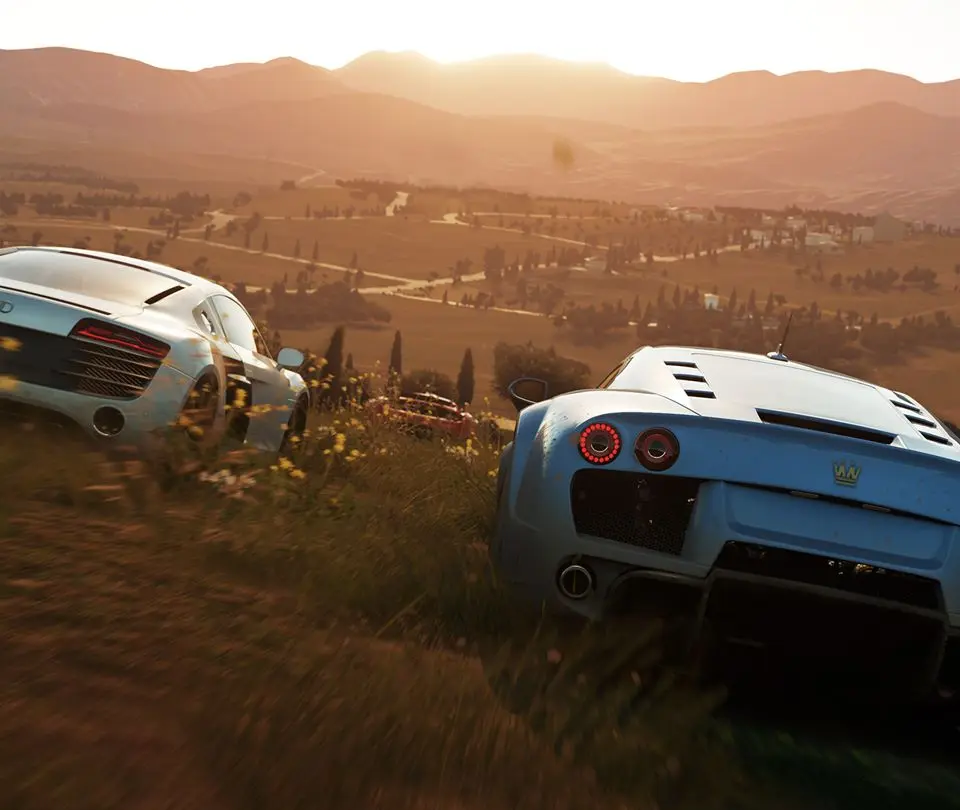
- Speedometer/Tachometer: Located at the bottom center, showing your current speed and engine RPM.
- Mini-Map: Top left corner, displaying your current location, nearby events, and GPS route.
- Event Information: During races, this appears at the top of the screen, showing your position, lap count, and time.
- Skill Chain: Bottom right, tracking your current skill score from drifts, airtime, speed, and more.
- ANNA (Artificial Neural Network Assistant): Your in-game GPS and assistant. Pressing 'A' or D-Pad Up will bring up ANNA, allowing you to quickly set routes to events, car meets, or even just explore.
- Horizon Festival Hub: Accessed via the Menu button, this is your central hub for car management, upgrades, paint shop, online modes, and game settings.
Familiarize yourself with these elements to navigate the world efficiently and stay informed during gameplay.