
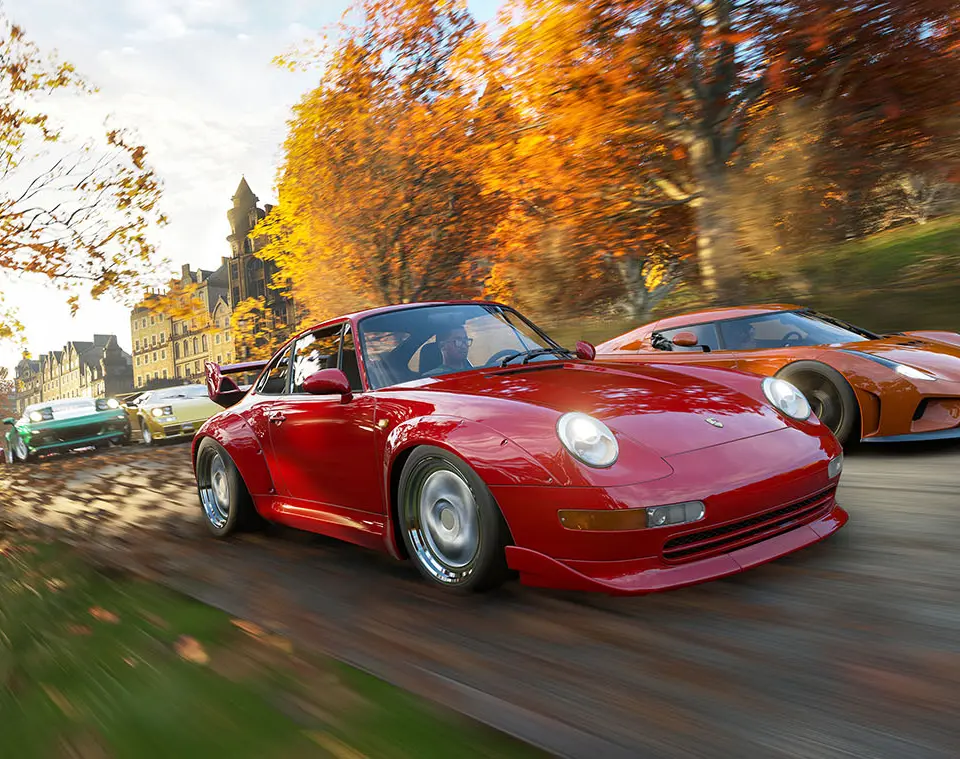
Upon first launching Forza Horizon 4, you'll be guided through a brief introductory sequence showcasing the four distinct seasons. This also serves as a tutorial for basic driving mechanics. Familiarize yourself with the default control scheme, which is highly intuitive for racing games. You can always customize these settings later in the 'Settings' menu under 'Controller' or 'Keyboard'.
Default Controls (Xbox Controller):
- RT: Accelerate
- LT: Brake/Reverse
- Left Stick: Steer
- Right Stick: Camera Control
- A: Activate/Confirm
- B: Back/Cancel
- X: Handbrake
- Y: Rewind (very useful for correcting mistakes!)
- View Button: Map
- Menu Button: Pause Menu
Experiment with different camera angles (D-Pad Up) to find what suits your driving style best. The 'Rewind' feature is your best friend for learning new tracks and perfecting corners without restarting an entire race.