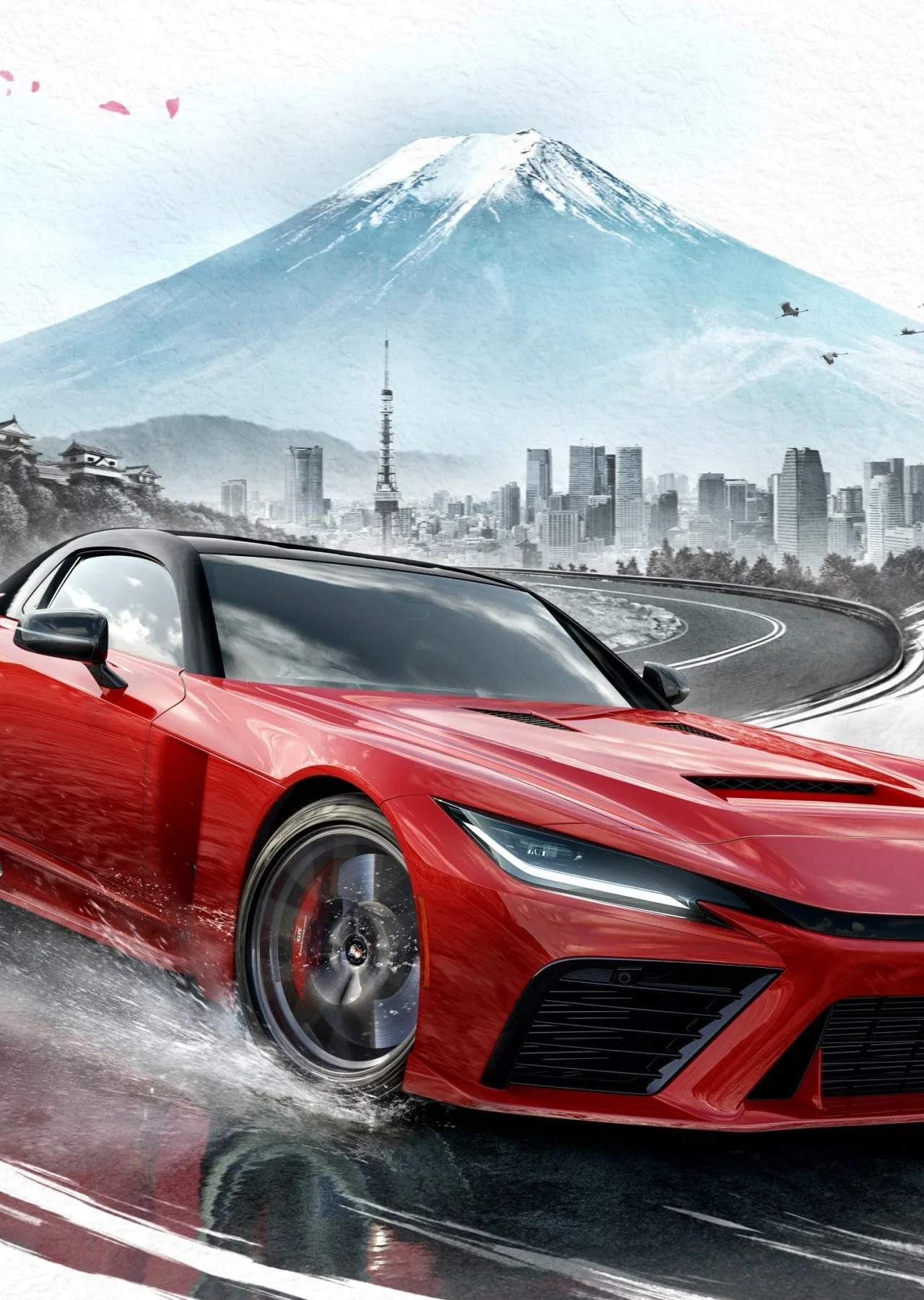
The Heads-Up Display (HUD) and User Interface (UI) in Forza Horizon 6 are designed to provide essential information at a glance, keeping you informed without obstructing the breathtaking views of Japan. Understanding each element will help you navigate races, manage your car, and interact with the game world more effectively.
Key HUD Elements:
- Speedometer: Displays your current speed, crucial for maintaining optimal racing pace.
- Tachometer: Shows your engine's RPM, vital for shifting gears at the right moment, especially with manual transmission.
- Gear Indicator: Displays your current gear.
- Mini-map: Provides an overview of your immediate surroundings, including race objectives, points of interest, and other players.
- Navigation Route: A line on the mini-map and the road ahead indicating your path to the next objective.
- Race Position: Your current standing relative to other competitors.
- Lap Counter: Shows current lap and total laps in timed races.
- Event Objectives: Displays current goals, such as speed trap targets, drift score requirements, or distance to cover.
- Skill Meter: Tracks your current skill score from performing stunts like drifts, near misses, and jumps.
- Car Condition: Indicates damage to your vehicle.
UI Elements:
- Main Menu: Access to Career, Online, Autoshow, Garage, Settings, and more.
- Pause Menu: Options to restart race, quit, change settings, or view objectives.
- Car Select Screen: Browse and select your vehicles for events.
- Upgrade Shop: Access to car tuning and visual modifications.
- Festival Hubs: Central locations for accessing events, shops, and social features.
You can customize the visibility and position of many HUD elements in the game's settings to create a cleaner or more informative display, ensuring you have the information you need without distraction.