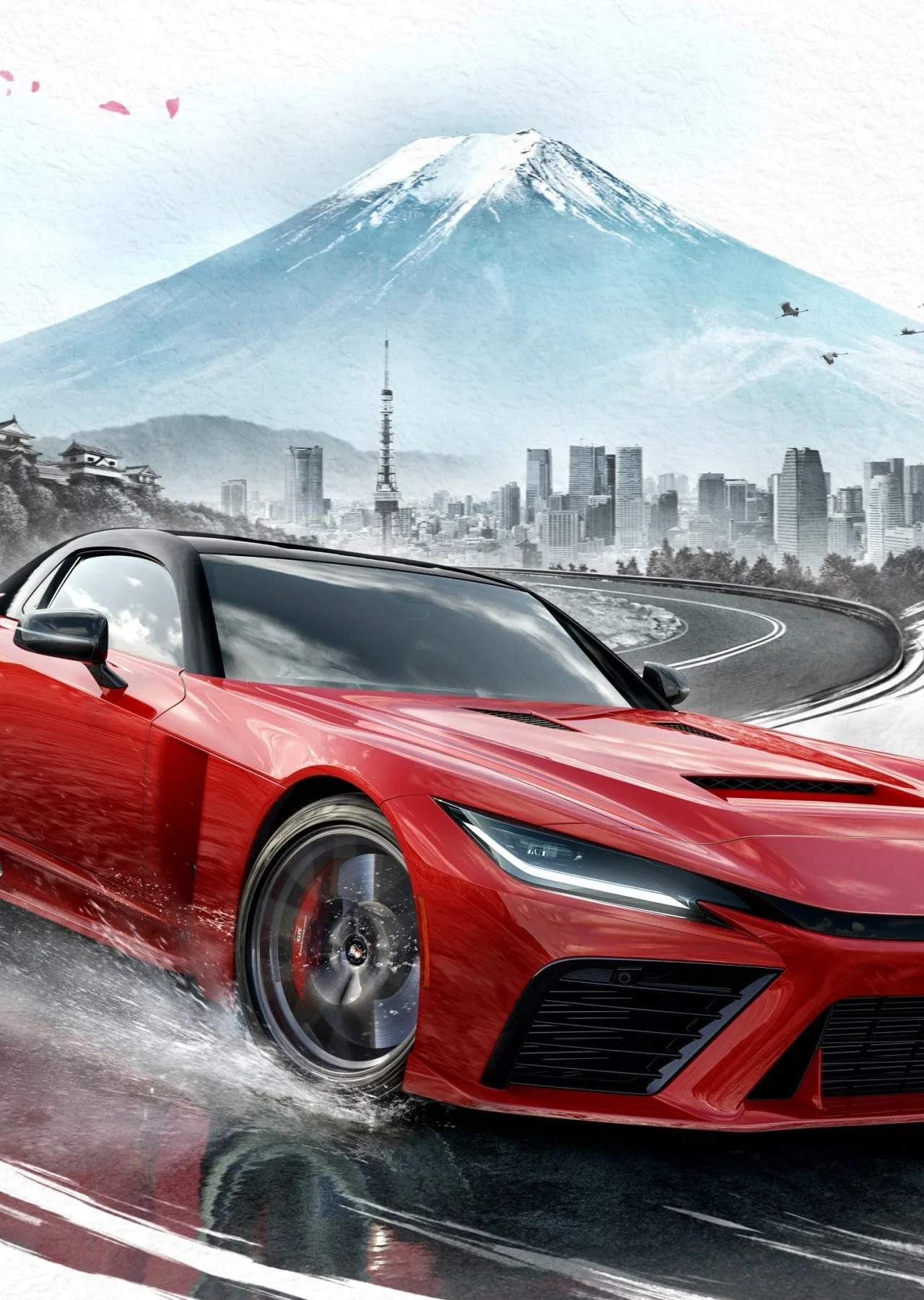
Upon launching Forza Horizon 6 for the first time, taking a moment to adjust your initial game settings can significantly enhance your gameplay experience. These settings cover visual fidelity, audio, and control responsiveness, allowing you to tailor the game to your preferences and hardware capabilities. Optimizing these early on will ensure smooth performance and an immersive journey through the stunning Japanese landscapes.
Video Settings:
- Resolution: Set this to your display's native resolution for the sharpest image.
- Frame Rate Target: Choose between "Performance" (smoother gameplay, often 60fps) or "Quality" (higher visual fidelity, potentially 30fps). On Xbox Series S/X, performance modes are generally recommended for racing.
- Graphics Presets: Start with a preset like "High" or "Ultra" and then fine-tune individual settings.
- Visual Effects: Consider lowering settings like Motion Blur, Bloom, and Lens Flare if they cause discomfort or performance drops.
- Shadow Quality & Texture Quality: These have a significant impact on visuals and performance. Adjust based on your hardware.
Audio Settings:
- Master Volume: Adjust to your preference.
- Music Volume: Control the level of the in-game radio stations.
- Engine Audio: Ensure this is prominent to fully appreciate the diverse soundscapes of the 550 launch cars.
Controls Settings:
- Steering Sensitivity: Adjust to find a balance between responsiveness and control.
- Vibration Feedback: Enable for a more immersive feel of the road and car.
- Assists: Familiarize yourself with options like Traction Control, Stability Management, ABS, and Automatic/Manual Transmission. You can adjust these later to match your skill level.
Experimenting with these settings will help you get the most out of Forza Horizon 6's expansive world and impressive car roster.