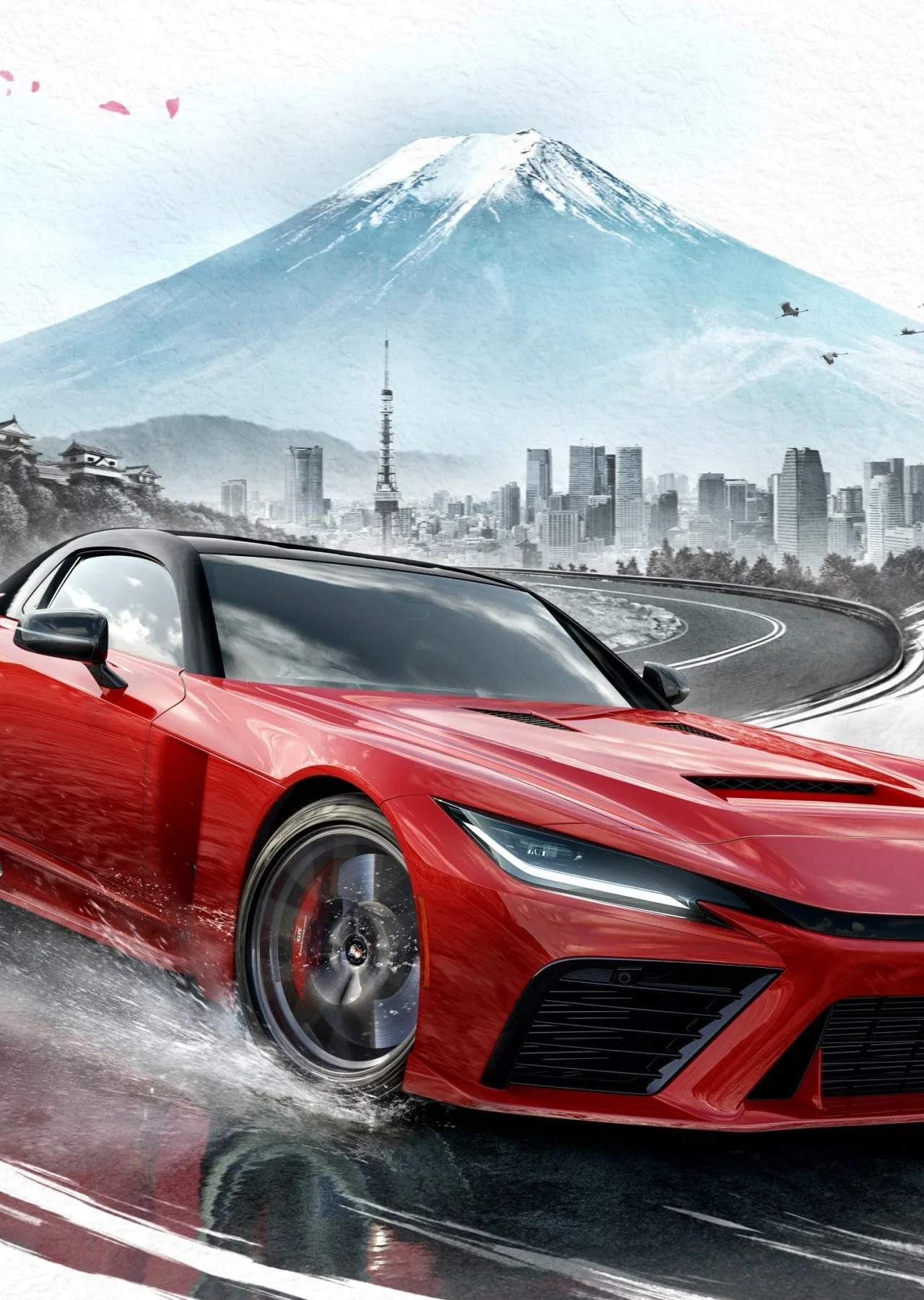
Forza Horizon 6 elevates the beloved Photo Mode, allowing players to capture the breathtaking beauty and exhilarating action of their driving adventures. With an array of camera controls, filters, and effects, you can transform your gameplay moments into stunning works of art. Beyond personal enjoyment, the Photo Mode serves as a gateway to the vibrant Forza Horizon community, enabling you to share your photographic masterpieces and discover the creative visions of others.
Mastering Photo Mode
Accessing Photo Mode is typically done via a dedicated button on your controller or a keyboard shortcut. Once activated, you'll have a suite of tools at your disposal:
- Camera Controls: Move the camera freely, adjust its height and angle, and zoom in or out to frame your perfect shot.
- Focus and Depth of Field: Control the focus point to highlight your vehicle or a specific element of the environment, while blurring the background for a professional look.
- Exposure and Color Adjustments: Fine-tune brightness, contrast, saturation, and other color settings to match the mood and atmosphere of your scene.
- Filters and Effects: Apply several pre-set filters or add effects like motion blur, lens flare, and chromatic aberration to enhance the visual impact.
- Time of Day and Weather: Manipulate the in-game time of day and weather conditions to create dramatic lighting and atmospheric effects.
Community Showcase and Sharing
The "Community Showcase" is the heart of the Forza Horizon 6 photography scene. Here, You can upload their best photos for others to view, like, and comment on. To share your photos:
- Take your photo in Photo Mode.
- Save the photo to your in-game gallery.
- Navigate to the "Community Showcase" section and select "Upload Photo."
- Add a descriptive title and relevant tags to help others find your work.
Regularly browsing the Community Showcase is a fantastic way to draw inspiration, discover new photography techniques, and appreciate the diverse landscapes and vehicles within Forza Horizon 6.
Tips for Stunning Photos
- Find Dynamic Scenery: use the diverse Japanese map, from towering mountains to vibrant cityscapes, for dramatic backdrops.
- Capture Action: Photograph your car mid-drift, jumping over obstacles, or racing at high speeds for dynamic shots.
- Experiment with Lighting: Golden hour (sunrise/sunset) often provides the most beautiful and dramatic lighting.
- Use the Rule of Thirds: Mentally divide your screen into thirds and place key elements along these lines or at their intersections for a more balanced composition.