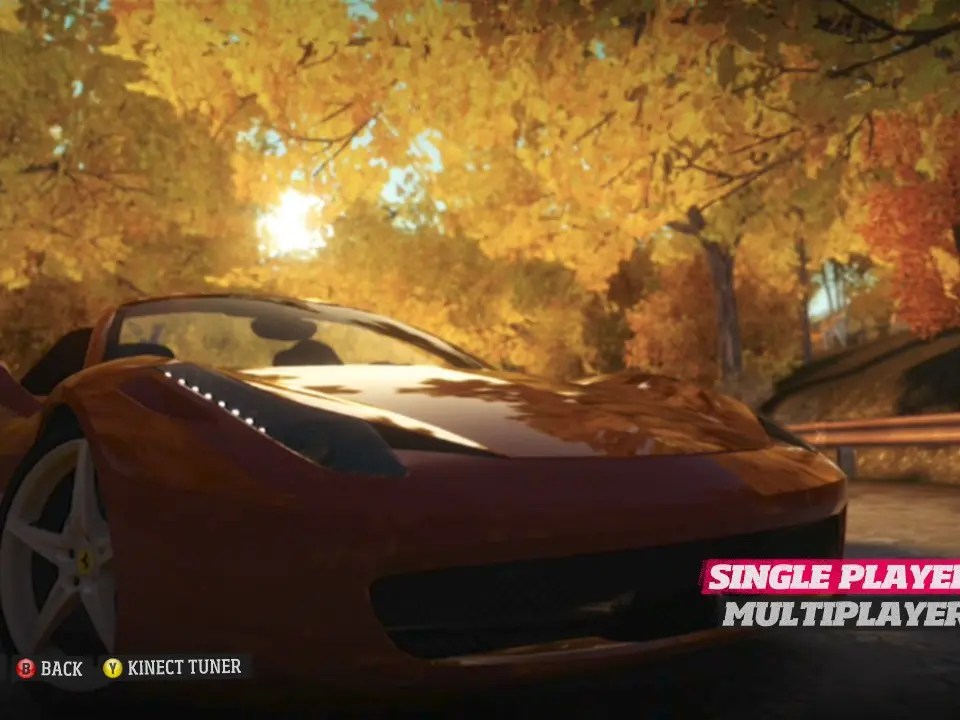
Upon starting Forza Horizon for the first time, you'll be prompted to adjust several settings. It's crucial to customize your controls and driving assists to match your playstyle. The default controls are generally good for most players, but feel free to experiment. For Xbox controllers, the right trigger accelerates, the left trigger brakes, and the left stick steers. The A button is typically for the handbrake, and X for changing gears (if manual). In the 'Difficulty' settings, you can adjust 'Driving Assists' such as ABS, Traction Control, Stability Control, and the Racing Line. For beginners, it's recommended to keep most assists on and the racing line set to 'Full' to learn track layouts. As you gain confidence, gradually turn these off for a more challenging and rewarding experience, which also grants higher credit bonuses. Remember, finding your comfort zone with controls and assists is key to enjoying the game and improving your lap times.