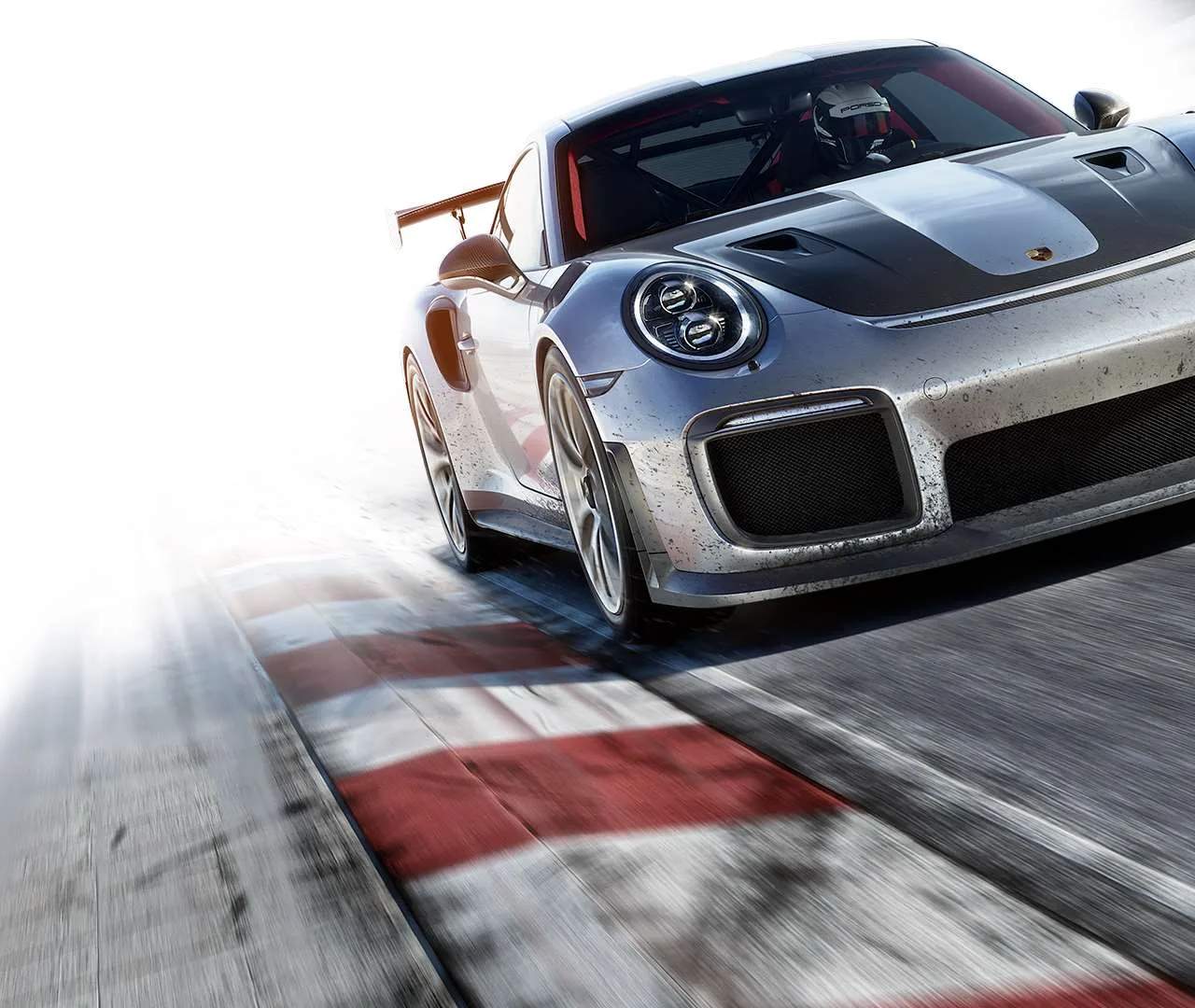
The Forza Motorsport 7 UI is designed to be intuitive, but knowing where everything is located will save you time and frustration. The main menu is your hub for all game activities.
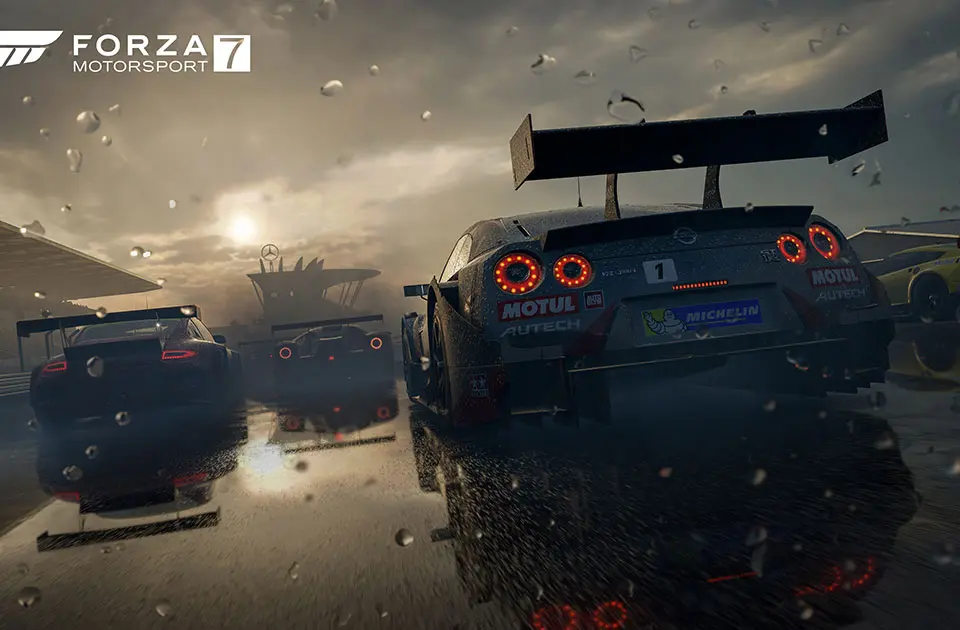
Main Menu Sections:
- Forza Driver's Cup: This is the primary single-player campaign.
- Free Play: Practice on any track with any car you own. Essential for learning new cars and tracks.
- Multiplayer: Race against other players online.
- Rivals: Compete against ghost cars of other players for best lap times.
- Cars: Access your garage, buy new cars, and upgrade existing ones.
- Customize: Paint cars, apply liveries, and create custom designs.
- Forza TV: Watch replays and community-created content.
- Marketplace: Purchase car packs, VIP passes, and other DLC.
- Options: Adjust game settings, audio, video, and controls.
During a race, the HUD (Heads-Up Display) provides crucial information:
- Speedometer/Tachometer: Displays current speed and engine RPM.
- Gear Indicator: Shows your current gear.
- Lap Counter/Position: Tracks your progress in the race.
- Minimap: Shows your position on the track and nearby competitors.
- Damage Indicator: Alerts you to any damage sustained by your vehicle.
Familiarize yourself with these elements to make informed decisions during races and navigate the game efficiently.