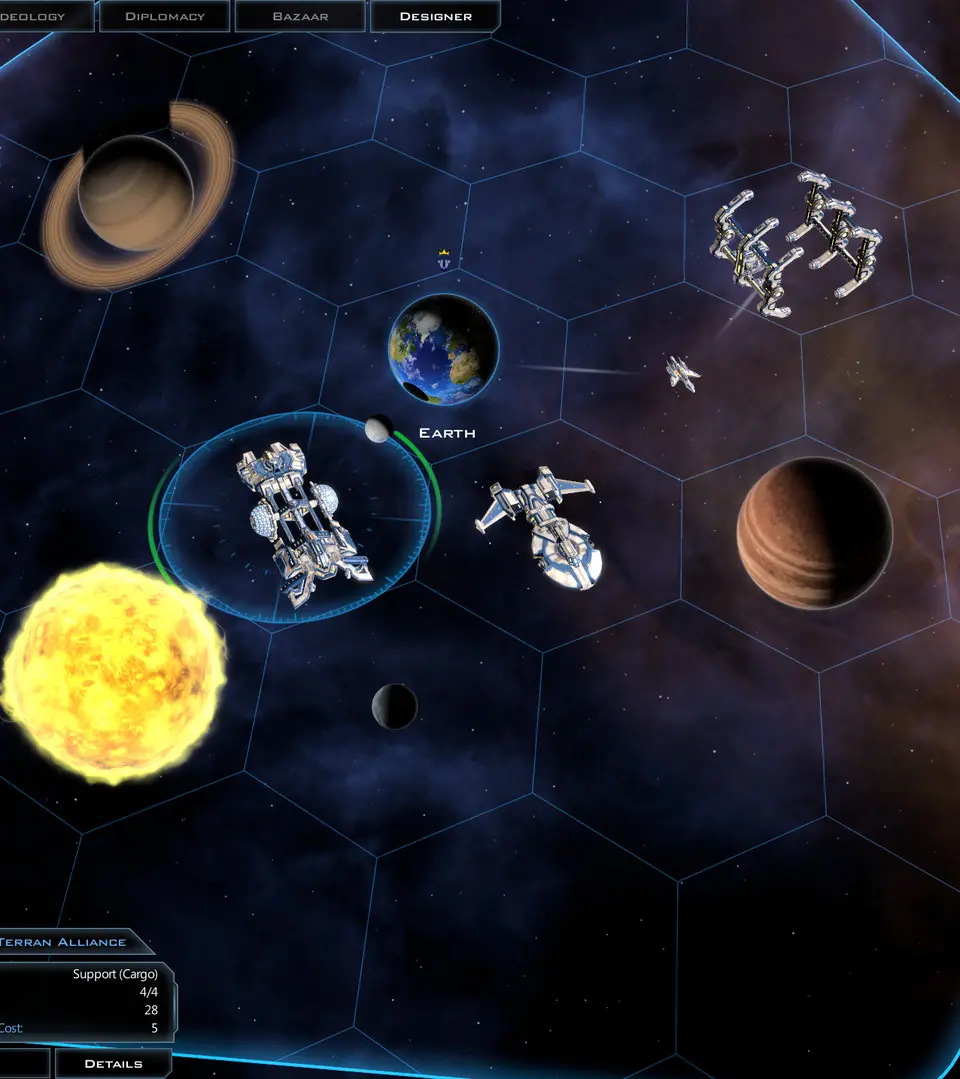
Navigation in Galactic Civilizations III is primarily mouse-driven. Left-click to select units, planets, or UI elements. Right-click to issue movement or action commands. The scroll wheel zooms in and out of the galaxy map. Keyboard shortcuts, such as 'Space' to end turn, 'M' for the galaxy map, and 'P' for the planet list, can significantly speed up gameplay. Experiment with these to find your preferred workflow.