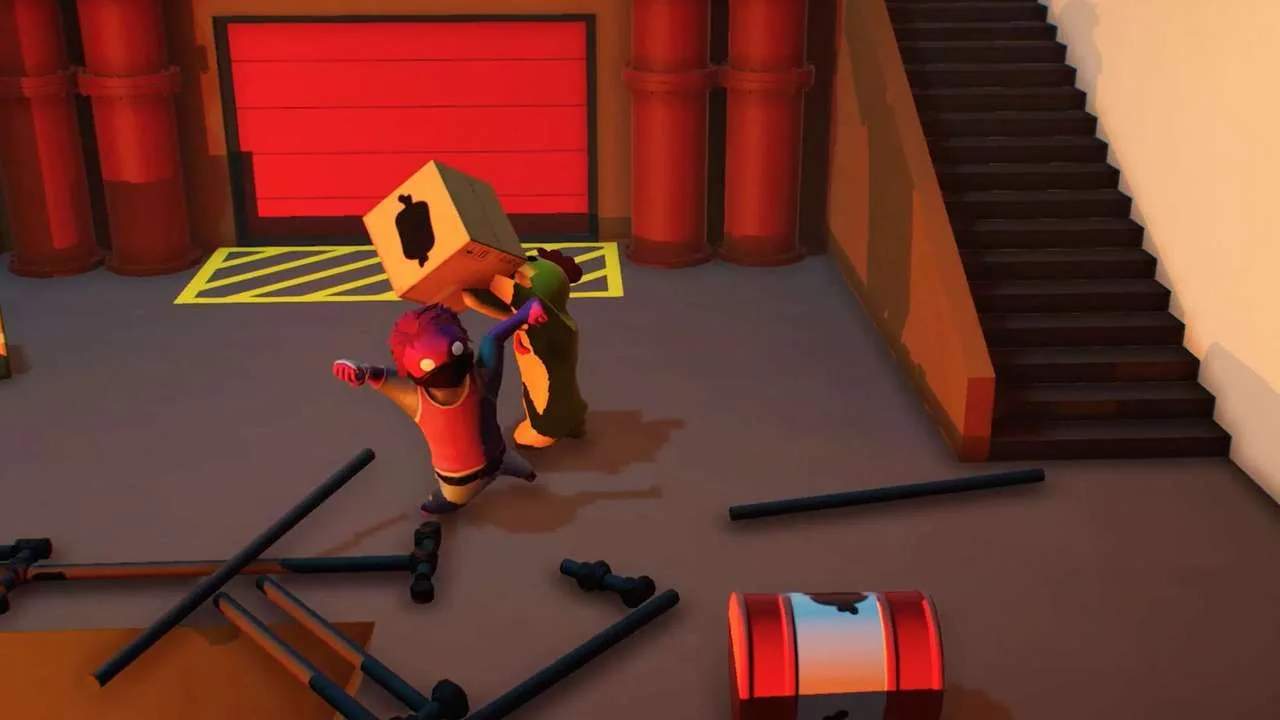
Mastering the controls is fundamental to becoming a Gang Beasts champion. The game's physics-based combat can feel a bit floaty at first, but with practice, you'll be throwing opponents off ledges with precision. Remember, timing and positioning are often more important than button mashing.
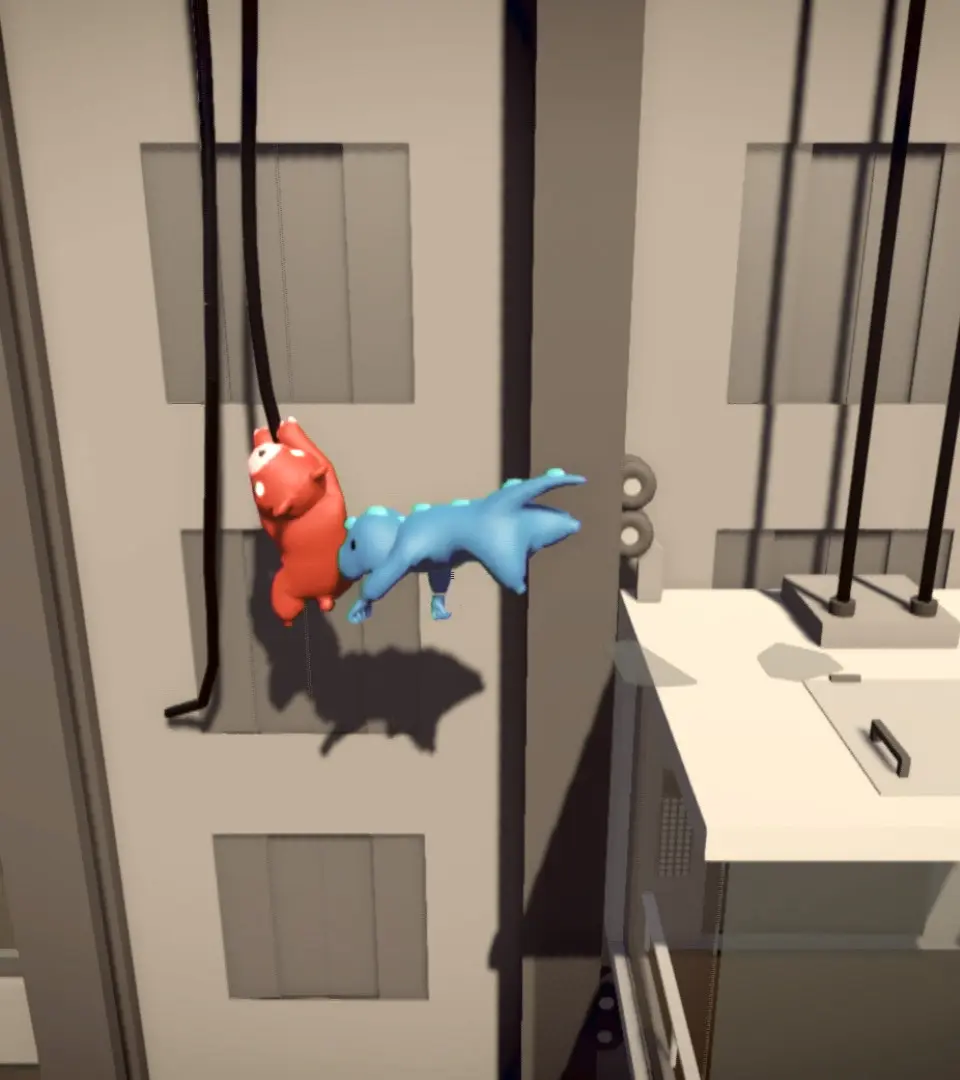
- Movement: Left Stick (Controller) / WASD (Keyboard) - Waddle your way around the arena.
- Jump: A (Controller) / Space (Keyboard) - A short hop, useful for dodging or reaching slightly higher ground.
- Punch/Grab: X (Controller) / Left Click (Keyboard) - Your primary attack. Hold to charge a stronger punch. Tap to grab.
- Kick: B (Controller) / Right Click (Keyboard) - A quick, often surprising attack. Can be effective for knocking opponents off balance.
- Headbutt: Y (Controller) / E (Keyboard) - A powerful, close-range attack that can stun enemies.
- Lift/Climb: RT (Controller) / Shift (Keyboard) - Hold to lift grabbed opponents or to climb ledges.
- Dodge/Roll: LT (Controller) / Ctrl (Keyboard) - A quick evasive maneuver. Can save you from falling or incoming attacks.
- Taunt: D-Pad Up (Controller) / T (Keyboard) - Show off your victory or distract opponents.