
The Gang Beasts UI is intentionally minimalist, keeping the focus on the chaotic action. During a match, you'll primarily see your character and your opponents. There are no health bars or complex meters to track, as the game's core mechanic revolves around environmental hazards and incapacitation.
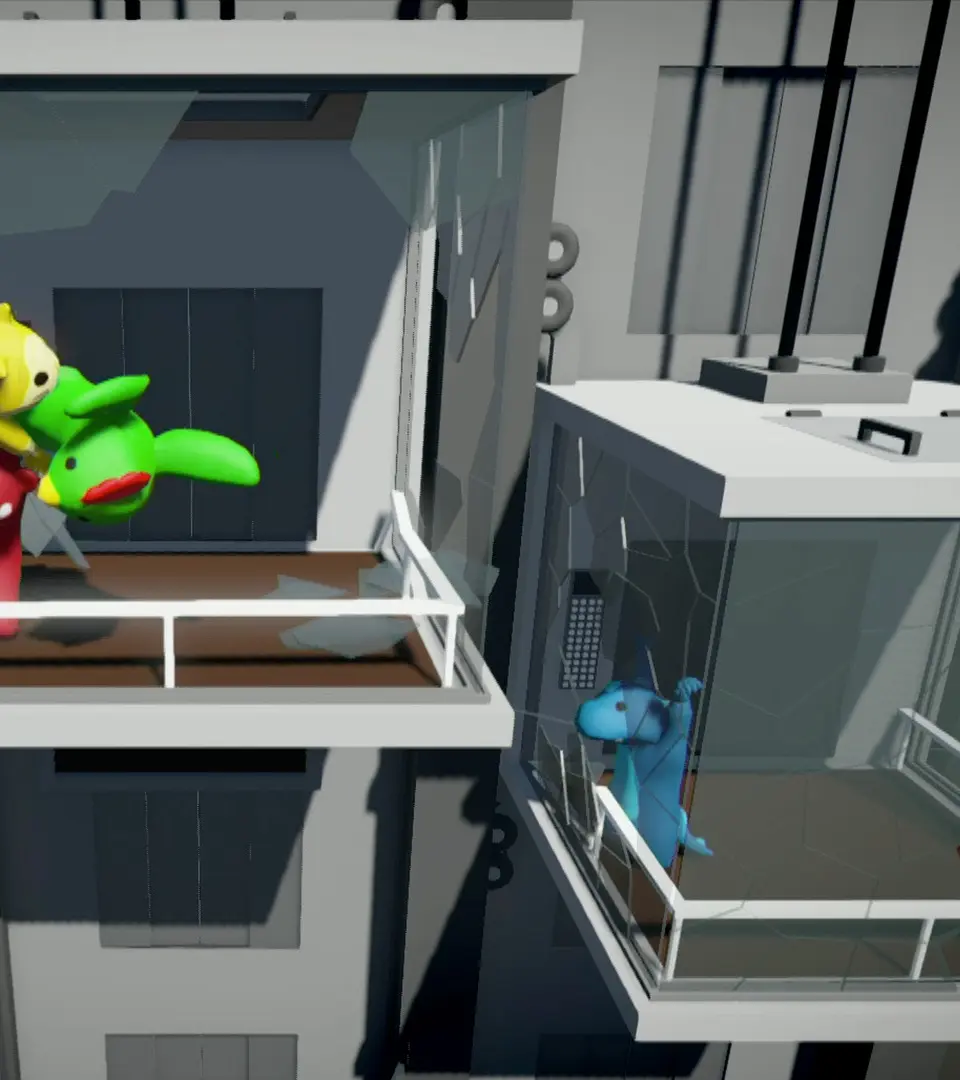
- Character Indicator: A small arrow or icon above your character helps you identify yourself in the mayhem.
- Player Count: In the top corner, you might see a number indicating how many players are still active in the round.
- Round Counter: If playing in a series, a small indicator might show the current round number.
- Scoreboard (End of Match): After a round or match concludes, a scoreboard will display who won and how many rounds they've secured.
The main menu is straightforward, allowing you to select game modes, customize characters, and adjust settings. Don't expect a lot of on-screen clutter during gameplay; it's all about the raw, physical comedy.