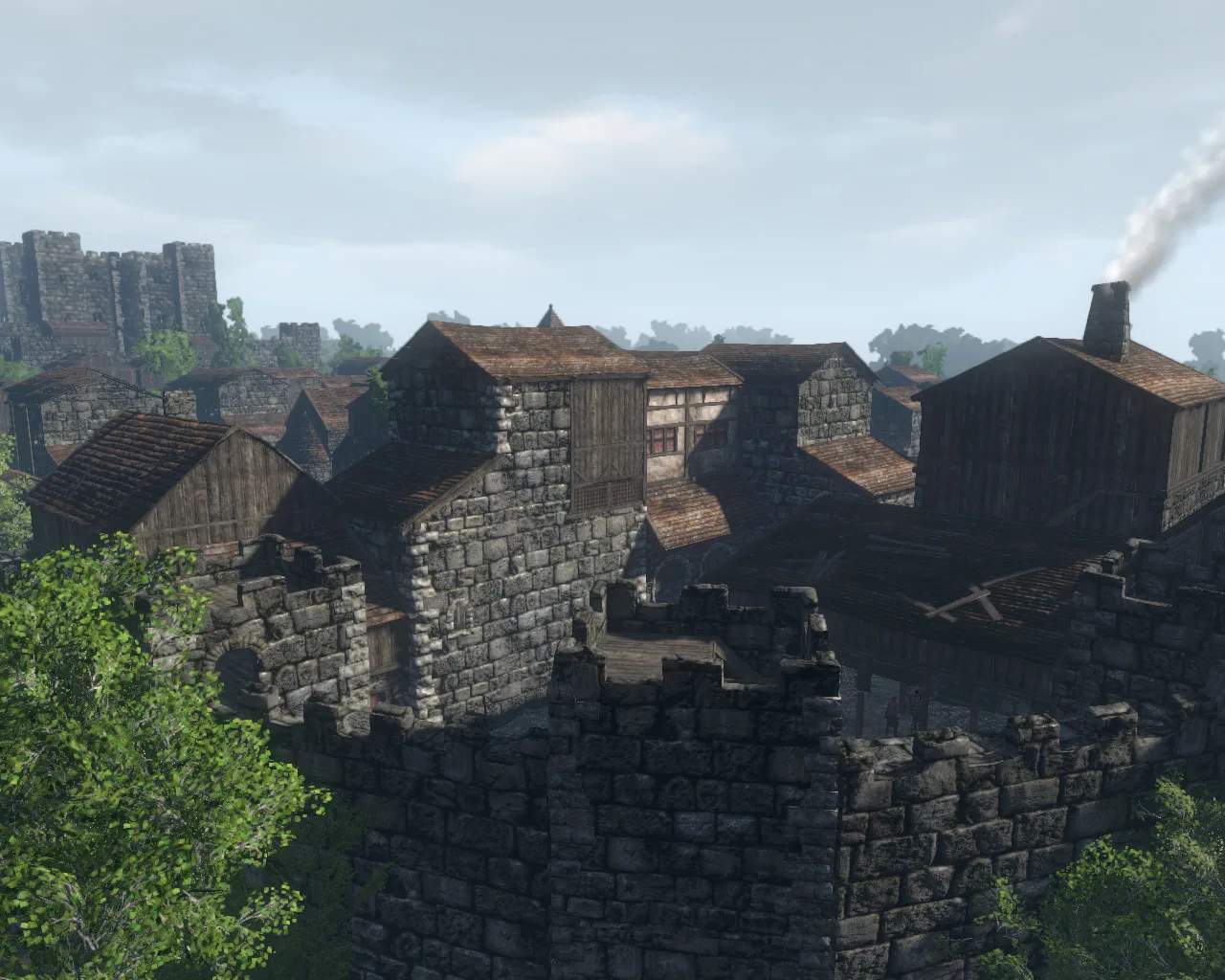
The Gloria Victis UI provides vital information during gameplay. Familiarize yourself with its components:
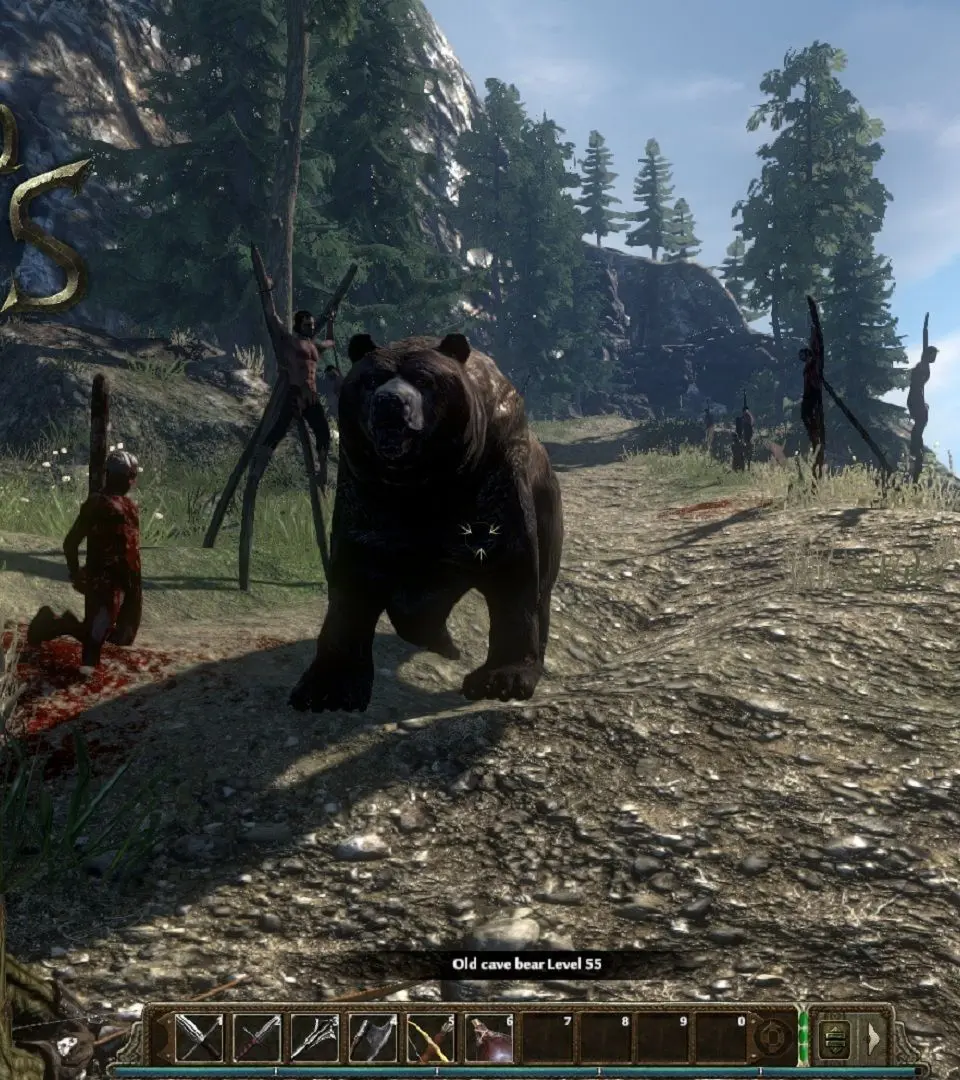
- Top Left: Character portrait, health bar, stamina bar, and experience bar. Keep an eye on these during combat.
- Top Right: Mini-map, showing your immediate surroundings, objectives, and enemy/ally positions. You can expand it for a larger view.
- Bottom Left: Chat window, essential for communication with your faction and guild.
- Bottom Center: Action bar for skills, consumables, and weapons. You can customize keybinds for quick access.
- Bottom Right: Quick access buttons for inventory (I), character sheet (C), skills (K), map (M), guild (G), and settings (ESC).
- Center Screen: Combat crosshair and target information. Pay attention to enemy health and status effects.
You can customize many UI elements in the game settings (ESC -> Settings -> Interface) to suit your preferences.